
Best AI Apps for Productivity in 2026: Tested & Compared
AI has finally moved past the hype phase — in 2026, the best AI productivity apps are genuinely saving people hours every week. But with thousands of AI apps flooding the App Store, figuring out which ones actually deliver results (instead of just flashy demos) has become its own challenge.
We tested dozens of AI productivity apps over the past several months to find the ones that truly transform how you work and study. Whether you're a student drowning in lecture notes, a freelancer juggling invoices, or someone who simply wants to consume more content without staring at screens — there's now an AI app for that.
Why 2026 Is Different for AI Productivity
The AI landscape has matured significantly. Early AI apps often promised the moon but delivered glorified search bars. As one Reddit user in r/ProductivityApps put it:
"Other than that I'd say the only tool that increases productivity specifically for me are ChatGPT and Claude. All the other tools are wrappers, and most of them just try to do well what Claude or Chat already do very well."— r/ProductivityApps user
That skepticism was valid in 2024-2025. But the apps that survived and thrived into 2026 are the ones that integrated AI deeply into specific workflows — not just slapped a chatbot on top of an existing product. The standouts now understand context, remember your preferences, and actually reduce the steps needed to accomplish tasks.
Categories That Matter Most
Before diving into specific apps, let's clarify where AI is making the biggest productivity impact in 2026:
- Note-taking and learning — AI transcription, auto-generated study materials, intelligent tutoring
- Content consumption — Text-to-speech, speed reading, audio conversion
- Business automation — Invoice generation, document processing, workflow triggers
- Meeting and research assistants — Recording, summarization, action item extraction
Let's look at the apps that are genuinely moving the needle in each category.
Best AI Productivity Apps Compared
1. MelonNote – AI Note Taker (Best for Students & Learners)
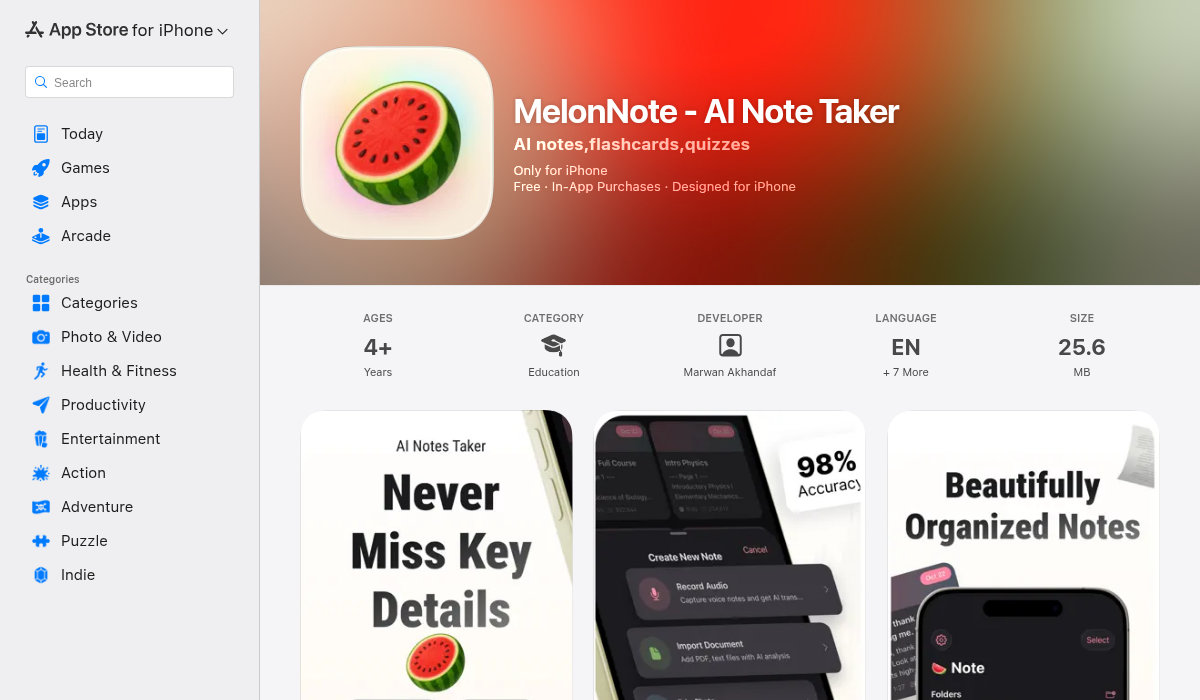
If you're a student or anyone who needs to learn and retain information, MelonNote is the productivity app that makes every other note-taking solution feel incomplete. It's not just a note-taker — it's an AI-powered study system that transforms raw content into active learning tools.
What makes it special:
- ✅ Lecture recording + AI transcription — Record directly in-app, get accurate transcripts via OpenAI Whisper
- ✅ Auto-generated flashcards — Extracts key terms and definitions, no manual card creation
- ✅ AI quiz generator — Creates practice tests from your notes (MCQ, true/false, fill-in-blank)
- ✅ AI tutor chat — Ask questions about your specific notes, get contextual explanations
- ✅ AI podcast generator — Turn any note into a listenable 2-person podcast (unique feature)
- ✅ Realtime AI conversation — Voice chat with an AI that knows your material
- ✅ PDF import + photo-to-notes — Digitize handwritten notes and textbook pages
The podcast feature alone is a game-changer. Imagine converting your lecture notes into an audio discussion you can listen to while commuting. With 16+ voice options and configurable durations, it's like having your notes read back to you in an engaging format.
Pricing: $3.99/month or $49.99/year — significantly cheaper than competitors like Otter.ai ($16.99/mo) or Notion AI add-ons.
Best for: College students, medical/law students, anyone taking online courses, professionals attending conferences.
2. Read Aloud – Speech (Best for Content Consumption)
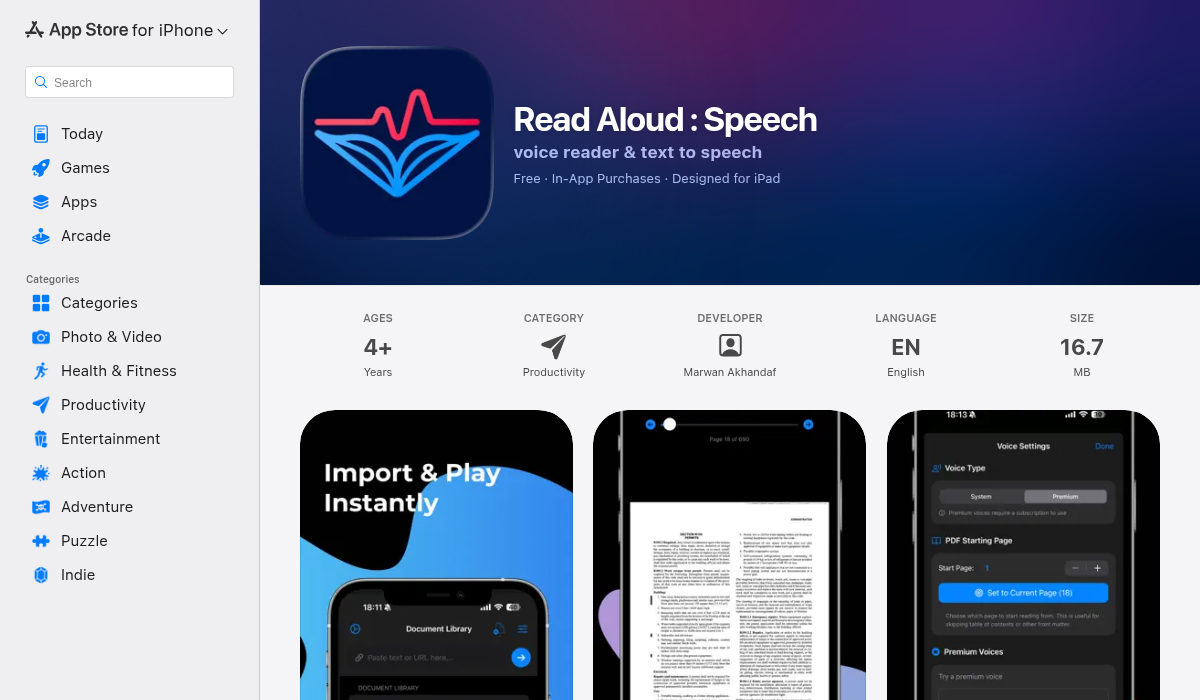
Not everyone has time to sit and read articles, documents, or ebooks. Read Aloud solves this by converting any text into natural-sounding speech, letting you consume content while doing other tasks.
Key features:
- ✅ Multiple import options — Plain text, web articles, PDFs
- ✅ Premium realistic voices — Beyond basic TTS, sounds genuinely human
- ✅ Adjustable speed — Listen at 1.5x-2x for faster consumption
- ✅ Text highlighting — Follow along visually while listening
- ✅ Multiple themes — Easy on the eyes in any lighting
- ✅ Distraction-free interface — No clutter, just content
If you've ever wished you could "read" during your commute, workout, or while cooking, this app makes it effortless. The voice quality has improved dramatically — it no longer sounds robotic.
Best for: Busy professionals, audiobook lovers, people with reading fatigue, multitaskers.
3. Invoice Creator – Estimate (Best for Freelancers)
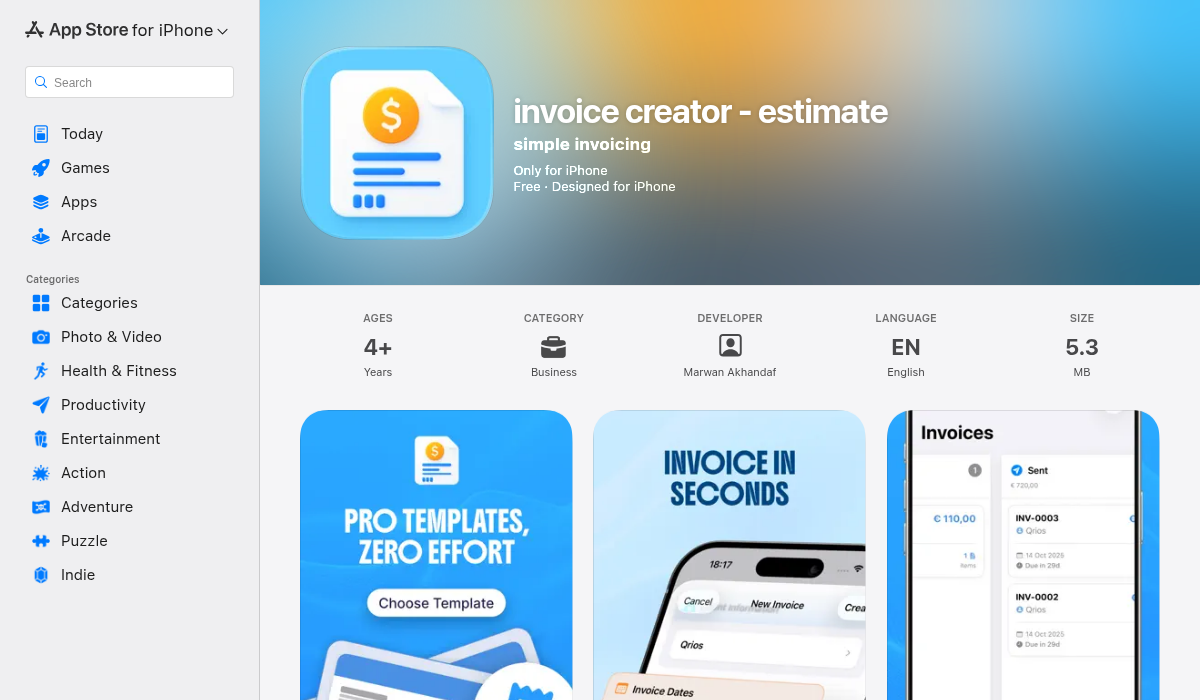
Freelancers and small business owners often waste hours on administrative tasks that don't generate revenue. Invoice Creator streamlines one of the most tedious parts: creating professional invoices and estimates.
Key features:
- ✅ Professional templates — Look established from day one
- ✅ Client management — Save client details for repeat invoicing
- ✅ Digital signatures — Sign and send without printing
- ✅ Tax tracking — Keep records organized for tax season
- ✅ Expense tracking — Monitor project costs alongside revenue
- ✅ Report generation — See your business health at a glance
The interface is clean and doesn't require accounting knowledge. You fill in the blanks, and it generates a PDF that looks like it came from a proper billing department.
Best for: Freelancers, consultants, contractors, small business owners.
4. Fathom (Best for Meeting Notes)
If your productivity problem is "too many meetings, too few actionable notes," Fathom has become the go-to solution in 2026. It records your video calls, transcribes them, and automatically extracts action items.
Key features:
- ✅ Auto-recording — Works with Zoom, Google Meet, Microsoft Teams
- ✅ AI summaries — Get the key points without rewatching
- ✅ Action item extraction — Identifies tasks mentioned in conversation
- ✅ Shareable highlights — Send specific moments to teammates
This is one of those tools that Reddit users consistently mention as actually saving time, not just promising to.
Best for: Remote workers, managers, anyone in meeting-heavy roles.
5. Workbeaver & Zapier (Best for Automation)
Automation tools have gotten smarter in 2026. Zapier remains the reliable workhorse for connecting apps, but newer tools like Workbeaver are pushing into more intelligent, trigger-based workflows that understand context better.
As noted in r/automation:
"Workbeaver and Zapier handle trigger-based or repetitive workflows well... the greatest benefits come from the time-savers that handle admin tasks automatically."— r/automation user
Best for: Entrepreneurs, marketers, anyone with repetitive digital tasks.
How to Choose the Right AI Productivity App
With so many options, here's a framework for picking the right tool:
- Identify your biggest time sink — Is it note-taking? Reading? Invoicing? Meetings? Pick one to tackle first.
- Start with free tiers — Most apps offer trials. Test before committing.
- Look for workflow integration — The best apps don't create new workflows; they enhance existing ones.
- Check for platform support — Make sure the app works on your devices. MelonNote, for example, is on both iOS and Android.
- Consider the learning curve — A powerful tool you never use is worthless. Simple and effective beats complex and abandoned.
Pro Tips for Maximum AI Productivity
- Combine apps strategically — Use MelonNote for learning, Read Aloud for passive consumption, and Invoice Creator for admin. Don't try to force one app to do everything.
- Set processing times — AI tools work best when you batch tasks. Record all lectures, then process them together.
- Trust but verify — AI transcription and summarization are excellent, but still review important documents manually.
- Use audio formats more — The shift to AI-generated audio (podcasts from notes, text-to-speech articles) is one of the biggest productivity unlocks. Listen while doing other tasks.
The Bottom Line
AI productivity apps in 2026 have finally crossed the threshold from "interesting toy" to "genuine time-saver." The key is choosing apps that slot into your existing workflow rather than demanding you change how you work.
For students and learners, MelonNote stands out as the most comprehensive solution — replacing five or six separate apps with one intelligent system. The AI podcast feature alone justifies the price for anyone who commutes.
For professionals, the combination of meeting assistants like Fathom and automation tools like Zapier tackles the administrative overhead that eats into productive hours.
The common thread? The best AI apps don't just add features — they eliminate steps. And that's what real productivity looks like.