
Best AI Flashcard Generator Apps 2026
You just sat through a 90-minute lecture, and now you're staring at 40 pages of notes wondering how you'll ever memorize all of it.
Sound familiar? Every student knows the pain of turning raw notes into something you can actually study from. Flashcards have always been one of the most effective study tools — backed by decades of cognitive science around active recall and spaced repetition — but creating them manually? That's a brutal time sink. You could spend two hours making flashcards and only have 30 minutes left to actually study them.
That's where AI flashcard generators come in. These apps take your notes, lectures, PDFs, or even photos of a whiteboard and automatically turn them into study-ready flashcards. No more typing out hundreds of question-answer pairs by hand. In 2026, the options are better than ever — but they're not all created equal. We tested the most popular ones to find out which actually save you time and which ones just generate garbage cards.
Why AI Flashcards Actually Work
Before we dive into the apps, it's worth understanding why this approach is so powerful. Traditional flashcard creation has a hidden problem: you spend so much cognitive energy making the cards that you're too drained to study them effectively. AI flips that equation.
The best AI flashcard generators do three things well:
- Extract key concepts — They identify the most important terms, definitions, and relationships from your material
- Generate meaningful questions — Not just "What is X?" but questions that test actual comprehension
- Save massive amounts of time — What took 2 hours manually now takes 2 minutes
"I used to spend more time making flashcards than actually studying them. Now I just dump my lecture PDF and get cards in seconds. Game changer."— Reddit user in r/studytips
But there's a catch. AI-generated flashcards are only as good as the app generating them. Some tools produce shallow, surface-level cards that won't help you on exam day. Others generate cards with outright errors. We looked for apps that consistently produce accurate, useful flashcards — and that offer enough customization to fit different study styles.
Best AI Flashcard Generator Apps in 2026
1. Quizlet — The Household Name
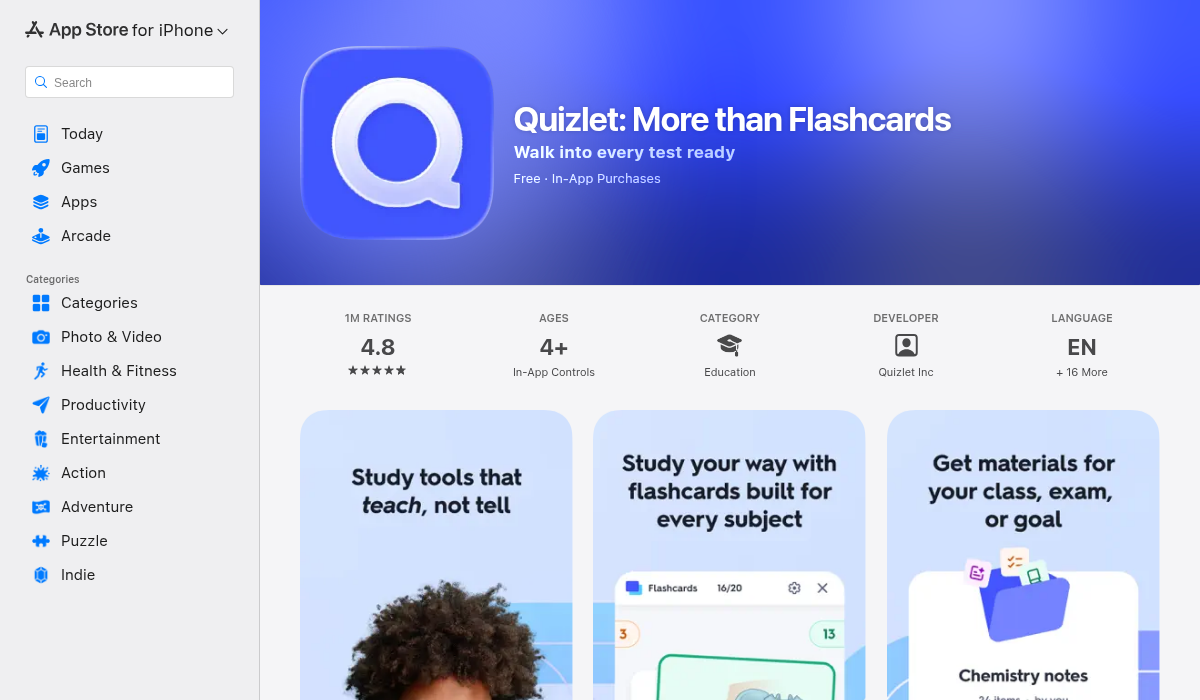
Quizlet has been the go-to flashcard app for years, and they've added AI features to keep up with the times. Their "Magic Notes" feature can convert your notes into flashcard sets, and the AI tutor (Q-Chat) can quiz you conversationally.
- ✅ Massive library of user-created flashcard sets
- ✅ Multiple study modes (learn, test, match game)
- ✅ AI-powered Magic Notes for auto-generation
- ✅ Available on iOS, Android, and web
- ❌ Best features locked behind Quizlet Plus ($7.99/month)
- ❌ AI generation quality can be inconsistent
- ❌ No lecture recording or transcription
- ❌ Doesn't generate quizzes or summaries from your notes
Quizlet is solid if you mainly want a flashcard-first experience with a huge community library. But if you're looking for something that handles the full study workflow — recording lectures, generating summaries, and making flashcards — you'll need something more comprehensive.
2. Anki — The Power User's Choice
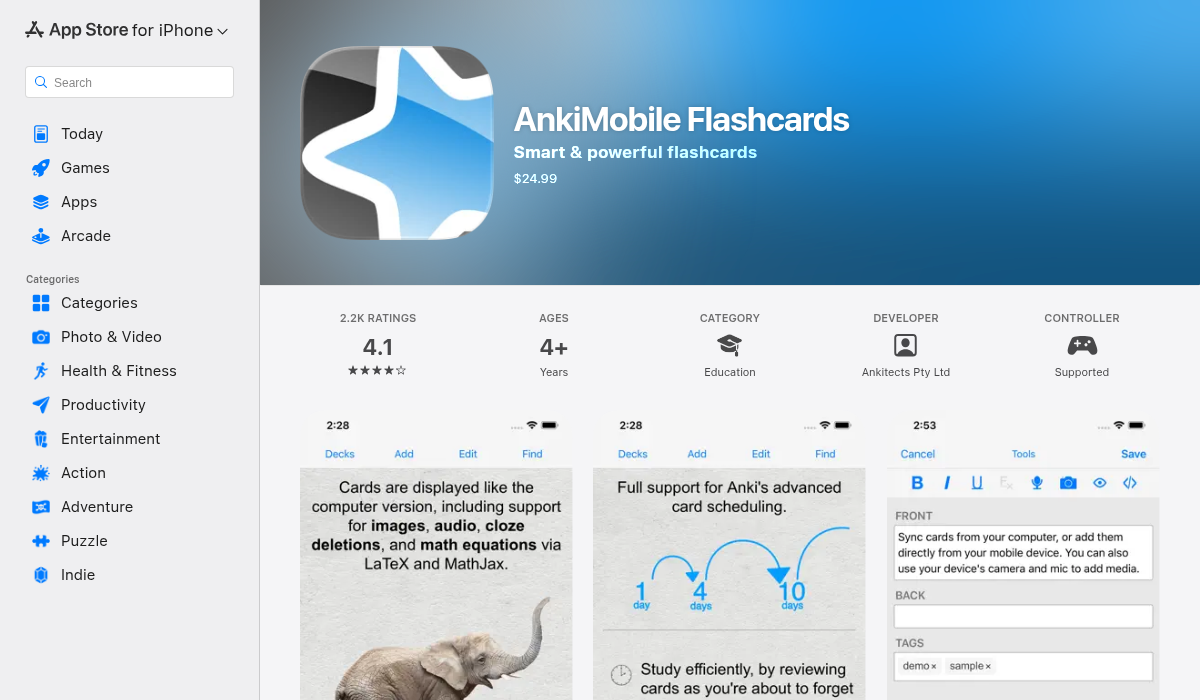
Anki is the undisputed king of spaced repetition. Medical students swear by it, language learners love it, and its algorithm for scheduling reviews is genuinely best-in-class. But here's the thing — Anki doesn't have built-in AI flashcard generation.
- ✅ Most advanced spaced repetition algorithm available
- ✅ Highly customizable card templates
- ✅ Massive shared deck library
- ✅ Free on desktop and Android
- ❌ iOS app costs $24.99 (one-time, but steep)
- ❌ No built-in AI — you need third-party tools to auto-generate cards
- ❌ Steep learning curve and dated interface
- ❌ Manual card creation is extremely time-consuming
Anki is brilliant at what it does — the spaced repetition scheduling is unmatched. But in 2026, the lack of native AI generation is a real limitation. Many students end up using ChatGPT to create cards and then importing them into Anki, which is a clunky workaround at best.
3. Brainscape — The Confidence-Based Approach
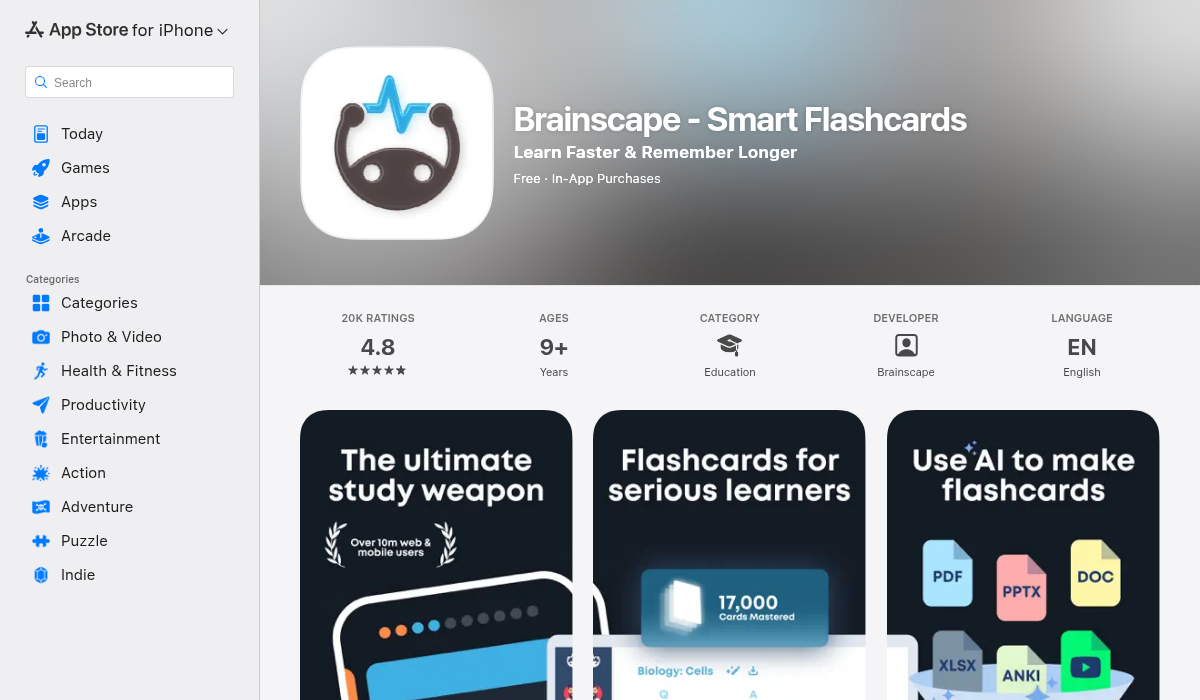
Brainscape takes a unique approach by asking you to rate your confidence on each card (1-5), then prioritizing cards you're less confident about. It's a smart twist on spaced repetition that makes studying feel more intuitive.
- ✅ Confidence-based repetition is intuitive and effective
- ✅ Clean, modern interface
- ✅ Certified educator-made content available
- ✅ AI card generation from uploaded text
- ❌ Pro subscription is expensive ($9.99/month)
- ❌ No lecture recording or note-taking features
- ❌ AI generation limited to text input — no PDF or image support
- ❌ Flashcard-only — no quizzes, summaries, or tutor features
Brainscape is a polished flashcard experience with a clever confidence-based system. But like Quizlet, it's focused solely on flashcards. If you want an app that handles the entire journey from lecture to exam prep, you'll want something more versatile.
4. Remnote — The Knowledge Graph Approach
RemNote tries to combine note-taking with flashcards using a concept called "knowledge graphs." The idea is that your notes automatically become flashcards through special formatting. It's powerful in theory, but the learning curve is significant.
- ✅ Notes and flashcards are tightly integrated
- ✅ Spaced repetition built into the note-taking workflow
- ✅ AI-assisted card creation from notes
- ❌ Steep learning curve — the formatting system takes time to master
- ❌ Can feel overwhelming with too many features
- ❌ No lecture recording or audio transcription
- ❌ Pro plan costs $8/month
RemNote is best for students who want a deep, interconnected knowledge base. But if you're looking for something you can pick up and use immediately — record a lecture, get flashcards — it might be overkill.
5. MelonNote — The All-in-One AI Study App
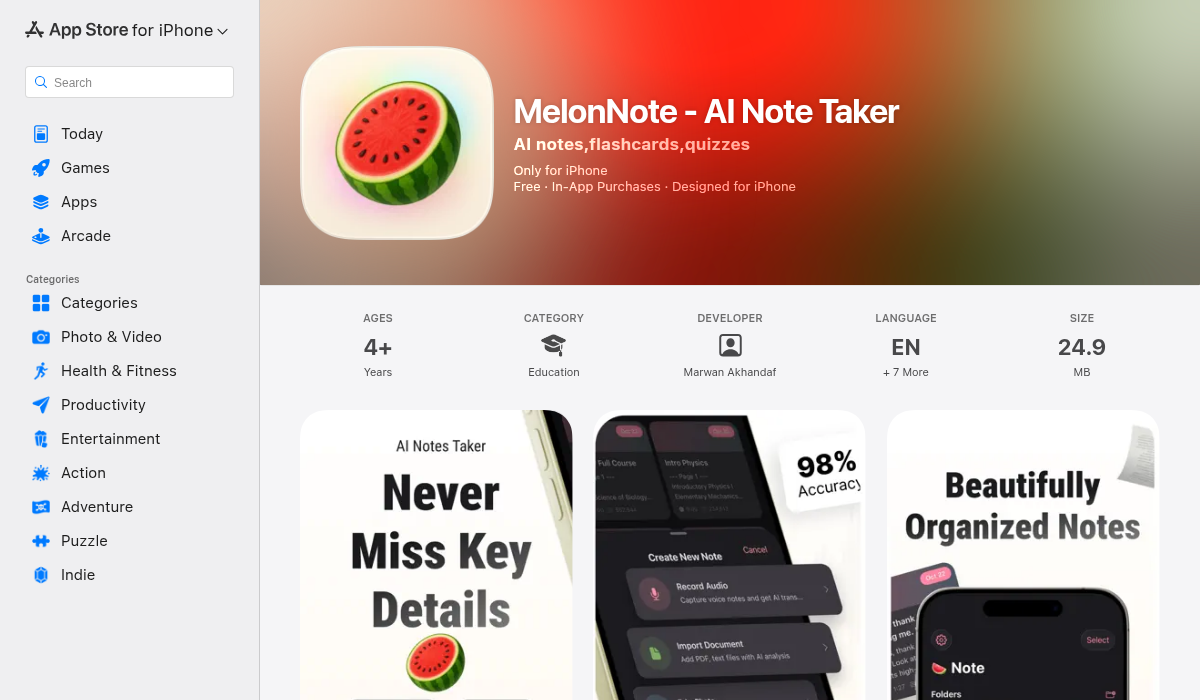
Here's where things get interesting. MelonNote takes a fundamentally different approach from the apps above. Instead of being a flashcard app that bolted on AI features, it's an AI-first study app where flashcard generation is one piece of a complete workflow.
The concept is simple: get your material into MelonNote — by recording a lecture, importing a PDF, or snapping a photo of a whiteboard — and the AI handles the rest. It generates summaries, flashcards, practice quizzes, and even acts as a personal AI tutor that can answer questions about your specific study material.
- ✅ Record lectures with AI transcription — your notes are created for you
- ✅ Auto-generate flashcards from any note, transcript, or PDF
- ✅ AI practice quizzes — MCQ, true/false, fill-in-the-blank
- ✅ AI tutor that knows your actual study material
- ✅ Photo-to-notes — snap whiteboard/handwritten notes
- ✅ Multi-note exam prep — combine multiple lectures into one study set
- ✅ Available on both iOS and Android
- ✅ Most affordable at $3.99/month (vs $8-10/month for competitors)
What makes MelonNote stand out is the workflow integration. You don't need a separate app for recording lectures, another for transcription, another for flashcards, and another for quizzes. The entire pipeline — from lecture hall to exam prep — happens in one app. Record your professor's lecture, and minutes later you have a transcript, a summary, flashcards, and practice quizzes ready to go.
The AI tutor feature is particularly clever. Unlike ChatGPT or Claude, which are general-purpose AI tools, MelonNote's tutor is contextually aware of your specific notes. Ask it "explain the difference between mitosis and meiosis" and it answers based on what your professor actually taught, not just generic textbook knowledge.
How We Compared These Apps
We evaluated each app across five key criteria:
- AI flashcard quality — Are the generated cards accurate and useful?
- Input flexibility — Can you use audio, PDFs, images, or just text?
- Study features beyond flashcards — Quizzes, summaries, tutoring?
- Pricing — What do you actually pay for the AI features?
- Ease of use — Can you start studying in under 5 minutes?
| Feature | Quizlet | Anki | Brainscape | RemNote | MelonNote |
|---|---|---|---|---|---|
| AI Flashcard Generation | ✅ | ❌ | ✅ | ✅ | ✅ |
| Lecture Recording | ❌ | ❌ | ❌ | ❌ | ✅ |
| AI Transcription | ❌ | ❌ | ❌ | ❌ | ✅ |
| PDF Import | ❌ | ❌ | ❌ | ✅ | ✅ |
| AI Quizzes | ❌ | ❌ | ❌ | ❌ | ✅ |
| AI Tutor | ✅ | ❌ | ❌ | ❌ | ✅ |
| Photo-to-Notes | ❌ | ❌ | ❌ | ❌ | ✅ |
| Cross-Platform | ✅ | ✅ | ✅ | ✅ | ✅ |
| Monthly Price | $7.99 | $24.99* | $9.99 | $8.00 | $3.99 |
*Anki iOS is a one-time $24.99 purchase; free on desktop and Android
Pro Tips for Getting the Most Out of AI Flashcards
No matter which app you choose, these strategies will help you study more effectively:
- Review AI-generated cards before studying — AI isn't perfect. Spend 2-3 minutes scanning your generated flashcards for errors or unclear phrasing. It's much faster than creating them from scratch, and you'll catch the occasional mistake.
- Use spaced repetition religiously — The magic of flashcards isn't in the first review — it's in the third, fifth, and tenth review at precisely the right intervals. Whatever app you use, trust the algorithm and review when it tells you to.
- Combine flashcards with practice quizzes — Flashcards test recall, but quizzes test application. The best study sessions use both. Apps like MelonNote that generate both from the same material make this seamless.
- Don't just memorize — understand — If a flashcard asks "What is photosynthesis?" and you can recite the definition but can't explain why it matters, you haven't really learned it. Use AI tutoring features to fill knowledge gaps.
- Record everything, even if you take manual notes too — Having a recording means you can go back and generate flashcards from material you missed. Your handwritten notes capture what you thought was important; the transcript captures everything.
The Bottom Line
The best AI flashcard generator for you depends on your study workflow:
- Quizlet is best if you want access to millions of pre-made flashcard sets and don't mind paying for AI features
- Anki is unbeatable for spaced repetition power users who don't mind creating cards manually (or importing them from other tools)
- Brainscape offers a polished confidence-based study experience with some AI generation
- RemNote is ideal for building interconnected knowledge bases with integrated flashcards
- MelonNote is the best all-in-one option — record, transcribe, summarize, generate flashcards and quizzes, and get AI tutoring, all for the lowest price
If you're a student who wants to replace your entire study toolkit with one app, MelonNote is the one to try. It handles the complete workflow from lecture to exam, and at $3.99/month, it's a fraction of what you'd pay for separate transcription, flashcard, and tutoring tools. Available on both iOS and Android.