
Best AI Quiz Generator Apps for Studying 2026
Testing yourself is the most effective study technique that nobody uses enough. Research consistently shows that practice testing beats re-reading notes by a wide margin. But who has time to create practice quizzes for every chapter, every lecture, every exam?
That's where AI quiz generators come in. These apps analyze your study material and automatically create quizzes — multiple choice, true/false, fill-in-the-blank — so you can test your understanding without the setup work. In 2026, the best ones don't just test memorization; they test whether you actually understand the material.
Why Practice Testing Works (And Why We Skip It)
Psychologists call it the "testing effect" — actively retrieving information from memory strengthens that memory far more than passively reviewing it. A student who takes practice quizzes will outperform a student who re-reads their notes, even if they spend the same amount of time studying.
But here's the problem: creating good quiz questions takes forever. You need to think of questions, write answer options, balance difficulty, avoid giving away answers through obvious wrong choices. It's a skill most students don't have and don't want to develop.
"You can use my AI Quiz Generator — I'm trying to keep it free. Just go to easy-quiz.ai, upload your content, and get questions generated."— Reddit user in r/studytips sharing a free tool
AI solves this perfectly. Upload your notes, and get a quiz in seconds. No manual question writing. No skill required.
What Makes a Good AI Quiz Generator
Not all AI quiz tools are equal. The best ones should:
- Understand context — Generate questions about concepts, not just vocabulary definitions
- Vary question types — Mix multiple choice, true/false, fill-in-the-blank, and short answer
- Scale difficulty — Offer easy recall questions and harder application questions
- Provide explanations — Tell you why an answer is right or wrong
- Track progress — Show which topics you've mastered and which need work
- Accept various inputs — Work with notes, PDFs, transcripts, and images
Best AI Quiz Generator Apps for Students in 2026
1. Quizlet
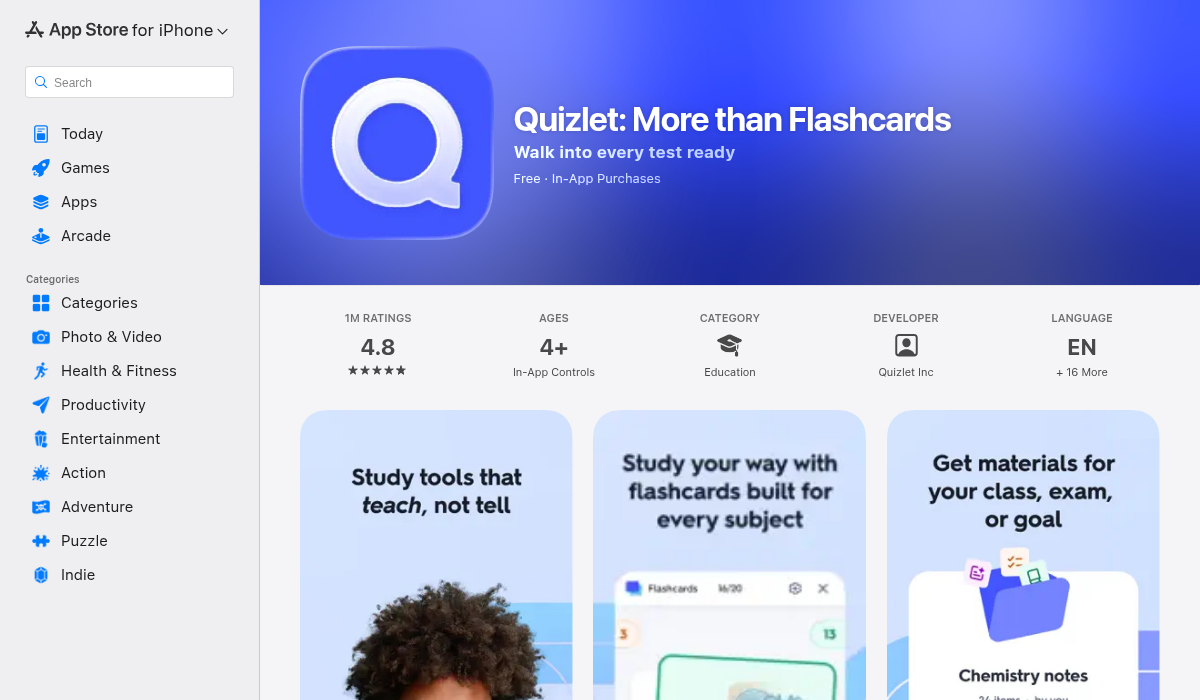
Quizlet is the household name in study apps. While primarily known for flashcards, they've added quiz features including a "Learn" mode that adapts to your performance and a "Test" mode that generates practice exams.
- ✅ Massive library of user-created study sets
- ✅ "Learn" mode adapts based on your answers
- ✅ Available on iOS, Android, and web
- ✅ Gamification keeps it engaging
- ❌ Quiz generation is based on flashcards — you need cards first
- ❌ Limited question types compared to dedicated quiz tools
- ❌ $7.99/month for premium features
Quizlet works well if you already have flashcard decks. The app converts them into quizzes automatically. But if you're starting with raw notes or lecture recordings, you'll need to create flashcards first — an extra step.
2. Quizgecko
Quizgecko is a dedicated AI quiz generator that turns any text into interactive quizzes. Paste your notes, upload a PDF, or even give it a URL — it creates questions automatically.
- ✅ Multiple question types (MCQ, true/false, short answer, fill-in-blank, matching)
- ✅ Works with text, PDFs, URLs, and documents
- ✅ Instant quiz generation
- ✅ Explanations for answers
- ❌ Standalone tool — doesn't integrate with note-taking
- ❌ Free tier is limited
- ❌ No lecture recording or transcription
Quizgecko excels at one thing: turning content into quizzes. If you just need quizzes and nothing else, it's solid. But it's another app to add to your study toolkit.
3. MelonNote
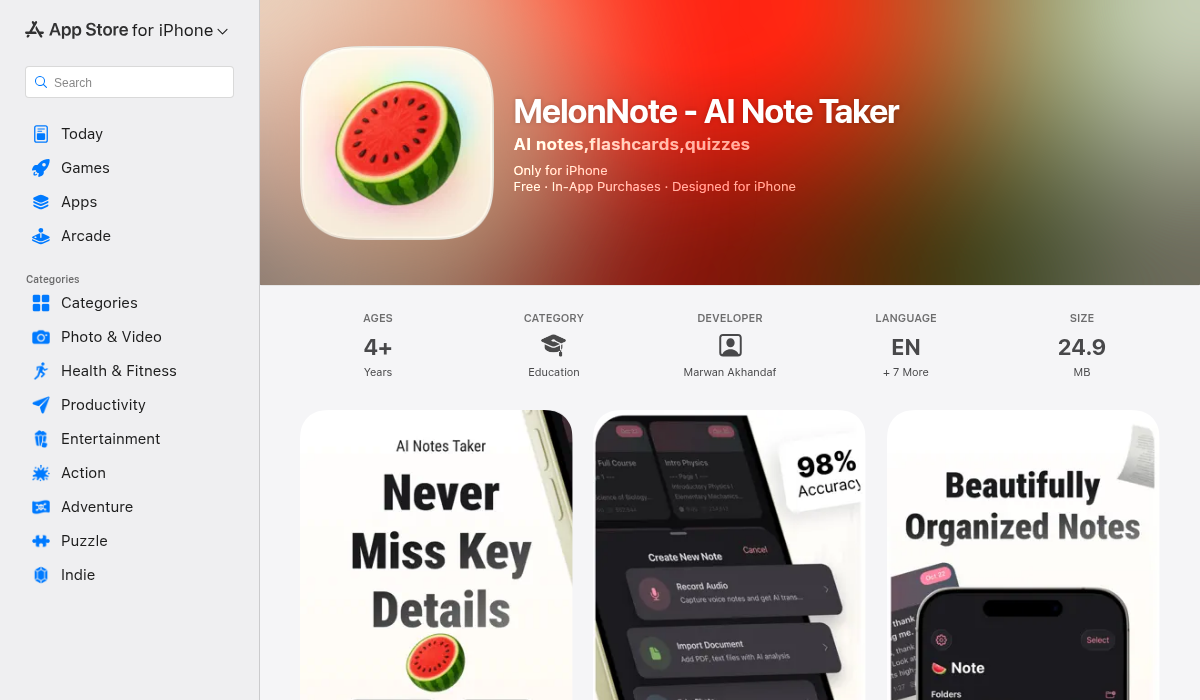
MelonNote is an all-in-one study app that includes AI quiz generation as part of a complete learning workflow. Record lectures, take notes, import PDFs — then generate quizzes directly from that material.
- ✅ Quiz generation from notes, transcripts, or PDFs
- ✅ Multiple question types (MCQ, true/false, fill-in-blank)
- ✅ Immediate feedback with explanations
- ✅ Also generates flashcards and summaries
- ✅ AI tutor to explain concepts you got wrong
- ✅ Multi-note quiz — combine multiple chapters for exam prep
- ✅ Affordable at $3.99/month
- ✅ iOS and Android
- ❌ No web version
- ❌ Newer app, smaller community
The killer feature is integration. You don't copy-paste notes into a separate quiz tool. You record a lecture, MelonNote transcribes it, and you generate a quiz from that transcript — all in the same app. When you get a question wrong, you can ask the AI tutor to explain it using your actual notes as context.
Head-to-Head: Quiz Generation Compared
Here's how these tools stack up for a typical student workflow:
Scenario: You just finished a 50-minute lecture and want a practice quiz.
- Quizlet: Type/copy your notes → Create flashcard deck → Generate quiz from deck. Time: 15-20 minutes.
- Quizgecko: Export notes to text → Paste into Quizgecko → Generate quiz → Study in browser. Time: 5-10 minutes.
- MelonNote: Record lecture → Auto-transcribe → Tap "Generate Quiz" → Study. Time: 2-3 minutes of active work.
The difference compounds across a semester. If you have 4-5 classes and want to quiz yourself weekly, the time savings from an integrated tool adds up fast.
Beyond Quizzes: The Full Active Learning Stack
Quizzes are powerful, but they're even more effective when combined with other active learning techniques:
- Spaced repetition flashcards — For memorizing facts and definitions
- Practice quizzes — For testing comprehension and application
- Summarization — For synthesizing main ideas
- Teaching/explaining — For deepening understanding
MelonNote uniquely covers all of these. It generates flashcards, quizzes, and summaries from your notes. It has an AI tutor you can "teach" concepts to (explaining helps you learn). It even generates AI podcasts from your notes — a two-person discussion that helps you hear the material explained from different angles.
Pro Tips for Using AI-Generated Quizzes
- Quiz early and often — Don't wait until the night before an exam. Take a quick quiz after every lecture while the material is fresh.
- Focus on what you got wrong — The questions you miss are the most valuable. Review those topics specifically.
- Use mixed quizzes for exams — In MelonNote, select multiple notes and generate a combined quiz. This simulates the randomness of real exams.
- Ask why — When you get an answer wrong, don't just memorize the right answer. Use the AI tutor to understand why.
- Vary question types — Multiple choice tests recognition. Fill-in-blank tests recall. Short answer tests expression. Use all of them.
Which Quiz Generator Should You Use?
- Already use Quizlet for flashcards? → Stick with it for basic quizzes
- Just need quizzes from existing documents? → Quizgecko is quick and focused
- Want quiz generation integrated with lecture recording, transcription, flashcards, and AI tutoring? → MelonNote
For most students, the convenience of an all-in-one solution means you'll actually use it consistently. A tool you use every day beats a "better" tool you forget about.
The Bottom Line
Practice testing is the most underused study technique, and AI removes the barrier that kept students from using it: the time investment of creating quizzes. In 2026, there's no excuse not to quiz yourself regularly.
Whether you choose a dedicated quiz tool or an integrated study app, the important thing is to start testing yourself early and often. Your grades will thank you.
If you want to try quiz generation that works seamlessly with lecture recording and note-taking, MelonNote offers a free trial. Record your next lecture and see how fast you can go from audio to quiz.