
Best AI Tutor Apps for Students 2026
AI tutors have officially gone from gimmick to game-changer. In 2026, students aren't just using ChatGPT to cheat on essays — they're building entire study workflows around AI tools that transcribe lectures, generate flashcards, quiz them on material, and even turn notes into podcasts.
But here's the problem: there are now hundreds of "AI study apps" flooding the App Store, and most of them are just ChatGPT wrappers with a student-themed UI. Which ones actually help you learn? We tested the most popular options to find out what's worth your time — and your money.
The Real Problem Students Face in 2026
Let's be honest about what's broken. Despite all the technology available, most students still struggle with the same core issues their parents did:
- Lectures move too fast to take good notes
- Creating flashcards takes hours you don't have
- You don't know what you don't know until the exam
- Reading the same notes five times doesn't equal understanding
- Traditional tutors cost $50-100 per hour
"I record every lecture but never go back and listen to them. What's the point of 2 hours of audio when I need to study for 4 classes?"— Reddit user in r/GetStudying
The AI tutoring apps that actually work in 2026 solve these specific problems. They don't just chat — they do things with your study material. Let's look at which ones deliver.
Best AI Tutor Apps Compared
1. Khanmigo — Best for Structured Learning
Khanmigo is Khan Academy's AI tutor, and it's genuinely different from most chatbot tutors. Instead of just giving you answers, it uses the Socratic method — asking you questions to guide you toward understanding. It's built on top of Khan Academy's massive library of educational content, so it actually knows the curriculum.
For K-12 and early college subjects, especially math and science, Khanmigo is excellent. It can walk you through problems step-by-step, explain concepts in multiple ways, and help teachers create lesson plans.
- ✅ Socratic tutoring that teaches, not just answers
- ✅ Aligned with Khan Academy's structured curriculum
- ✅ Great for math, science, and test prep
- ❌ Limited to Khan Academy's content library
- ❌ Can't work with your own notes or recordings
- ❌ Subscription required ($4-9/month)
Best for: High school students who want structured help with STEM subjects.
2. Quizlet with Q-Chat — Best for Flashcard Warriors
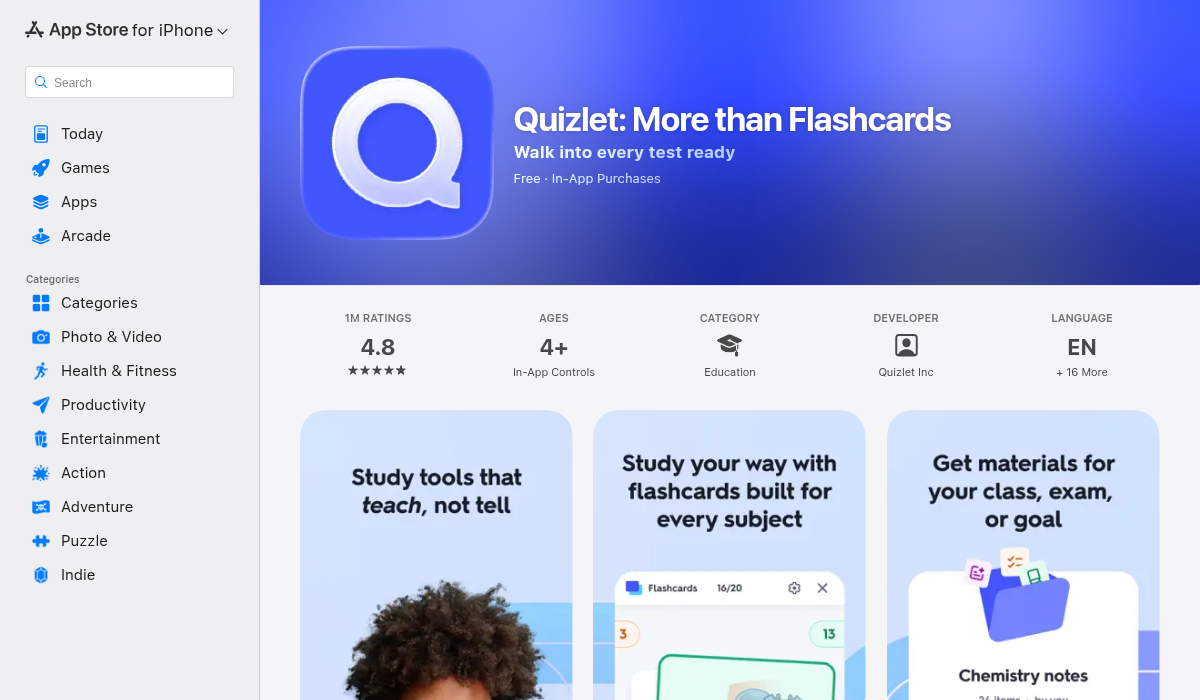
Quizlet has been the go-to flashcard app for years, and Q-Chat adds an AI layer that transforms passive memorization into active conversation. Instead of just flipping cards, you can have a dialogue with the AI about your study sets. It quizzes you, asks follow-up questions, and explains concepts when you get stuck.
The community-created flashcard library is massive — you can find sets for almost any class. But here's the catch: you still have to create or find the flashcards yourself. There's no automatic generation from your lecture recordings or notes.
- ✅ Huge library of pre-made flashcard sets
- ✅ Q-Chat makes revision more interactive
- ✅ Spaced repetition actually works
- ❌ You must manually create flashcards (or find existing ones)
- ❌ No lecture recording or transcription
- ❌ Limited to flashcard-based learning
Best for: Students who already have their notes organized and want better ways to memorize.
3. Otter.ai — Best for Transcription Only
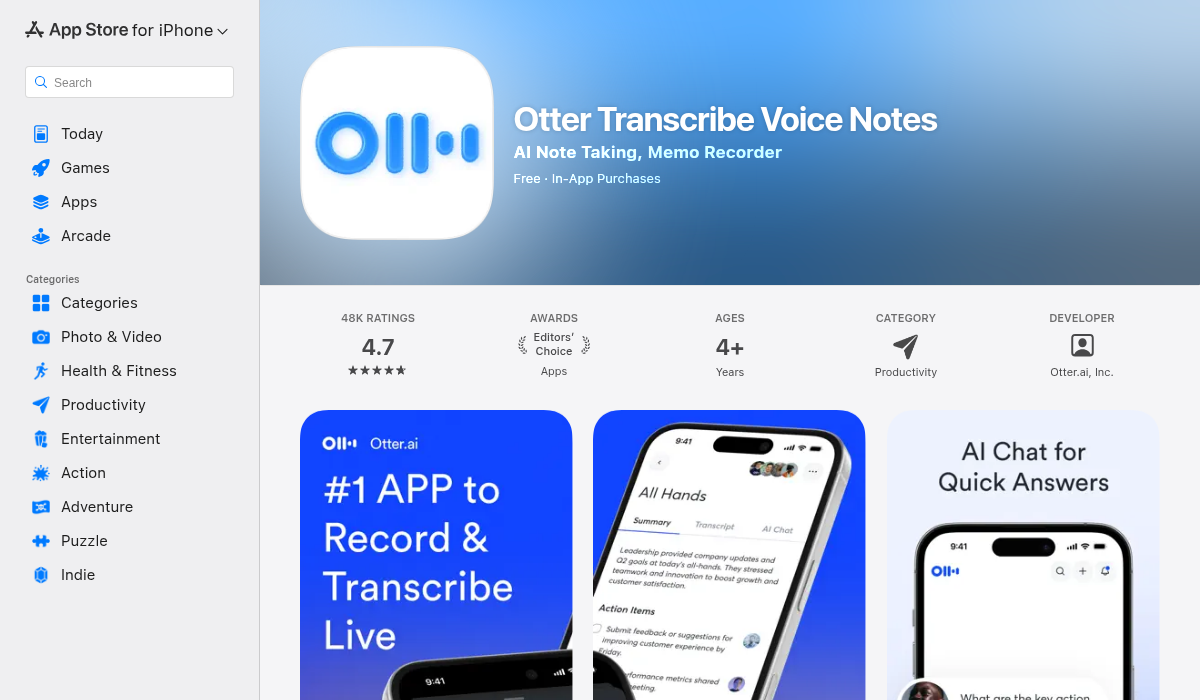
Otter.ai is the transcription king. It excels at one thing: turning spoken words into text. Record your lectures, get a searchable transcript, highlight key moments. The AI summarization features are decent, and you can ask questions about your transcripts.
But that's where it stops. Otter won't make flashcards for you, won't quiz you, won't explain concepts you don't understand. It's a fantastic tool if transcription is your bottleneck — but most students need more than just text.
- ✅ Best-in-class transcription accuracy
- ✅ Real-time transcription for live lectures
- ✅ Searchable transcripts with timestamps
- ❌ No flashcard or quiz generation
- ❌ No AI tutor for explanations
- ❌ Expensive ($16.99/month for Pro)
Best for: Students who primarily need accurate lecture transcription and can handle studying from there.
4. NotebookLM — Best Free Option for Research
Google's NotebookLM lets you upload documents — PDFs, notes, articles — and then have AI conversations grounded in that specific material. It's particularly good for research-heavy work where you need to synthesize information from multiple sources.
The "Audio Overview" feature that turns your notes into a podcast-style discussion is genuinely useful for auditory learners. However, NotebookLM is web-based (no native mobile app), can't record lectures, and doesn't generate flashcards or quizzes.
- ✅ Free to use
- ✅ Excellent for document-based research
- ✅ Audio overview feature is unique
- ❌ Web-only, no mobile app
- ❌ Can't record lectures
- ❌ No flashcards, quizzes, or structured study tools
Best for: Graduate students and researchers working with large document sets.
5. MelonNote — Best All-in-One AI Study App
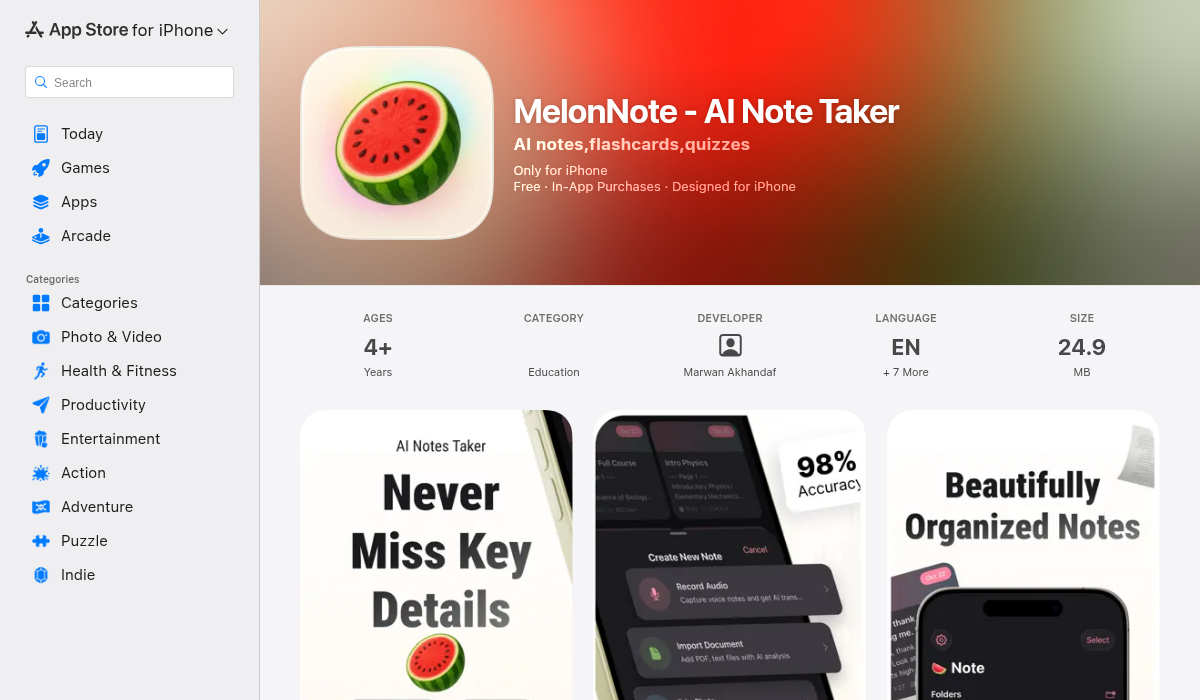
Here's where things get interesting. MelonNote takes a different approach: instead of doing one thing well, it aims to replace your entire study app stack. Record lectures with AI transcription. Import PDFs. Snap photos of whiteboards. Then the AI automatically generates summaries, flashcards, and quizzes from whatever you put in.
But the features that make MelonNote stand out are the ones no other app has:
AI Podcast Generator: Turn any note into a two-person podcast conversation. Configure the hosts, choose from 16+ voices, set the duration. Then listen while you commute, exercise, or do laundry. This sounds gimmicky until you realize how much study time you waste because you can't read while doing other things.
Realtime AI Conversation: Not just a chatbot — an actual voice conversation with an AI that's read all your notes. Ask questions, get explanations, talk through concepts. It's like having a study buddy who actually did the reading.
"The podcast feature is wild — it turns my lecture notes into a podcast I listen to on the bus. I've never retained information this well."— App Store review
- ✅ Lecture recording with AI transcription
- ✅ PDF import and photo-to-notes
- ✅ Auto-generated flashcards and quizzes
- ✅ AI tutor that knows your material
- ✅ Unique podcast generator feature
- ✅ Realtime AI voice conversation
- ✅ Visual summary generation
- ✅ Most affordable ($3.99/month)
- ✅ Available on iOS and Android
- ❌ Newer app, smaller user base
- ❌ No pre-made flashcard library
Best for: Students who want one app to handle their entire study workflow — from recording lectures to exam prep.
Quick Comparison Table
Here's how the top AI tutor apps stack up on key features:
Khanmigo: Socratic tutoring ✅ | Curriculum-aligned ✅ | Lecture recording ❌ | Auto-flashcards ❌ | AI tutor ✅ | Podcast feature ❌ | Price: $4-9/mo
Quizlet Q-Chat: Socratic tutoring ❌ | Curriculum-aligned ❌ | Lecture recording ❌ | Auto-flashcards ❌ | AI tutor ✅ | Podcast feature ❌ | Price: $7.99/mo
Otter.ai: Socratic tutoring ❌ | Curriculum-aligned ❌ | Lecture recording ✅ | Auto-flashcards ❌ | AI tutor ❌ | Podcast feature ❌ | Price: $16.99/mo
NotebookLM: Socratic tutoring ❌ | Curriculum-aligned ❌ | Lecture recording ❌ | Auto-flashcards ❌ | AI tutor ✅ | Podcast feature ✅ | Price: Free
MelonNote: Socratic tutoring ❌ | Curriculum-aligned ❌ | Lecture recording ✅ | Auto-flashcards ✅ | AI tutor ✅ | Podcast feature ✅ | Price: $3.99/mo
What Actually Matters for AI Study Tools
After testing these apps, here's what separates the useful AI tutors from the gimmicks:
1. It Must Work With Your Material
Generic chatbots can explain photosynthesis. But can they explain the specific diagram from your professor's slide? The best AI tutors let you bring your own content — lectures, notes, PDFs — and then operate on that material specifically.
2. Passive to Active Matters
Reading is passive. Getting quizzed is active. Research consistently shows that active recall beats passive review for retention. Apps that transform your notes into quizzes, flashcards, or conversations are doing the hard work of making you actually learn.
3. Multi-Modal Learning is Real
Some people learn better by reading. Others by listening. Others by being quizzed. The best study apps in 2026 don't force you into one mode — they let you read your notes, listen to a podcast version, chat about concepts, and test yourself with flashcards.
4. Price vs. Feature Coverage
You could subscribe to Otter for transcription ($17/mo), Quizlet for flashcards ($8/mo), and Khanmigo for tutoring ($9/mo). That's $34/month for a fragmented workflow. Or you could use one app that covers all those features for less than half the price.
Pro Tips for Using AI Tutors Effectively
- Don't just consume — interact. The AI can't quiz you if you never ask it to. Use the active features: take quizzes, have conversations, generate flashcards.
- Review AI summaries, don't replace your understanding. AI summaries are starting points, not substitutes for actually understanding the material.
- Use "dead time" for passive learning. Commuting, exercising, doing chores — this is when podcast features pay off.
- Combine tools strategically. NotebookLM is free and great for research. Use it alongside a paid app that handles the study workflow.
- Start early in the semester. These tools work best when you build up a library of notes over time, not when you cram the night before.
The Bottom Line
There's no single "best" AI tutor app — it depends on what you need:
For structured STEM tutoring: Khanmigo is hard to beat. The Socratic method actually teaches.
For flashcard memorization: Quizlet's community library and Q-Chat make revision more effective.
For transcription-only: Otter.ai remains the accuracy leader, though you'll pay for it.
For document research (free): NotebookLM punches above its weight for the price of $0.
For the complete study workflow: MelonNote covers the most ground at the lowest price. If you want one app that records, transcribes, summarizes, generates flashcards, quizzes you, and turns your notes into podcasts — it's the obvious choice.
The AI tutor landscape will keep evolving. But the fundamental need won't change: students need tools that make learning more efficient, not just more convenient. The apps that understand that difference are the ones worth using.