
Best Alternatives to Notion for Students 2026
Notion is powerful — maybe too powerful. If you're a student drowning in databases, linked views, and nested toggles just to take lecture notes, you're not alone.
Notion has earned its reputation as the Swiss Army knife of productivity apps. But here's the thing: most students don't need a Swiss Army knife. They need something that helps them capture ideas fast, study efficiently, and actually remember what they learned — without spending hours building templates first. In 2026, there are finally some genuinely great alternatives that focus on what students actually do every day.
We tested over a dozen note-taking apps specifically through the lens of student life: recording lectures, reviewing material, making flashcards, and preparing for exams. Here are the best alternatives to Notion for students in 2026 — and why each one might be the right fit for you.
Why Students Are Leaving Notion
It's not that Notion is bad. It's that it was built for teams and project managers, then marketed to everyone else. For students, this creates real friction:
- Setup overhead — You spend more time designing your workspace than actually studying
- No offline mode on mobile — Good luck reviewing notes on the subway
- No built-in study tools — Flashcards? Quizzes? You'll need third-party integrations
- Performance issues — Large workspaces slow down noticeably
"I spent three weeks setting up my Notion for the semester and realized I could've just used Apple Notes and actually studied."— Reddit user in r/productivity
"Notion is great for organization but terrible for actual studying. I still need Anki for flashcards and a separate app for lecture recording."— Reddit user in r/Notion
The common thread? Students want something simpler that handles the full study cycle — from capturing information to actually retaining it.
Best Notion Alternatives for Students in 2026
1. Obsidian — Best for Knowledge Builders
If you're the kind of student who loves connecting ideas across subjects and building a "second brain," Obsidian is the gold standard. It stores everything as local Markdown files, which means your notes are truly yours — no cloud lock-in, no subscription wall for basic features.
Obsidian's knowledge graph is genuinely useful for seeing how concepts relate across courses. Link your biology notes to your chemistry notes and watch connections emerge that you'd never see in a flat folder structure.
- ✅ Completely free for personal use
- ✅ Works offline by default — your files live on your device
- ✅ Massive plugin ecosystem (flashcards, Kanban, LaTeX, and more)
- ✅ Markdown-based — future-proof and portable
- ❌ Steeper learning curve than most apps
- ❌ No built-in collaboration features (paid sync add-on required)
- ❌ Mobile app is functional but not as polished as desktop
Best for: Graduate students, researchers, and anyone who wants full control over their notes. If you're comfortable with a bit of setup, Obsidian rewards you with an incredibly flexible system.
Price: Free (Sync: $5/mo, Publish: $10/mo)
2. GoodNotes — Best for Handwritten Notes
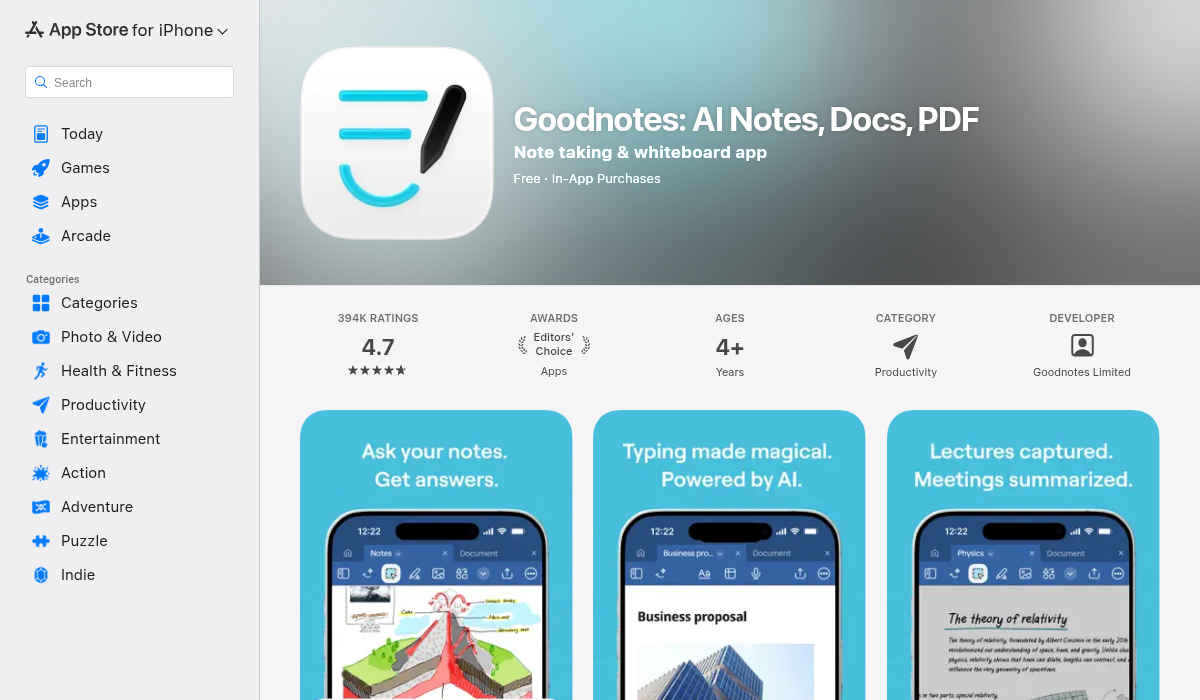
If you have an iPad and Apple Pencil, GoodNotes is probably already on your radar. It's the closest thing to writing in a physical notebook, but with search, organization, and PDF annotation built in. The handwriting recognition is genuinely impressive — you can search through handwritten notes as easily as typed text.
GoodNotes excels at subjects where diagrams, equations, and visual thinking matter. It's hard to draw a chemical structure or annotate a circuit diagram in Notion — GoodNotes makes it effortless.
- ✅ Best-in-class handwriting experience on iPad
- ✅ Excellent PDF annotation for textbooks and slides
- ✅ Handwriting search actually works well
- ✅ AI-powered features like math conversion and spellcheck
- ❌ iPad/Mac only — no Android or Windows support
- ❌ No flashcard or quiz features
- ❌ Subscription model ($9.99/year) replaced the one-time purchase
Best for: STEM students, visual learners, and anyone who thinks better with a pen. Pair it with a study tool for review and you've got a solid system.
Price: Free tier available / $9.99/year for full features
3. Quizlet — Best for Memorization-Heavy Subjects
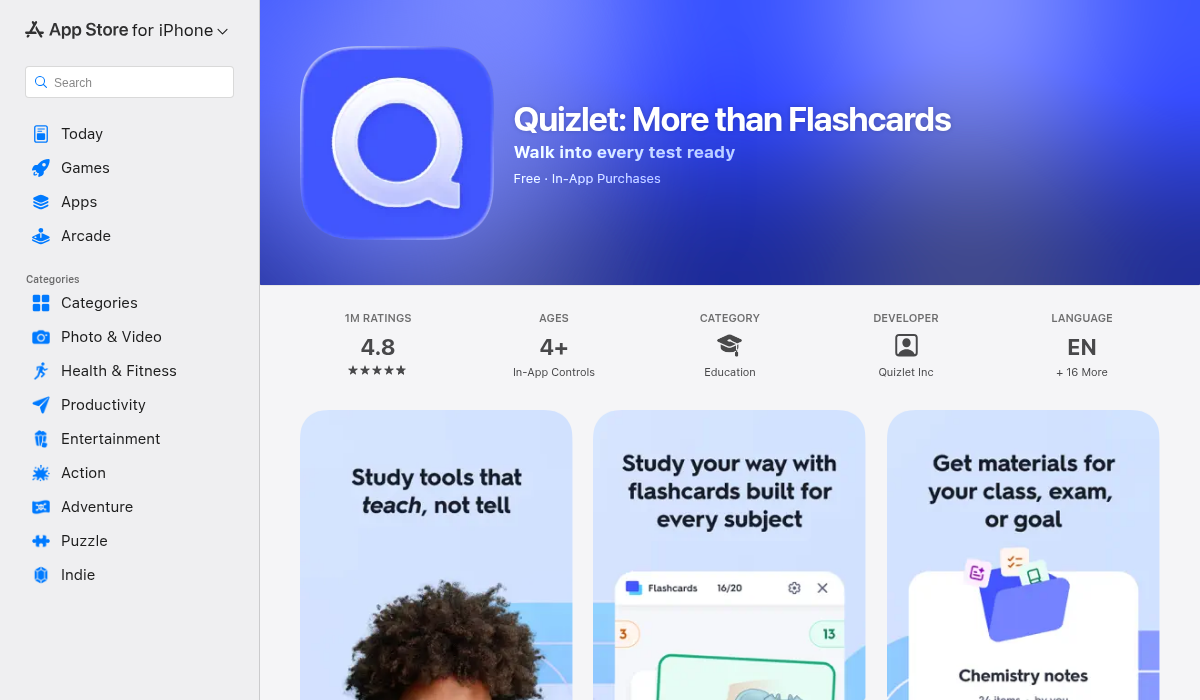
Quizlet has been the go-to flashcard app for years, and for good reason. Its massive library of pre-made study sets means you can often find flashcards for your exact course and textbook. The spaced repetition system is solid, and the different study modes (learn, write, match, test) keep review sessions from getting monotonous.
But Quizlet is a study tool, not a note-taking app. You'll still need somewhere to capture lectures and organize your materials — which means juggling multiple apps.
- ✅ Huge library of shared study sets
- ✅ Multiple study modes keep things engaging
- ✅ Cross-platform (iOS, Android, Web)
- ✅ AI-generated practice tests
- ❌ Not a note-taking app — flashcards only
- ❌ Premium price is steep at $7.99/month
- ❌ Free tier now has ads and limited features
Best for: Med students, language learners, and anyone with heavy memorization needs. Works great alongside a note-taking app.
Price: Free (limited) / $7.99/month for Quizlet Plus
4. MelonNote — Best All-in-One Study App
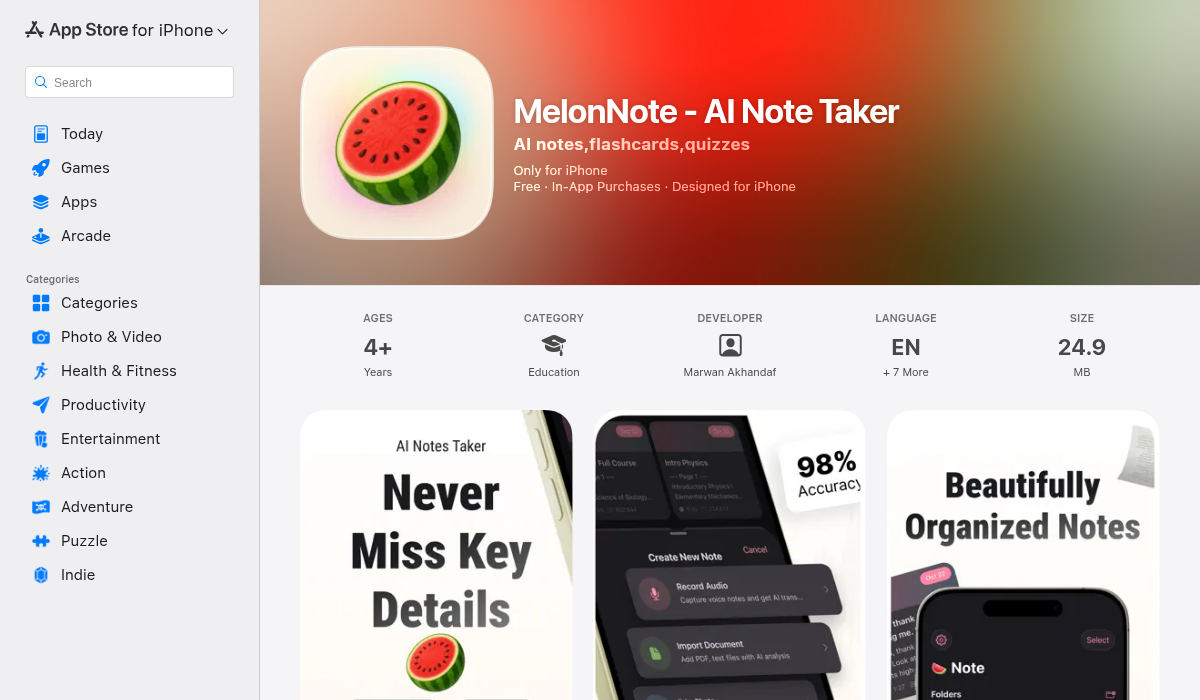
Here's where things get interesting. MelonNote is a relatively new app that takes a different approach: instead of being a note-taking app that you pair with study tools, it's an AI-powered study companion that handles the entire workflow — from capturing lectures to generating flashcards, quizzes, and even podcast-style audio summaries.
Record a lecture, and MelonNote transcribes it using OpenAI's Whisper engine. Import a PDF of your textbook chapter, and it extracts the key content. Snap a photo of a whiteboard, and it converts the handwriting into organized notes. From there, the AI generates flashcards, practice quizzes (multiple choice, true/false, fill-in-the-blank), and summaries — automatically.
The standout feature is the AI podcast generator. It takes your notes and turns them into a two-person podcast conversation — complete with different voices — that you can listen to while commuting or working out. It sounds gimmicky until you try it. There's something about hearing your study material discussed conversationally that makes it stick better than re-reading highlights for the fifth time.
MelonNote also includes an AI tutor chat where you can ask questions about your own notes and get contextual answers, plus a real-time voice conversation mode that's essentially like having a study buddy who's read all your material.
- ✅ All-in-one: recording, transcription, notes, flashcards, quizzes, AI tutor
- ✅ AI podcast generator — unique feature, genuinely useful for auditory learners
- ✅ Works with multiple input types: audio, PDF, photos
- ✅ Most affordable in its category ($3.99/month vs $8-20/month for competitors)
- ✅ Available on both iOS and Android
- ✅ Supports 8 languages
- ❌ Newer app — smaller community compared to established players
- ❌ Free tier limited to 2 notes
- ❌ No web version yet
Best for: Students who want one app to replace their recorder, transcriber, flashcard maker, and quiz tool. Especially strong for auditory learners and anyone tired of juggling five different study apps.
Price: Free (2 notes) / $3.99/month or $49.99/year
Quick Comparison Table
| Feature | Notion | Obsidian | GoodNotes | Quizlet | MelonNote |
|---|---|---|---|---|---|
| Note-taking | ✅ | ✅ | ✅ | ❌ | ✅ |
| Lecture recording | ❌ | ❌ | ❌ | ❌ | ✅ |
| AI transcription | ❌ | ❌ | ❌ | ❌ | ✅ |
| Flashcards | ❌ | 🔌 Plugin | ❌ | ✅ | ✅ |
| Practice quizzes | ❌ | ❌ | ❌ | ✅ | ✅ |
| AI tutor | ❌ | ❌ | ❌ | ❌ | ✅ |
| PDF import | ❌ | ✅ | ✅ | ❌ | ✅ |
| Offline access | ❌ | ✅ | ✅ | 💲 Paid | ✅ |
| Handwriting | ❌ | ❌ | ✅ | ❌ | 📸 Photo |
| Price/month | Free/$10 | Free | Free/$0.83 | Free/$7.99 | Free/$3.99 |
How to Choose the Right One
The "best" alternative depends entirely on how you study. Here's a quick decision framework:
- You want total control and love tinkering — Go with Obsidian. It rewards investment with unmatched flexibility. Just be prepared for the learning curve.
- You're an iPad student who loves handwriting — GoodNotes is the clear winner. Nothing else comes close for pen-based note-taking.
- You need to memorize a mountain of facts — Quizlet is still the king of flashcards. Pair it with a note-taking app for the full package.
- You want one app that does everything — MelonNote is the most complete study workflow we've seen. Record, transcribe, study, quiz — all in one place at a fraction of the cost.
Pro Tips for Switching Away from Notion
- Export your Notion data first — Go to Settings → Export all workspace content as Markdown. This gives you portable files you can import almost anywhere.
- Don't try to replicate your Notion setup — The whole point of switching is simplicity. Resist the urge to rebuild your 47-property database in a new app.
- Give it two weeks — Any new tool feels awkward at first. Commit to using it exclusively for at least two weeks before judging.
- Combine tools strategically — There's no rule that says you can only use one app. GoodNotes for lectures + MelonNote for review is a powerful combo.
- Start with what you have — Most of these apps have solid free tiers. Try before you commit.
The Bottom Line
Notion is a phenomenal tool — for the right use case. But if you're a student who just wants to take notes, study effectively, and pass your exams, you don't need a workspace platform. You need a study tool.
The alternatives in this list each excel at something specific. Obsidian gives you ownership and flexibility. GoodNotes nails the handwriting experience. Quizlet dominates flashcard-based memorization. And MelonNote offers something none of the others do — a single app that handles the entire study cycle from lecture hall to exam prep.
Whatever you choose, the best app is the one you'll actually use. Pick the one that matches how you study, not the one with the most features you'll never touch.
If you're looking for an all-in-one study companion that replaces a handful of apps, MelonNote is worth checking out — it's available on both iOS and Android.