
Best Apps for Law Students 2026: Note-Taking, Flashcards & AI
Law school throws more reading at you in a single week than most people tackle in a year — and you're expected to synthesize it all into exam-ready knowledge.
Between case briefs, statutory analysis, lecture notes, and outlines, staying organized is half the battle. The other half? Actually retaining what you read. In 2026, AI-powered study tools have finally caught up with what law students need — apps that don't just store your notes but actively help you learn from them. We tested the most popular options to find what actually works.
Why Law Students Need More Than a Basic Notes App
Law school isn't like undergrad. You're not just memorizing facts — you're learning to think analytically, spot issues, and apply rules to new scenarios. That means your study tools need to do more than hold text. They need to help you process information.
"The fact that I can turn my daily notes directly into flashcards is what sold me. I tried a few apps but kept switching until I found something that combined both."— Reddit user in r/LawSchool
The ideal law school toolkit handles three things: capturing information fast (lectures move quickly), organizing it logically (you'll need outlines for every class), and turning it into study-ready material (flashcards, practice questions, summaries). Most apps only do one of these well. The best ones handle all three.
What We Looked For
We evaluated each app based on what matters most for law students:
- Note-taking speed — Can you keep up with rapid-fire Socratic method lectures?
- Organization — Folders, tags, linking between concepts across classes
- AI features — Auto-summaries, flashcard generation, quiz creation
- Legal research compatibility — PDF import, case law integration
- Flashcard and review tools — Spaced repetition, self-testing
- Price — Law students are already drowning in debt
Best Apps for Law Students in 2026
1. MelonNote — Best All-in-One AI Study App
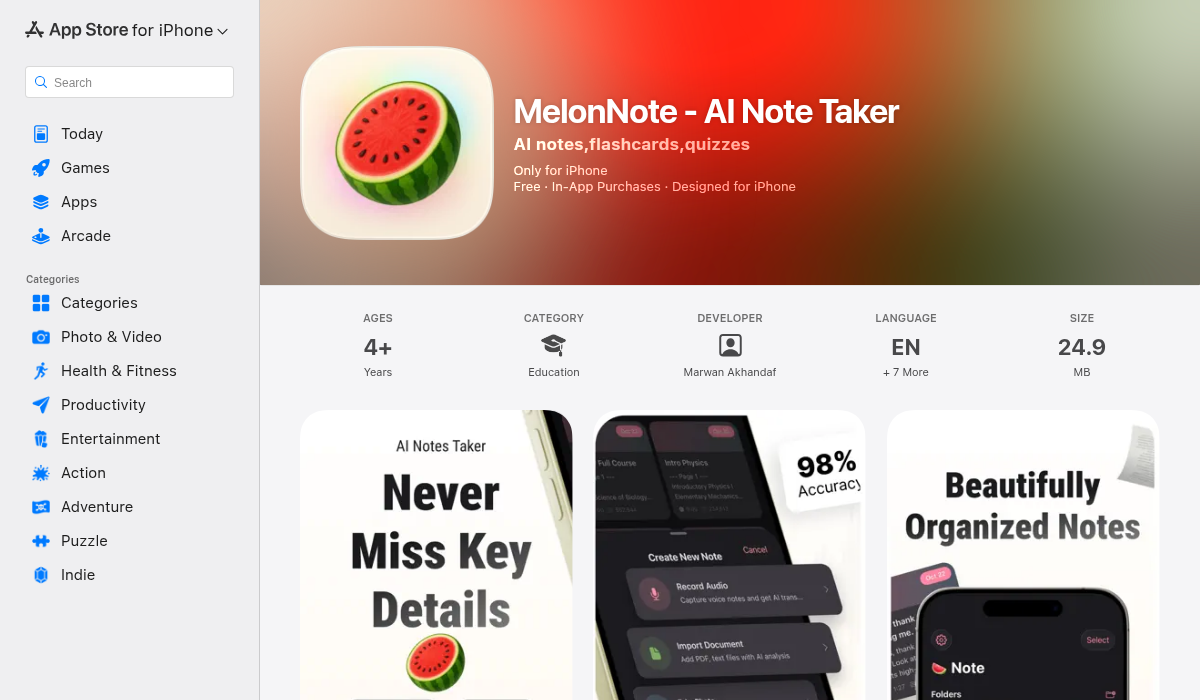
MelonNote is the app we kept coming back to during testing. It's built specifically for students and does something no other note app manages — it takes your raw lecture content and transforms it into every study format you could need.
Here's the workflow: record your lecture directly in the app, and MelonNote transcribes it using AI. From that transcript, it auto-generates summaries, flashcards, practice quizzes (multiple choice, true/false, fill-in-the-blank), and even lets you chat with an AI tutor about the material. For law students drowning in case readings, you can also import PDFs and snap photos of whiteboard diagrams — everything gets processed into structured, searchable notes.
The standout feature? AI podcast generation. MelonNote can turn your notes into a two-person podcast conversation you can listen to while commuting or working out. It sounds gimmicky until you realize how effective passive review is for retaining legal concepts. Choose from 16+ voices, set the duration, and let two AI hosts walk through your Constitutional Law notes while you're on the train.
There's also a Realtime AI Conversation feature ("Converse") — essentially a study buddy who has read all your notes and can discuss concepts with you in real time via voice. For bar exam prep or finals review, this is genuinely useful.
- ✅ Records lectures + AI transcription
- ✅ Auto-generates flashcards, quizzes, and summaries
- ✅ AI tutor that understands your specific notes
- ✅ AI podcast generator — unique to MelonNote
- ✅ Import PDFs (casebooks, outlines, slides)
- ✅ Photo-to-notes for whiteboard captures
- ✅ Visual summary generation for visual learners
- ✅ Multi-select study sets for exam prep across courses
- ✅ iOS + Android, 8 languages
- ✅ $3.99/month — cheapest full-featured option
- ❌ No handwriting support (typed notes only)
- ❌ No cloud sync between devices yet
Best for: Law students who want one app that handles recording, notes, flashcards, quizzes, and review. Replaces 5-6 separate apps.
Price: Free (2 notes) · Premium $3.99/mo or $49.99/yr
2. Notion — Best for Organizing Outlines
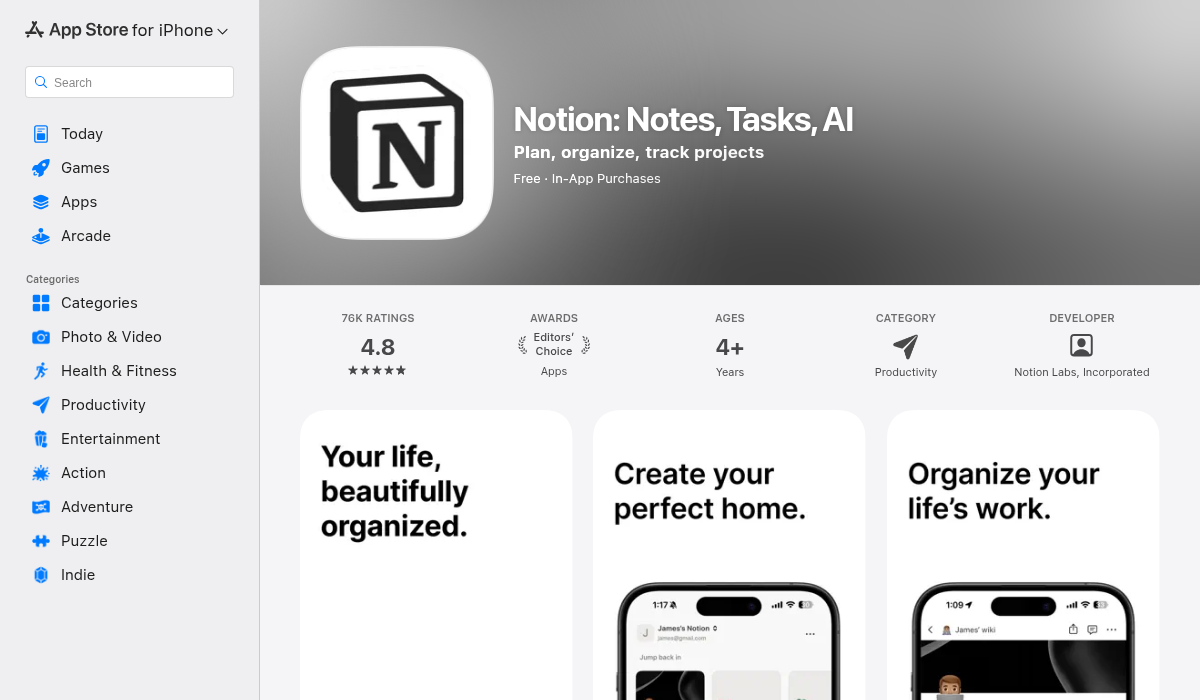
Notion is the Swiss Army knife of productivity apps, and for good reason — it's incredibly flexible. Law students love it for building course outlines, linking case briefs together, and creating databases of legal concepts with tags and filters.
"The apps that seem to get mentioned the most for notetaking in law school are Google Docs/Drive, OneNote, and Notion."— Reddit user in r/LawSchool
Notion AI adds summarization and Q&A capabilities, but it's a general-purpose tool — not built for studying. You won't find flashcard generation, quiz creation, lecture recording, or spaced repetition here. It's also overkill for quick note-taking; the learning curve is real.
- ✅ Incredible organizational flexibility
- ✅ Templates galore (law school outline templates exist)
- ✅ Cross-linking between pages (great for connecting cases)
- ✅ Notion AI for summaries and Q&A
- ✅ Free for personal use
- ❌ No lecture recording or transcription
- ❌ No flashcard or quiz generation
- ❌ Steep learning curve to set up properly
- ❌ Not optimized for study/review workflows
Best for: Law students who love building custom systems and need powerful organizational tools for outlines and case databases.
Price: Free · Plus $10/mo
3. Quizlet — Best for Shared Flashcard Decks
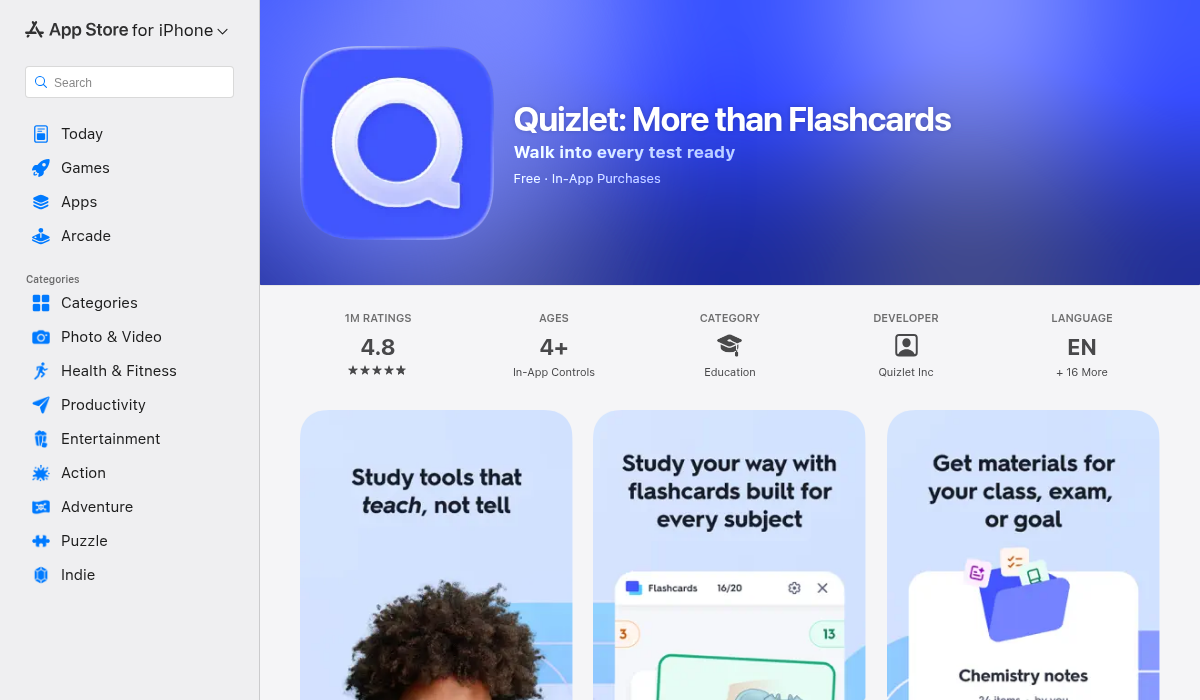
Quizlet has been a college staple for years. Its biggest strength is the massive library of user-created flashcard sets — including thousands for law topics like Contracts, Torts, Civil Procedure, and bar exam prep. If you want pre-made decks, Quizlet is hard to beat.
The AI features in Quizlet Plus now include auto-generated practice tests and explanations. However, Quizlet is fundamentally a flashcard app — there's no note-taking, no lecture recording, and no PDF import. You're creating or finding flashcards, studying them, and that's it.
- ✅ Huge library of pre-made law school flashcard sets
- ✅ Multiple study modes (learn, write, test, match)
- ✅ AI-generated practice tests
- ✅ Easy to share decks with study groups
- ❌ No note-taking capability
- ❌ No lecture recording or transcription
- ❌ Flashcards must be created manually (no auto-generation from notes)
- ❌ Can't import PDFs or photos
- ❌ $7.99/mo for Plus — pricey for flashcards only
Best for: Law students who want access to pre-made decks and a polished flashcard experience. Best paired with a separate note-taking app.
Price: Free (limited) · Plus $7.99/mo
4. Anki — Best Free Spaced Repetition
Anki is the gold standard for spaced repetition — the science-backed method that optimizes when you review each card based on how well you remember it. It's completely free on desktop and Android, though the iOS app costs $24.99 (one-time).
The catch? Anki looks like it was designed in 2005 — because it was. The learning curve is steep, customization requires diving into templates and code, and creating cards is entirely manual. Med students swear by it, and law students who commit to the system do well, but many abandon it after a week.
- ✅ Best spaced repetition algorithm available
- ✅ Free on desktop and Android
- ✅ Massive community-shared decks
- ✅ Extremely customizable (if you invest the time)
- ❌ Dated interface — looks like a desktop app from 2005
- ❌ Steep learning curve
- ❌ No AI features — everything is manual
- ❌ iOS app is $24.99
- ❌ No note-taking, recording, or PDF import
Best for: Dedicated self-studiers willing to invest time setting up a system. Pairs well with a separate note-taking app.
Price: Free (desktop/Android) · $24.99 iOS
5. Obsidian — Best for Linked Knowledge
Obsidian has been gaining serious traction among law students who think in networks rather than hierarchies. Its core feature is bidirectional linking — every note can link to every other note, creating a web of interconnected legal concepts.
"Incoming 1L, planning on using Obsidian. I've used it extensively for work before. The internal linking is what makes it perfect for connecting legal concepts across courses."— Reddit user in r/LawSchool
For law students, this means your Contract Law note on "consideration" can link to your Property note on "exchange of value" — and you can visualize these connections in a knowledge graph. It's powerful, but it's markdown-based and requires technical comfort.
- ✅ Bidirectional linking — perfect for connected legal concepts
- ✅ Knowledge graph visualization
- ✅ Local-first (your data stays on your device)
- ✅ Massive plugin ecosystem
- ✅ Free for personal use
- ❌ Markdown-based — requires some technical know-how
- ❌ No built-in AI features (plugins required)
- ❌ No flashcard/quiz generation without add-ons
- ❌ No lecture recording
- ❌ Setup time is significant
Best for: Tech-savvy law students who want to build an interconnected knowledge base across all their courses.
Price: Free · Sync $4/mo
6. Otter.ai — Best for Live Lecture Transcription
Otter.ai focuses on one thing and does it well: real-time transcription. It captures lectures with high accuracy, identifies speakers, and generates automated summaries. If your primary need is a reliable lecture recorder, Otter delivers.
The limitation is everything that comes after transcription. Otter gives you a transcript and a summary — but no flashcards, no quizzes, no AI tutor. You still need separate tools for the actual studying. And at $16.99/month for Pro, it's expensive for transcription alone.
- ✅ Excellent real-time transcription accuracy
- ✅ Speaker identification
- ✅ Automated meeting/lecture summaries
- ✅ Integrates with Zoom/Teams
- ❌ Transcription-only — no study tools
- ❌ No flashcard or quiz generation
- ❌ $16.99/mo for Pro — expensive for one feature
- ❌ No PDF import or photo-to-notes
Best for: Law students who record every lecture and want the most accurate transcript. Best paired with a study tool for review.
Price: Free (limited) · Pro $16.99/mo
How to Build Your Law School Study Stack
Most law students end up using 2-3 apps together. Here are the most effective combinations:
The Minimalist Stack (One App)
If you want one app that handles everything — recording, notes, flashcards, quizzes, and AI review — MelonNote is the most complete single option. Record lectures, import casebook PDFs, and let the AI generate your entire study kit. At $3.99/month, it costs less than a single coffee.
The Power User Stack
- Obsidian for long-term outline building and linking concepts
- MelonNote for lecture recording, flashcards, and AI review
- Quizlet for accessing pre-made bar exam decks
The Budget Stack
- Google Docs for note-taking (free, familiar)
- Anki for spaced repetition (free on desktop)
- MelonNote free tier for AI summaries on key readings
Pro Tips for Law School Note-Taking
- Brief cases before class, outline during — Don't try to write everything down. Have your case brief ready and add the professor's analysis in real time.
- Record every lecture — Even if you think you're keeping up. Review the transcript later to catch what you missed. Apps like MelonNote make this effortless.
- Start flashcards from Week 1 — Don't wait until finals. Auto-generated flashcards from your notes keep you reviewing consistently throughout the semester.
- Use spaced repetition — Cramming doesn't work for law school. Spaced review sessions — even 10 minutes a day — beat marathon study sessions every time.
- Cross-reference across classes — Constitutional Law, Civil Procedure, and Torts overlap more than you think. Link your notes across subjects.
- Listen to your notes — The podcast feature in MelonNote turns passive time (commuting, cooking, gym) into study time. Listening reinforces concepts differently than reading.
The Bottom Line
Law school demands a study system, not just a notes app. The best tool for you depends on your workflow — but in 2026, AI has made the "capture once, study everywhere" approach genuinely possible.
For most law students, we'd recommend starting with MelonNote — it covers the widest range of needs in a single app at the best price point. Record your lectures, let the AI handle the flashcards and summaries, and use the podcast feature to squeeze in extra review during your commute. If you need deeper organizational tools, add Notion or Obsidian alongside it.
The tools exist. The question is whether you'll actually use them from Day 1 instead of scrambling during finals week. Start now.