
Best Apps for Reading Books Aloud 2026
Want to consume more books but don't have time to sit and read? Text-to-speech apps are transforming how millions of people absorb content in 2026.
Whether you're commuting, exercising, or doing chores, listening to books instead of reading them opens up hours of learning time you didn't know you had. But not all text-to-speech apps are created equal — the difference between a robotic voice that puts you to sleep and a natural narrator that brings stories to life is massive.
We tested the most popular TTS apps to find which ones actually deliver on their promise of turning any text into enjoyable audio.
Why People Are Turning to TTS for Books
The audiobook industry has exploded, but there's a problem: your favorite books might not have professional recordings. Self-published authors, technical manuals, academic papers, and countless PDFs simply don't come with voice actors attached.
That's where text-to-speech comes in. Modern AI voices have gotten remarkably good — so good that many people can't tell the difference between AI and human narration anymore.
"I use Voice Aloud Reader on my Android and it works pretty well — can read all kinds of files including PDFs, web pages, and ebooks. The AI voices have gotten so much better."— Reddit user in r/audiobooks
Reddit is full of people searching for TTS solutions, and the consensus is clear: the right app can turn any text into a personal audiobook experience.
What Makes a Great Book Reading App
After testing dozens of options, we identified the key features that separate good TTS apps from great ones:
- Voice quality — Natural-sounding AI voices that don't fatigue your ears
- Format support — Ability to import PDFs, EPUBs, web articles, and plain text
- Text highlighting — Follow along visually while listening
- Speed control — Adjust playback from 0.5x to 3x
- Offline capability — Listen without internet connection
- Clean interface — Distraction-free reading experience
Best Apps Compared
1. Speechify
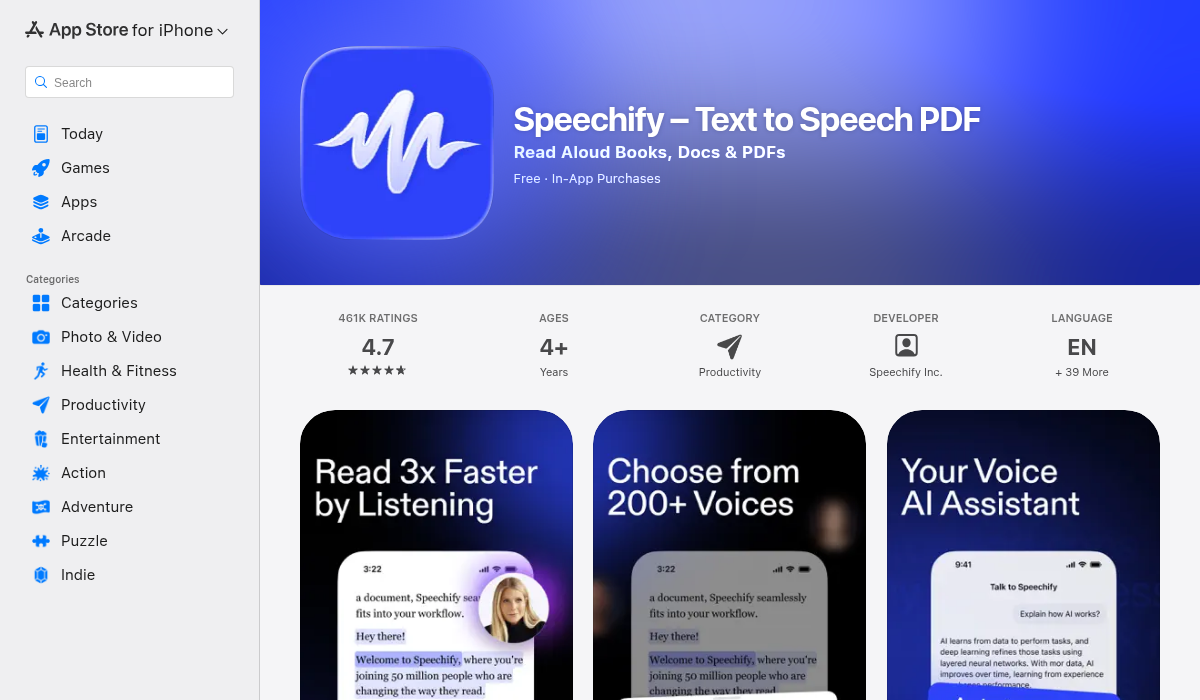
Speechify has become the most well-known text-to-speech app, and for good reason. It offers some of the most natural-sounding AI voices on the market and integrates with Kindle libraries.
The app supports a wide range of file formats and even has OCR to scan physical books. Celebrity voice options add a fun element for some users.
- ✅ Very natural AI voices
- ✅ Kindle integration
- ✅ OCR for physical books
- ❌ Expensive subscription ($139/year)
- ❌ Requires account for basic features
- ❌ Can feel bloated with unnecessary features
2. Natural Reader
Natural Reader has been in the TTS space for years and offers both mobile and desktop solutions. It's particularly popular for academic use.
- ✅ Cross-platform (iOS, Android, desktop)
- ✅ Good voice selection
- ✅ Browser extension available
- ❌ Limited features in free version
- ❌ Interface feels dated
3. Voice Aloud Reader
A favorite among Android users, Voice Aloud Reader handles multiple file formats well and offers good customization options. It's been recommended frequently on Reddit.
- ✅ Wide format support
- ✅ Good customization
- ✅ One-time purchase option
- ❌ Android only
- ❌ No premium AI voices built-in
4. Read Aloud – Speech
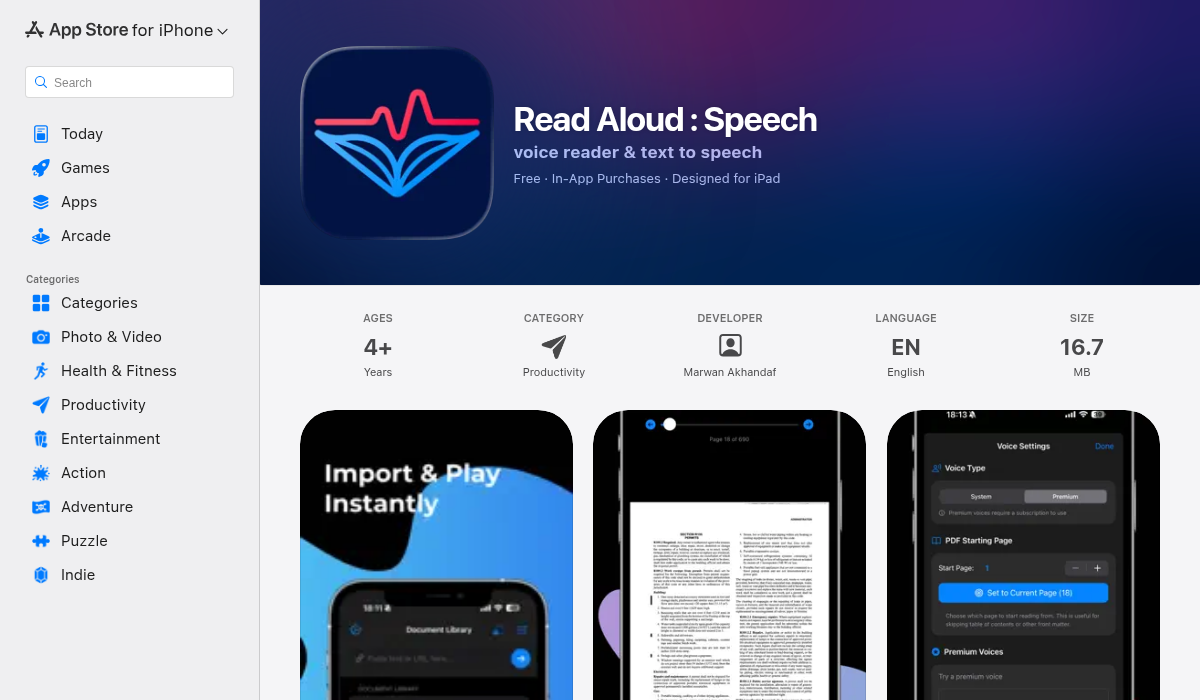
Read Aloud takes a refreshingly simple approach to text-to-speech. Instead of cramming in features you'll never use, it focuses on doing one thing exceptionally well: turning your text into pleasant audio.
The app offers both system voices and premium realistic voices that rival Speechify in quality. What sets it apart is the distraction-free interface — import your text, choose a voice, and start listening. No account required, no ads interrupting your reading.
- ✅ Clean, distraction-free interface
- ✅ Both system and premium AI voices
- ✅ Adjustable speed and fonts
- ✅ Text highlighting while reading
- ✅ Multiple themes for comfortable reading
- ✅ Imports plain text, web articles, and PDFs
- ✅ No account required
The highlighted text feature is particularly useful — you can follow along visually while listening, which helps with comprehension and retention. Multiple themes (including dark mode) make extended listening sessions comfortable on your eyes.
Pro Tips for Better TTS Listening
- Start at 1.25x speed — Most people can comfortably listen faster than normal speech. Gradually increase to 1.5x or even 2x as you get accustomed.
- Use text highlighting — Following along visually improves comprehension by 20-30% according to reading research.
- Choose the right voice — Different voices suit different content. A warm voice for fiction, a clear voice for technical material.
- Take breaks every 45 minutes — Audio fatigue is real. Short breaks help maintain focus.
- Use dark mode at night — If you're following along with highlighted text, dark themes reduce eye strain.
Best Use Cases for TTS Book Reading
Commuting
Turn dead commute time into learning time. Whether you're on the train or stuck in traffic, audiobook-style listening transforms wasted hours into productive ones.
Exercise
Running, gym sessions, and walks become opportunities to absorb books. TTS apps are perfect because you control the content — no waiting for Audible to release your book.
Household Chores
Dishes, laundry, cooking — all can be paired with listening. It makes mundane tasks more enjoyable and productive.
Visual Impairment or Reading Difficulties
TTS apps are essential tools for people with dyslexia, visual impairments, or other reading challenges. High-quality AI voices make content accessible to everyone.
Language Learning
Hearing proper pronunciation while following along with text is one of the best ways to learn a new language. TTS apps serve as patient, tireless language tutors.
Free vs Premium TTS Apps
Free TTS apps typically use basic system voices that sound robotic. They work, but listening for extended periods can be fatiguing.
Premium apps offer AI voices trained on human speech patterns. These voices have natural inflection, proper pausing, and even emotional variation. For serious listeners who'll spend hours with TTS, the upgrade is worth it.
That said, many premium apps are overpriced. Speechify's $139/year price tag puts it out of reach for casual users. Look for apps that offer premium voices at reasonable prices or one-time purchases.
The Bottom Line
Text-to-speech technology has matured to the point where listening to AI-read books is genuinely enjoyable. The key is finding an app that balances voice quality, ease of use, and value.
For most people, we recommend starting with Read Aloud — it offers premium voice quality in a clean, simple package without the bloat or high subscription costs of alternatives. Import your content, pick a voice, and start listening.
Whatever app you choose, the important thing is to start. Those 30-minute commutes and hour-long gym sessions add up to hundreds of hours per year — time that could be spent absorbing books, articles, and ideas that move your life forward.