
Best Apps for Reading Scientific Papers 2026
Reading scientific papers on your phone shouldn't feel like deciphering ancient scrolls on a postage stamp.
If you're a PhD student, researcher, or lifelong learner, you know the struggle: PDFs with tiny fonts, endless scrolling, and citation rabbit holes that eat hours of your day. Whether you're commuting, waiting for experiments to run, or squeezing in some reading before bed, having the right apps can transform your research workflow from painful to productive.
The Real Problem with Reading Research
Scientific papers weren't designed for mobile reading. They were created for print journals and desktop monitors — two-column layouts, footnotes, and references that demand constant back-and-forth navigation. Then there's the sheer volume problem.
"I had a little bit of a backlog of articles to skim through today (400+), journals like to drop 25-100 articles at once on PubMed."— Reddit user in r/PhD
That's not an exaggeration. Staying current in your field means processing an overwhelming amount of literature. And traditional PDF readers simply weren't built for this kind of cognitive load.
The good news? 2026 has brought us tools that actually understand how researchers work. From AI-powered summaries to liquid text that adapts to your screen, these apps are changing the game.
What to Look For in a Research Reading App
Before diving into specific apps, let's establish what actually matters for reading scientific papers:
- Liquid/reflow mode — Text that adjusts to your screen size without horizontal scrolling
- Annotation sync — Highlights and notes that follow you across devices
- Reference management — Easy connection to Zotero, Mendeley, or similar tools
- Offline access — Download papers for subway reading
- Text-to-speech — Turn commute time into reading time
- AI features — Summaries, key point extraction, or question-answering
No single app does everything perfectly, so the best approach is often combining two or three tools for different parts of your workflow.
Best Apps for Reading Scientific Papers in 2026
1. Zotero (+ ZotReader)
Zotero remains the gold standard for reference management, and recent updates have dramatically improved its mobile reading experience. The built-in PDF reader now supports annotations that sync instantly with your desktop library.
- ✅ Free and open-source
- ✅ Excellent reference management
- ✅ Cross-platform sync
- ❌ PDF reader still basic compared to dedicated apps
- ❌ No AI-powered features
Best for: Researchers who prioritize organization and citation management over reading comfort.
2. ReadCube Papers
ReadCube Papers has evolved into a comprehensive research platform. The enhanced PDF reader offers smart citations — click any reference to see its abstract immediately — and the recommendation engine surfaces relevant papers based on your library.
- ✅ Smart citation linking
- ✅ Paper recommendations
- ✅ Institutional access integration
- ❌ Subscription pricing ($60/year for individuals)
- ❌ Can feel sluggish with large libraries
Best for: Active researchers who want discovery features alongside reading.
3. Connected Papers + Google Scholar
This isn't a reading app per se, but Connected Papers deserves mention for its unique approach to literature exploration. It visualizes paper relationships as a graph, helping you discover seminal works and recent developments you might have missed.
"connectedpapers.com — This is a great tool when you start a new research project."— Reddit user in r/MachineLearning
- ✅ Visual relationship mapping
- ✅ Great for literature reviews
- ✅ Free tier available
- ❌ Not for actual reading
- ❌ Limited to 5 graphs/month on free tier
4. Read Aloud: Text to Speech
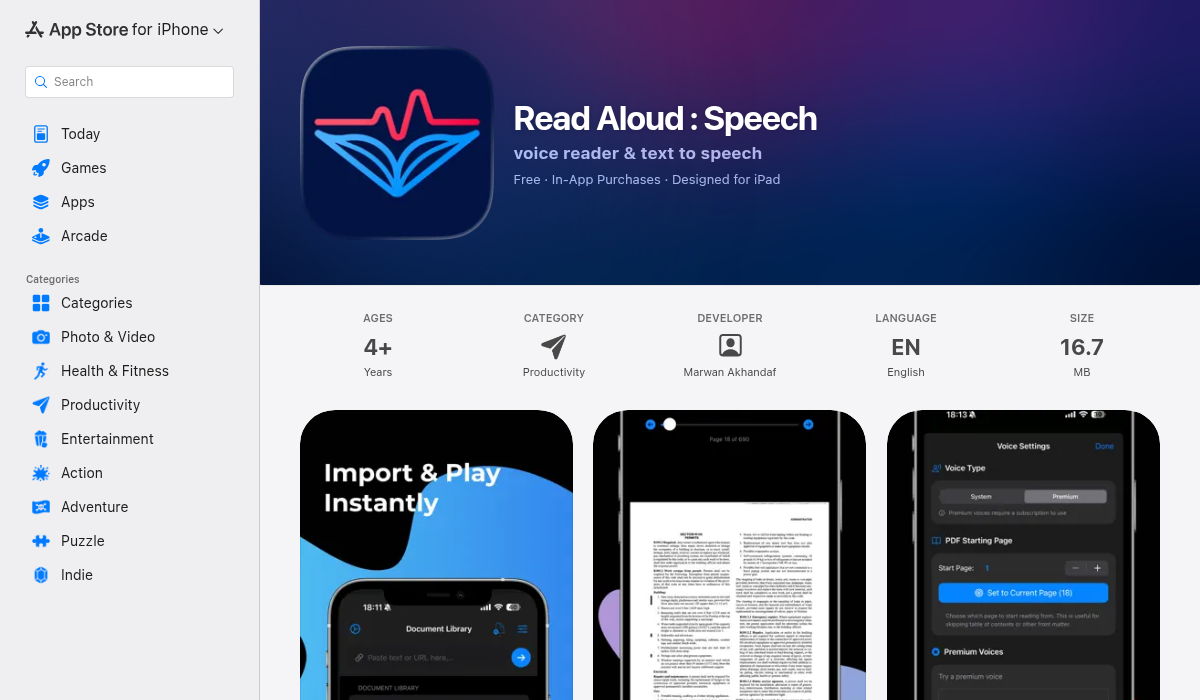
Here's an underrated strategy for tackling your reading backlog: listen to it. Read Aloud converts any text — including PDFs, web articles, and plain text — into natural-sounding speech. Import a paper, adjust the speed, and suddenly your commute becomes a literature review session.
- ✅ Multiple realistic voice options
- ✅ Adjustable reading speed
- ✅ PDF import support
- ✅ Highlighted text as it reads
- ❌ Complex equations and figures require visual attention
Best for: Turning passive time (commuting, exercising, cleaning) into research time.
5. BN Reading: Speed Reading
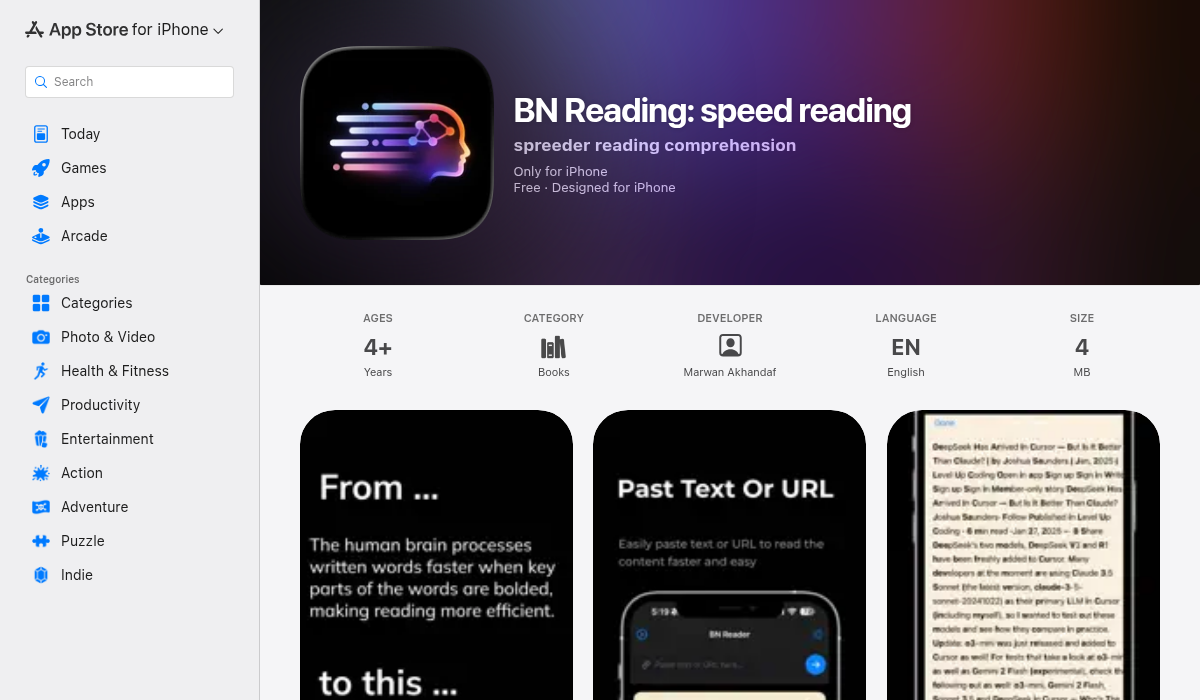
When you need to quickly assess whether a paper is worth deep reading, speed reading techniques can be invaluable. BN Reading uses bionic reading style — bolding the initial parts of words — which helps your brain recognize words faster and reduces cognitive load.
- ✅ Bionic reading formatting
- ✅ Adjustable bold intensity
- ✅ Document import
- ✅ Bookmarking and search
- ❌ Requires some adjustment to reading style
Best for: Quickly scanning abstracts and methods sections to triage your reading queue.
6. MelonNote: AI Study Companion
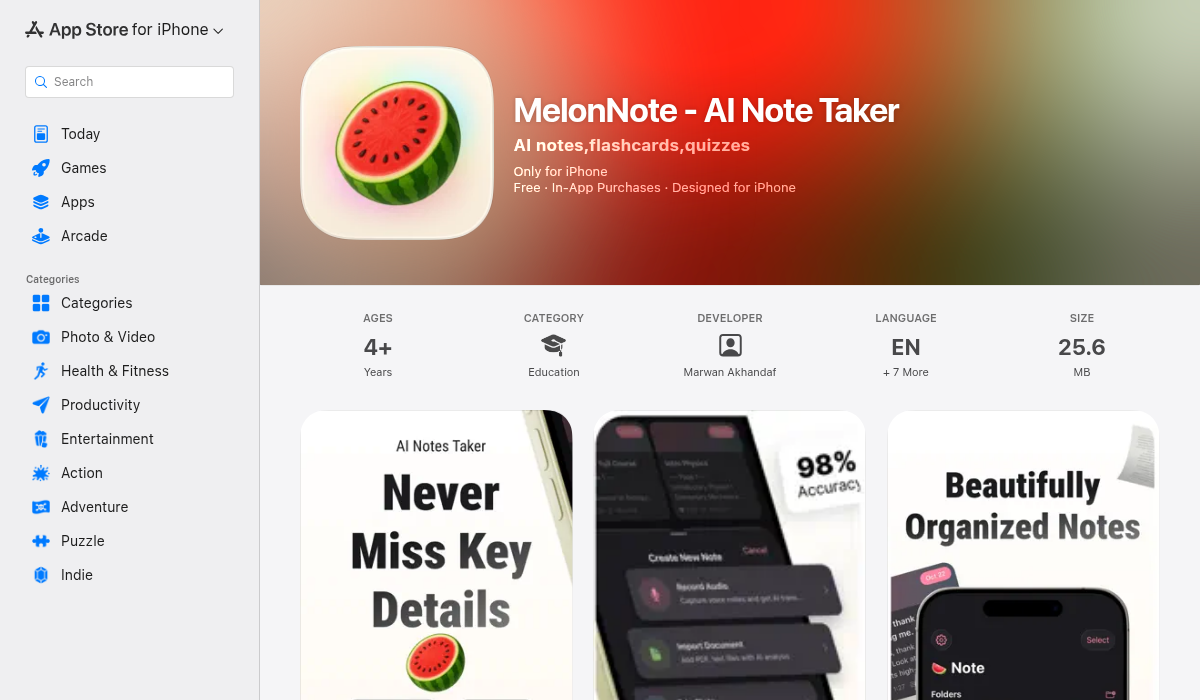
MelonNote takes a different approach: instead of just helping you read papers, it helps you actually learn from them. Import a PDF, and the AI generates summaries, flashcards, and even practice quizzes based on the content. The "AI tutor chat" feature lets you ask questions about the material directly.
- ✅ AI-generated summaries
- ✅ Auto-generated flashcards from papers
- ✅ Practice quiz generation
- ✅ AI tutor for Q&A about content
- ✅ Podcast generation (turns papers into audio discussions)
- ❌ Best for learning and retention, less for discovery
Best for: Graduate students studying for quals or anyone who needs to deeply understand (not just read) papers.
Building Your Research Reading Workflow
The most effective approach combines multiple tools for different stages:
- Discovery — Use Connected Papers and Google Scholar alerts to find relevant papers
- Triage — BN Reading's speed reading helps quickly assess paper relevance
- Passive reading — Read Aloud during commutes and workouts
- Deep study — MelonNote for papers you need to thoroughly understand
- Organization — Zotero keeps everything referenced and annotated
Pro Tips for Mobile Research Reading
- Pre-download during Wi-Fi — Set up a download queue so you're never stuck without reading material offline
- Use text-to-speech for first passes — It's faster than visual reading for determining paper relevance
- Annotate aggressively — Highlight key findings immediately; your future self will thank you
- Set realistic goals — 3-5 papers per week, deeply read, beats 20 papers skimmed
- Review annotations weekly — Spaced repetition isn't just for flashcards
The Bottom Line
There's no single perfect app for reading scientific papers — the best solution depends on whether you prioritize organization (Zotero), discovery (ReadCube Papers), speed (BN Reading), passive consumption (Read Aloud), or deep learning (MelonNote).
For most researchers, I'd recommend starting with Zotero for reference management, adding Read Aloud for commute time, and trying MelonNote when you need to truly master a paper's content. The combination costs less than a coffee per month and can genuinely transform how much literature you absorb.
The reading backlog will always exist. But with the right tools, you can actually make a dent in it.