
Best Free Flashcard Apps 2026
Making flashcards by hand takes forever. You spend hours typing questions and answers, formatting cards, and organizing decks — time you could be spending actually studying. In 2026, the best flashcard apps either auto-generate cards for you or make the creation process so fast it barely matters.
We tested every major flashcard app to find the ones that actually save you time without sacrificing learning quality. Here's what we found.
What Makes a Good Flashcard App in 2026?
The landscape has changed dramatically. A few years ago, flashcard apps were just digital versions of paper cards. Now, the best ones offer:
- Spaced repetition — Show cards at optimal intervals for memory retention
- AI card generation — Create flashcards from notes, PDFs, or lectures automatically
- Multiple study modes — Quizzes, matching games, practice tests
- Cross-platform sync — Study on phone, tablet, or desktop
- Free tier that's actually usable — Not paywalled after 5 cards
Let's look at the top contenders.
Best Free Flashcard Apps Compared
1. Anki — The Gold Standard for Spaced Repetition
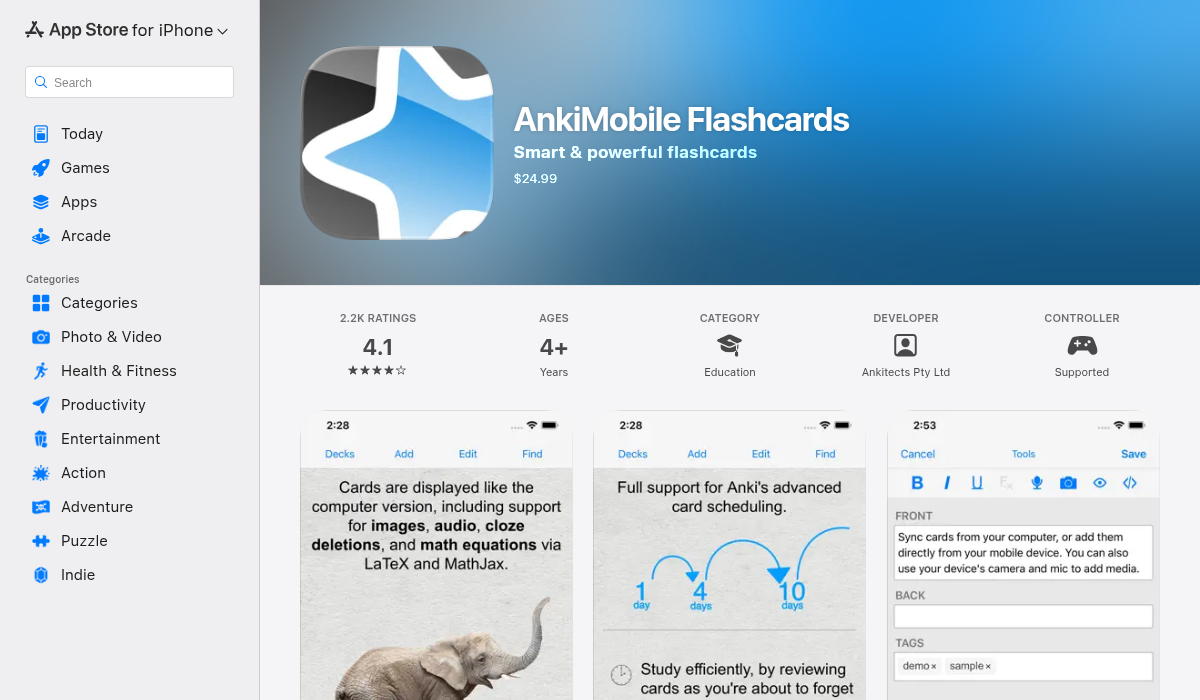
Anki is the undisputed king of spaced repetition. Medical students, language learners, and serious academics swear by it. The algorithm is scientifically proven to optimize memory retention.
Pros:
- ✅ Most powerful spaced repetition algorithm
- ✅ Huge library of shared decks
- ✅ Completely free on desktop and Android
- ✅ Extremely customizable
- ✅ Works offline
Cons:
- ❌ Steep learning curve — the interface is from 2006
- ❌ iOS app costs $24.99 (one-time)
- ❌ Manual card creation is tedious
- ❌ No AI features
- ❌ Overwhelming for beginners
"Anki's algorithm is unmatched. But the interface looks like it was built by someone who hates design."— Reddit user in r/Anki
Best for: Power users willing to invest time learning the system. Medical and law students who need long-term retention.
2. Quizlet — Most Popular, But Limited Free Tier
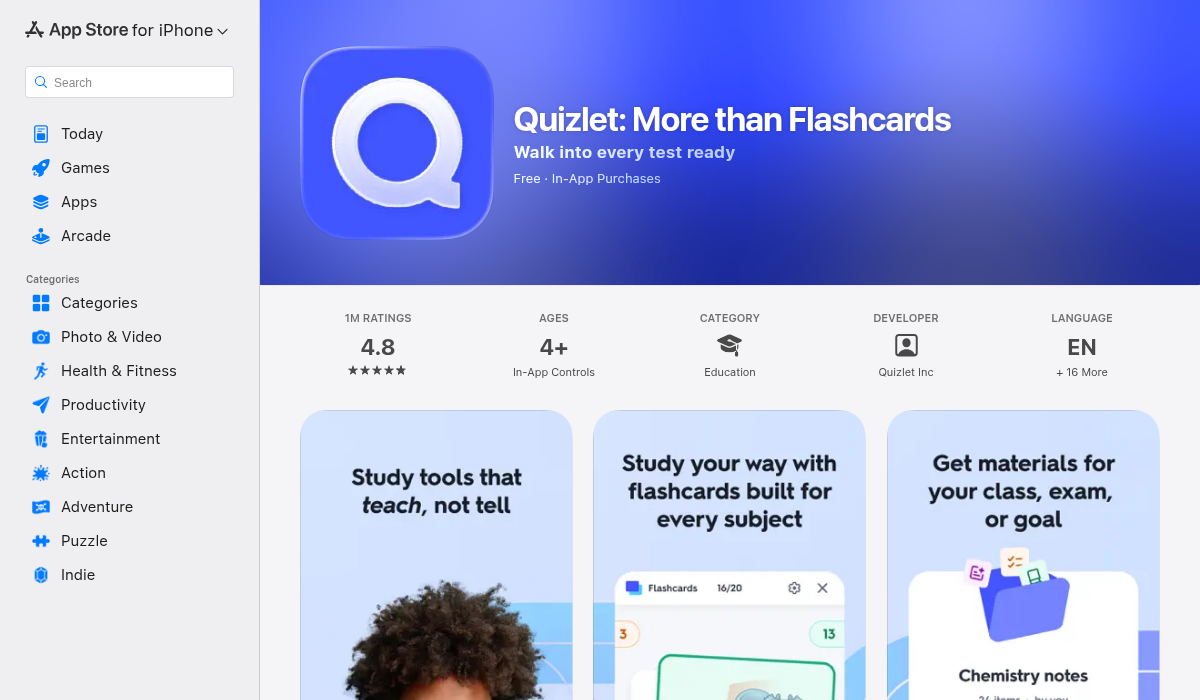
Quizlet is probably the first flashcard app you ever used. It's polished, easy to use, and has millions of pre-made decks. The catch? The free tier has gotten increasingly restrictive.
Pros:
- ✅ Beautiful, intuitive interface
- ✅ Massive library of shared sets
- ✅ Multiple study modes (Learn, Match, Test)
- ✅ AI-powered explanations (with Plus)
Cons:
- ❌ Free tier is very limited now
- ❌ No real spaced repetition algorithm
- ❌ $7.99/month for Quizlet Plus
- ❌ Ads on free tier
- ❌ Manual card creation
"It's a great app and I highly recommend it... unlike some other flashcard apps (I'm looking at you Quizlet)."— Student reviewing Knowt (Quizlet competitor)
Best for: Students who want pre-made decks for common subjects. Short-term study (exams within weeks).
3. Knowt — Free Quizlet Alternative
Knowt markets itself as the free alternative to Quizlet, and it delivers. You get most of Quizlet's features without the aggressive paywalls.
Pros:
- ✅ Genuinely free tier
- ✅ AI features included for free
- ✅ Import from Quizlet
- ✅ Clean, modern interface
Cons:
- ❌ Smaller community and fewer shared decks
- ❌ Still requires manual card creation
- ❌ Web-focused, mobile apps are secondary
Best for: Students who want Quizlet's features without paying. People switching from Quizlet's free tier.
4. Brainscape — Confidence-Based Repetition
Brainscape takes a different approach to spaced repetition. You rate your confidence after each card (1-5), and it adjusts the schedule accordingly. They also have professional, certified decks for exams like the MCAT.
Pros:
- ✅ Intuitive confidence-based system
- ✅ Professionally curated decks
- ✅ Clean mobile experience
Cons:
- ❌ Premium decks are expensive
- ❌ No AI card generation
- ❌ Limited free tier
Best for: Students preparing for standardized tests who want verified content.
5. RemNote — Notes + Flashcards Combined
RemNote lets you write notes and generate flashcards inline as you go. It's powerful for people who want a connected system of knowledge.
Pros:
- ✅ Integrated note-taking and flashcards
- ✅ Spaced repetition included
- ✅ Bi-directional linking
Cons:
- ❌ Steep learning curve
- ❌ No lecture recording or transcription
- ❌ Overkill for simple flashcard needs
Best for: PKM enthusiasts who want a "second brain" system.
6. MelonNote — Auto-Generated Flashcards from Lectures
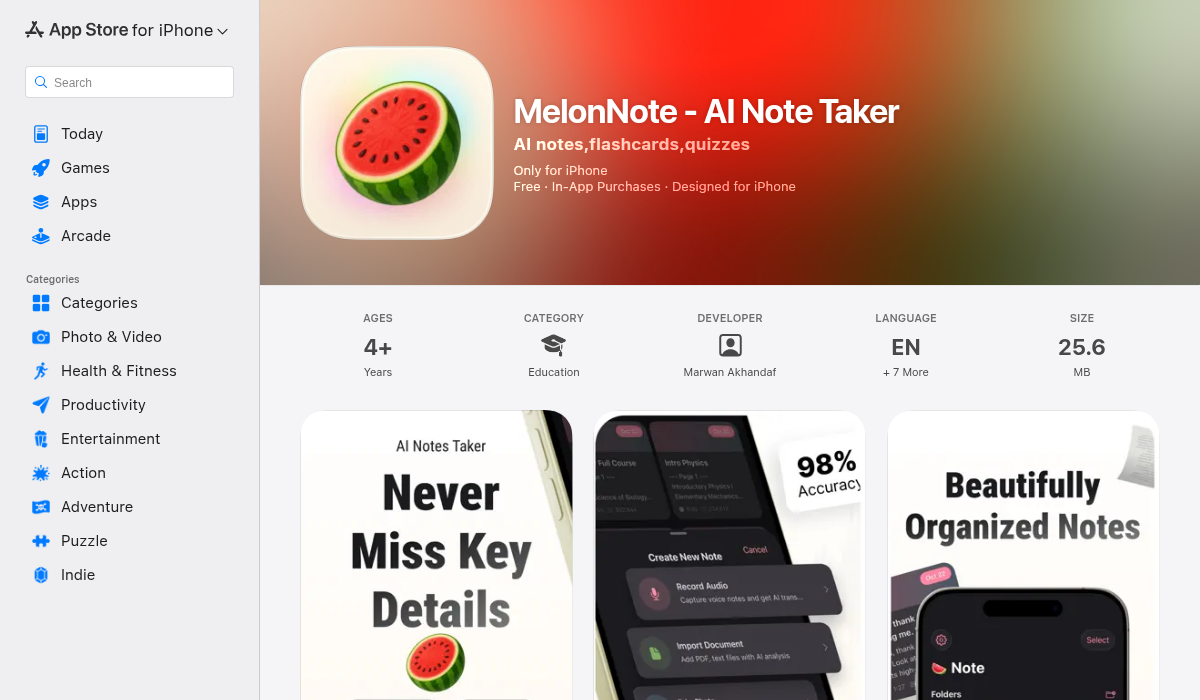
Here's where things get interesting. MelonNote doesn't just store flashcards — it creates them automatically from your lecture recordings, PDFs, or photos. Record a lecture, and AI generates flashcards for you. No manual card creation.
What makes it different:
- ✅ Auto-generate flashcards from any note
- ✅ Record lectures with AI transcription
- ✅ AI quiz generator — MCQ, true/false, fill-in-blank
- ✅ AI tutor chat — ask questions about your notes
- ✅ AI podcast generator — listen to your notes as a podcast
- ✅ Import PDFs and photos
- ✅ Affordable at $3.99/mo
The workflow:
- Record lecture or import PDF
- AI transcribes and summarizes
- One tap to generate flashcards
- Study with spaced repetition
- Take AI-generated quizzes
This eliminates the biggest barrier to using flashcards — the time it takes to create them. When flashcards generate automatically from your notes, you actually use them.
Best for: Students who record lectures and want study materials generated automatically. Anyone who wants flashcards without the creation work.
Quick Comparison Table
Anki: Free (desktop/Android), $24.99 iOS • Best spaced repetition • Manual creation • Steep learning curve
Quizlet: Limited free, $7.99/mo Plus • Most popular • Manual creation • No real SRS
Knowt: Free • Quizlet alternative • Manual creation • Smaller library
Brainscape: Limited free • Certified decks • Manual creation • Confidence-based
RemNote: Free tier • Notes + cards • Manual creation • Complex
MelonNote: 2 notes free, $3.99/mo • Auto-generation • Lecture recording • Quiz + podcast features
Which Flashcard App Should You Use?
It depends on your learning style and how much time you want to spend creating cards:
If you want maximum control and proven results: Use Anki. Yes, it's ugly. Yes, it takes time to learn. But the spaced repetition algorithm is unmatched, and you'll retain information for years.
If you want pre-made decks for common subjects: Start with Quizlet or Knowt. Just know you'll be studying someone else's cards, which isn't always ideal.
If you hate making flashcards: Try MelonNote. Record your lectures, let AI transcribe them, and generate flashcards with one tap. The cards are based on your actual class material, not generic decks.
If you're a PKM nerd: RemNote lets you build a connected knowledge system where notes and cards are integrated.
Pro Tips for Effective Flashcard Studying
- Use active recall — Don't just flip and read. Actually try to remember before seeing the answer
- Keep cards atomic — One fact per card. "What is mitosis?" not "Explain the entire cell cycle"
- Review consistently — 15 minutes daily beats 2 hours weekly
- Make your own cards — Or use AI to generate them from your notes. Pre-made decks are a last resort
- Don't ignore hard cards — The cards you get wrong are the ones you need most
The Bottom Line
The best flashcard app is the one you'll actually use. For most students, the barrier isn't the app — it's the time required to create flashcards.
If you find yourself meaning to make flashcards but never getting around to it, consider apps like MelonNote that generate them automatically from your notes and lectures. When the creation process takes one tap instead of two hours, you're much more likely to actually study.
Whatever you choose, the key is consistency. A simple system you use every day beats a sophisticated system you abandon after a week.