
Best Note-Taking Apps That Convert Voice to Text (2026)
Best note-taking apps that convert voice to text in 2026 are no longer just “recorders with transcripts.” The winners now turn messy audio into summaries, flashcards, searchable insights, and action-ready notes in minutes.
If you’re a student, founder, creator, or anyone who thinks faster than they type, this matters. Voice capture is the fastest input method most people have — but raw transcripts are still too noisy to be truly useful. In this guide, we tested what actually works right now on iPhone, and where each app shines (or falls apart).
The Problem Everyone’s Facing With Voice Notes
Most people start with the same workflow: record meeting, class, or quick thought → promise yourself you’ll “clean it up later” → never clean it up. A week later you have 50 recordings and no system.
Traditional voice-to-text tools solved only one piece of the puzzle: transcription. They gave you words, but not structure. You still had to manually extract key ideas, create study material, or build tasks from what you said.
In 2026, expectations are different. People want:
- Fast and accurate transcription across accents and noisy spaces
- Auto summaries that are actually concise and useful
- Conversion from notes into flashcards and quizzes
- Searchable knowledge, not just long transcript dumps
- A workflow that works on mobile first — not desktop-only
“I’m drowning in recordings. I don’t need more transcripts — I need something that gives me the important points without rereading everything.”— Common theme across note-taking community discussions
That quote captures the market shift perfectly: transcription is the baseline now, not the differentiator.
What Actually Works in 2026
After reviewing the current app landscape, the strongest voice-to-text note apps tend to combine four layers:
- Capture layer — clean recording, easy start/stop, and reliable file import
- Intelligence layer — strong transcription plus summary and extraction
- Learning/output layer — flashcards, quizzes, explainers, or task conversion
- Recall layer — search and chat over your own notes
If an app has only the first layer, it’s still useful — but it won’t reduce your workload much. If it has all four, that’s when you feel real “time-back” in your day.
Best Apps Compared
1) Otter — Excellent for Meetings and Collaboration
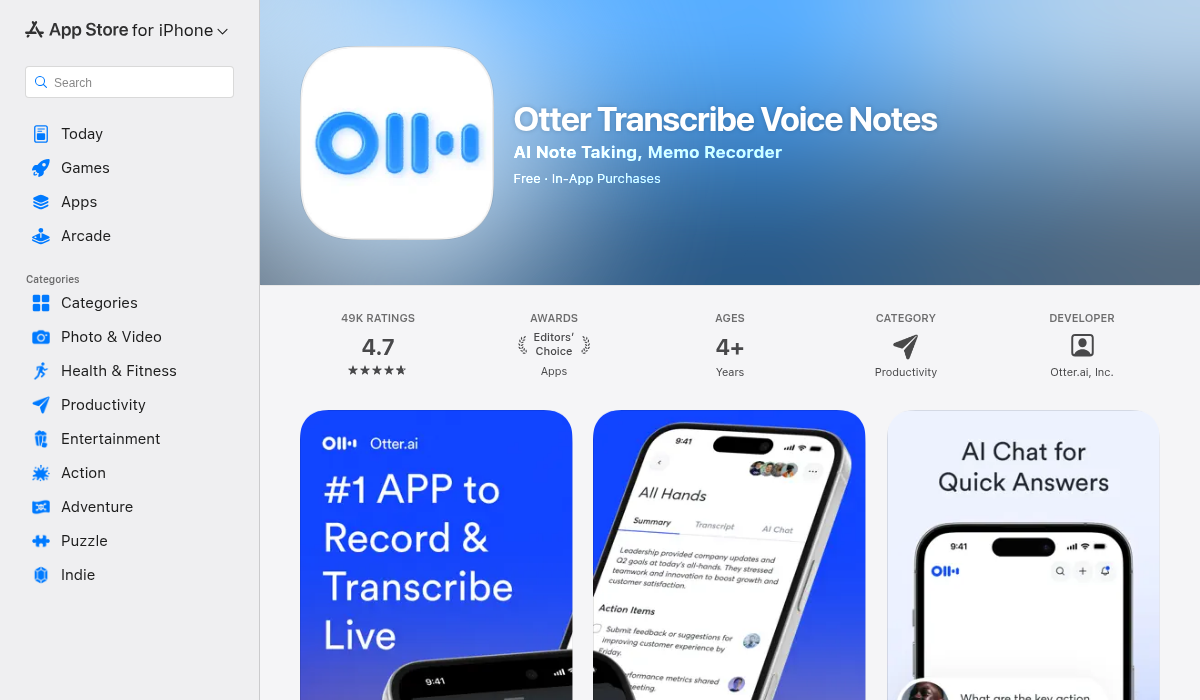
Otter remains one of the most recognizable names in speech-to-text. It’s still very strong for business meetings, interviews, and team workflows where you need transcript sharing and collaboration.
Where Otter does well:
- Reliable transcription for spoken conversation
- Good handling of multi-speaker content
- Fast meeting recap workflows for teams
Where Otter is weaker for students and solo learners:
- Less “study transformation” depth (flashcards/quiz generation not the core focus)
- Can feel meeting-centric if your use case is lectures + exam prep
- Some advanced workflows feel better on web than fully mobile-native
Best for: professionals, founders, managers, and people with heavy meeting volume.
2) Notability — Great for Hybrid Handwriting + Audio Notes
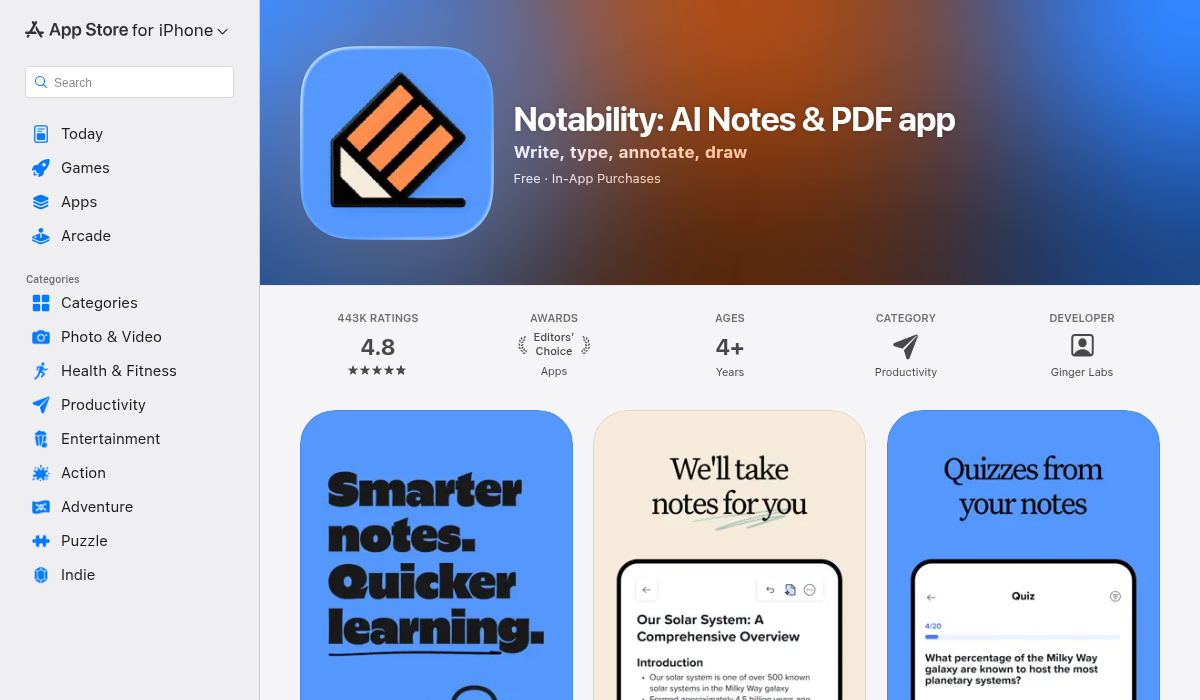
Notability is still one of the best options if your note system blends handwriting, typed notes, PDF annotation, and recorded audio. For iPad-heavy students, that hybrid model is still hard to beat.
Strengths:
- Excellent Apple Pencil and annotation flow
- Strong visual note organization for classes
- Great for “lecture slide + your own notes” workflows
Trade-offs for pure voice-to-text users:
- Not primarily designed as an AI-first voice transformation app
- Less emphasis on automatic quiz/flashcard generation from transcripts
- Can be overkill if you mostly want fast capture + AI processing
Best for: visual learners and iPad users who annotate everything.
3) MelonNote — Best All-in-One Voice-to-Study Workflow
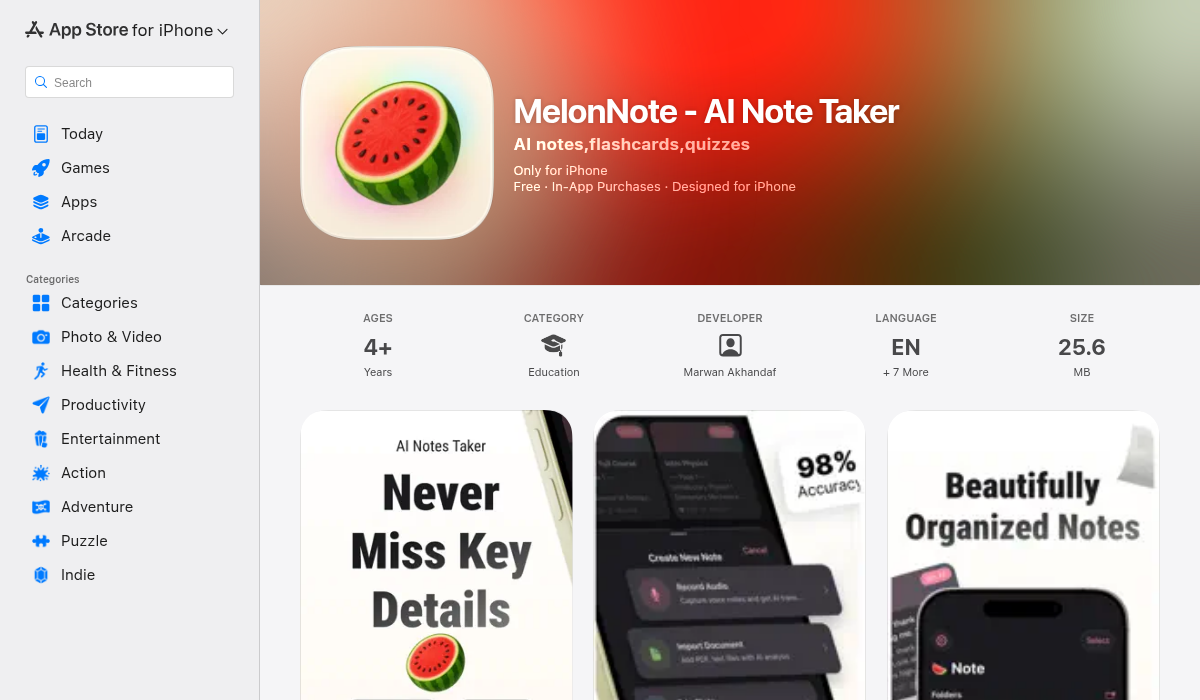
MelonNote is built for people who want more than a transcript. You can record audio, convert it to text, then immediately turn the result into summaries, flashcards, quizzes, and even an AI podcast-style review session.
This is the key difference: MelonNote doesn’t stop at “speech to text.” It keeps going until your material is study-ready.
- ✅ Record and transcribe lectures/meetings quickly
- ✅ Generate concise summaries from long notes
- ✅ Create flashcards and quizzes from your own content
- ✅ Ask an AI tutor questions specifically about your notes
- ✅ Convert notes into podcast-style explainers for review on the go
- ✅ Import PDFs and photos (whiteboards/handwritten pages) into the same system
Because everything sits in one app, there’s less “tool hopping.” For students especially, that reduces friction a lot. You record once, then reuse that same source for revision in multiple formats.
Best for: students, exam prep users, and self-learners who want voice capture plus AI learning outputs in one place.
How to Choose the Right Voice-to-Text App (Without Wasting a Week)
Don’t choose based on marketing copy. Choose based on your actual workflow shape:
If your day is mostly meetings:
Prioritize speaker labeling, collaboration, and action-item extraction. Team-oriented transcription tools usually win here.
If your day is mostly study and revision:
Prioritize downstream outputs: summaries, flashcards, quizzes, and AI Q&A over your own notes. This is where all-in-one study tools create the biggest time savings.
If you’re deeply iPad + handwriting based:
Prioritize annotation quality and notebook UX. You can still use separate AI tools later, but your core capture should fit your writing style.
Simple test: Record one 15-minute session and check how long it takes to get from raw audio to “ready to review.” The app that gets you there fastest (with acceptable accuracy) is your winner.
Accuracy, Privacy, and Practical Expectations
No speech system is perfect. Even top apps can struggle with heavy background noise, multiple overlapping speakers, and domain-specific vocabulary.
To improve results regardless of app:
- Record closer to your mouth than you think you need
- Avoid table vibration and fan/AC noise when possible
- Speak section headers out loud (“Next topic: mitochondria”)
- Do a 10-second pause before changing topics — it helps chunking
On privacy: always review each app’s policy if you’re recording sensitive meetings, client calls, or personal content. For many users, this is as important as accuracy.
Voice-to-Text SEO Trends We’re Seeing in 2026
Across app listings and user behavior, three trends are clear:
- “Transcription + transformation” is the new baseline. Users expect summaries and structured outputs, not raw text dumps.
- Study-mode AI is growing fast. Flashcards, quizzes, and explainers are becoming must-have features for education-focused users.
- Mobile-first workflows are winning. People want capture, processing, and review directly on phone — not later on desktop.
That’s why note apps that combine voice input, AI understanding, and quick review formats are outperforming old-school voice memo tools.
Pro Tips for Better Results From Any Voice Note App
- Use “voice anchors” every few minutes — Say key terms clearly (“Exam topic: renal physiology”) so the AI catches high-value concepts.
- Chunk long sessions — 15-25 minute recordings are usually easier to process than one 2-hour file.
- Review with active recall — Don’t just reread transcripts. Convert them to flashcards or quiz prompts immediately.
- Name notes with a retrieval pattern — Example: “BIO201 Week 4 — Enzymes — Lecture.” Future you will thank you.
- Pair transcript + summary + quiz — This trio gives the highest retention for most learners.
Quick FAQ: Voice-to-Text Note Apps
Which app is most accurate for voice-to-text notes?
Accuracy depends heavily on your recording conditions, accent, speaking speed, and subject matter. In clean environments, modern apps are usually strong enough for practical use. The bigger difference is what happens after transcription: can the app organize, summarize, and help you recall what matters? That post-transcription workflow is often more valuable than tiny accuracy differences.
Can I use these apps for university lectures?
Yes, but always follow your school’s recording policy first. For lecture-heavy workflows, look for apps that can convert transcripts into revision material automatically. If an app gives you summary + quiz + flashcard generation, your review cycle gets much faster before exams.
Do I still need manual notes if I record everything?
Usually yes — but less than before. A good hybrid method is to keep short manual “anchor notes” (keywords, formulas, questions), then let AI build the full structure from your recording. This gives better retention than relying on passive transcript reading alone.
What if I’m bilingual or switch languages while speaking?
Some tools handle language switching better than others. Test your real-world speech patterns with a short sample recording before committing. If your environment is multilingual, this one test can save you weeks of frustration.
How should beginners start?
Run a simple 3-day pilot: record one class/meeting per day, then measure how quickly you can turn each recording into useful outputs (summary, action list, flashcards, or a short review session). Keep the tool that gives you the fastest “capture-to-clarity” time with acceptable quality.
The Bottom Line
The best note-taking apps that convert voice to text in 2026 are the ones that remove post-processing work. If you only need transcription for meetings, Otter is still a strong pick. If you live in handwritten notes and annotation, Notability remains excellent.
But if your goal is learning speed — especially going from lecture audio to actual retention — an AI-first workflow like MelonNote stands out because it turns one recording into multiple study formats without extra tools.
In short: choose the app that transforms your voice into decisions, not just text.
If you want an all-in-one voice-to-text app that also builds summaries, flashcards, quizzes, and AI study sessions, MelonNote on the App Store is worth trying.
Sources consulted during research: App Store listings for MelonNote, Otter, and Notability; current speech-to-text app roundups (e.g., PCMag 2026 testing coverage) for category trend validation.