
Best Pomodoro Timer Apps for Studying 2026
Struggling to stay focused while studying? You're not alone. Students everywhere are battling endless notifications, social media temptations, and that overwhelming urge to check "just one more thing." The Pomodoro Technique has become the go-to solution — but with hundreds of timer apps available, which ones actually help you study better?
We've tested dozens of Pomodoro apps specifically for studying in 2026. Whether you're cramming for finals, working through a lecture recording, or trying to build consistent study habits, this guide covers the best options — from gamified timers that make focus fun to study apps that go way beyond just counting down minutes.
Why the Pomodoro Technique Works for Students
The science is clear: our brains weren't built for marathon study sessions. The Pomodoro Technique — 25 minutes of focused work followed by a 5-minute break — works because it aligns with how our attention actually functions. You're not fighting your brain; you're working with it.
"I used to try studying for 3-4 hours straight and wonder why nothing stuck. Since switching to Pomodoros, I actually remember what I study. Game changer."— Reddit user in r/GetStudying
But here's the thing: not all timer apps are created equal. Some are designed for work productivity (tracking billable hours, integrating with project management tools), while others are built specifically for learning. The best study timers understand that studying involves more than just timing — it's about retaining information, staying motivated, and building sustainable habits.
Best Pomodoro Timer Apps for Studying in 2026
1. Forest — Best for Beating Phone Addiction
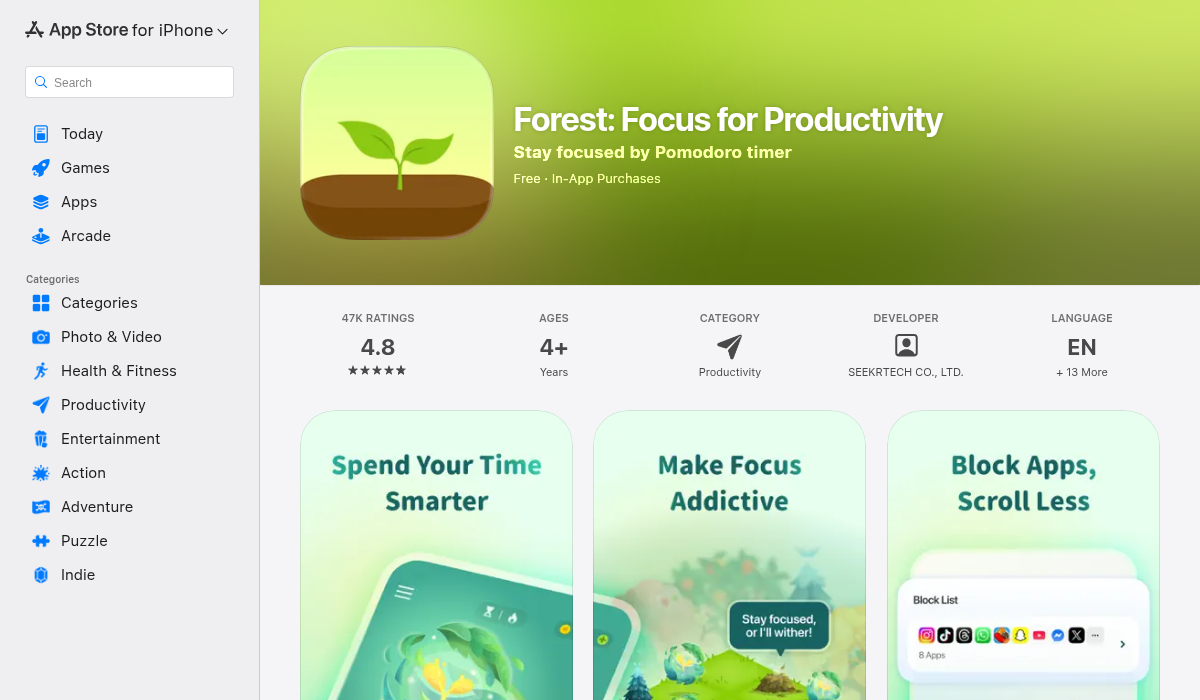
Forest turns your study sessions into a game — and it's surprisingly effective. When you start a timer, you plant a virtual tree. Stay focused and your tree grows. Pick up your phone to check Instagram? Your tree dies. Over time, you build an entire digital forest that represents your study progress.
What makes Forest special is the psychological hook: nobody wants to kill a tree. It sounds silly, but this simple gamification trick has helped millions of students put down their phones. Plus, Forest partners with Trees for the Future to plant real trees based on your focus time.
- ✅ Visual motivation that actually works
- ✅ Social features (compete with friends)
- ✅ Real environmental impact
- ❌ Limited customization options
- ❌ No detailed study analytics
Best for: Students who can't stop checking their phones
Price: Free on Android, paid on iOS (~$3.99)
2. Be Focused — Best for Apple Users
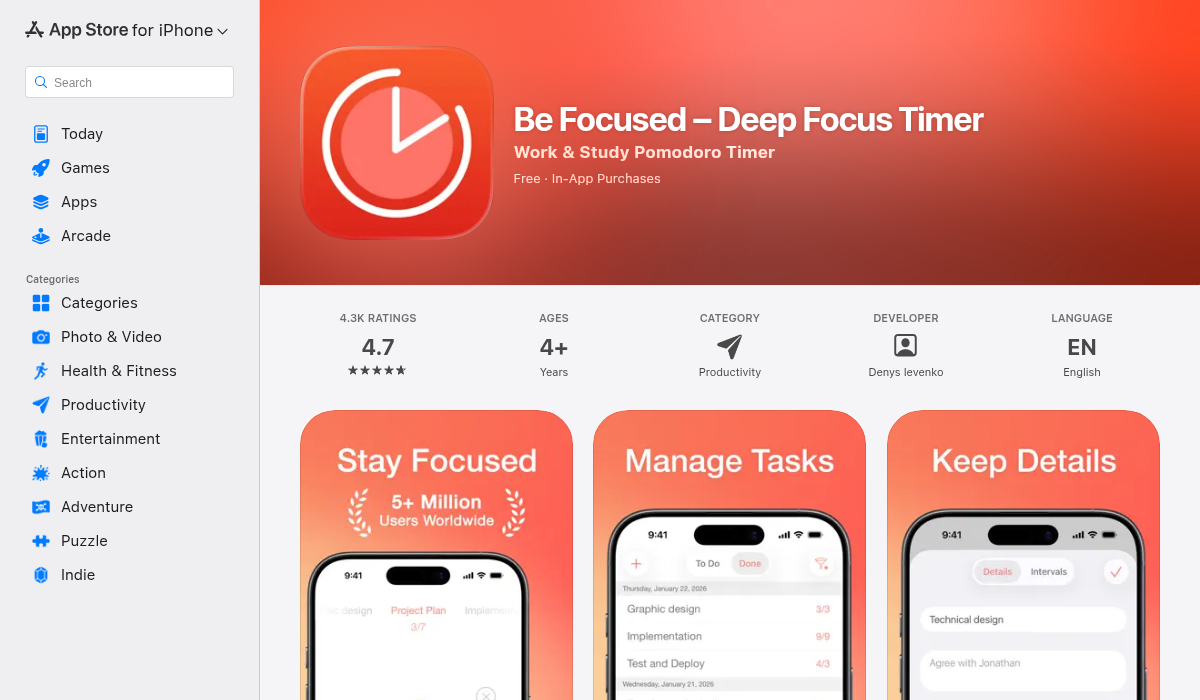
If you're deep in the Apple ecosystem, Be Focused feels right at home. It's a beautifully minimal Pomodoro timer that sits quietly in your Mac menu bar and syncs seamlessly to your iPhone via iCloud. No account creation, no complex setup — just open it and start studying.
The app tracks your completed Pomodoros and lets you attach them to specific tasks (like "Chapter 5 Reading" or "Practice Problems"). The Pro version adds charts and reporting, but honestly, the free version covers most students' needs.
- ✅ Native Mac/iOS design (feels seamless)
- ✅ iCloud sync between devices
- ✅ Simple task tracking
- ❌ Apple-only (no Android/Windows)
- ❌ Basic analytics unless you upgrade
Best for: Mac and iPhone users who want simplicity
Price: Free (Pro: $12.99 one-time)
3. Focus To-Do — Best All-in-One Solution
Focus To-Do combines a Pomodoro timer with a full task manager, which makes it perfect for students juggling multiple classes. You can create projects for each course, break them into tasks, and then attack them with timed Pomodoro sessions. The analytics show exactly where your study time goes.
The cross-platform sync is particularly useful — start a study session on your laptop, continue on your phone during a commute, and see all your progress unified in one place. The interface can feel a bit busy compared to minimal timers, but that's the trade-off for having everything in one app.
- ✅ Task management built in
- ✅ Works on every platform
- ✅ Detailed time tracking by subject
- ❌ Interface can feel cluttered
- ❌ Premium needed for full sync features
Best for: Students who want task management + timer combined
Price: Free (Premium: $1.99/month)
4. Pomofocus — Best Free Web Timer
Sometimes you just need a timer without any commitment. Pomofocus is a web-based Pomodoro timer that works instantly — no download, no account, no fuss. Open the website and click start. That's it.
It's surprisingly feature-rich for a free web app: customizable timer lengths, a basic task list, and even session tracking (stored in your browser). Students love it because there's zero friction between deciding to study and actually starting.
- ✅ No signup or download required
- ✅ Clean, distraction-free interface
- ✅ Customizable durations
- ❌ Data stored locally (clear your browser, lose your history)
- ❌ No mobile app
Best for: Quick study sessions when you don't want to install anything
Price: Free
Beyond Timers: Study Apps That Actually Help You Learn
Here's something most Pomodoro guides won't tell you: a timer alone doesn't make you learn better. It just helps you sit still. Real study productivity comes from what you do during those 25 minutes — and that's where dedicated study apps shine.
MelonNote — Best for Serious Students
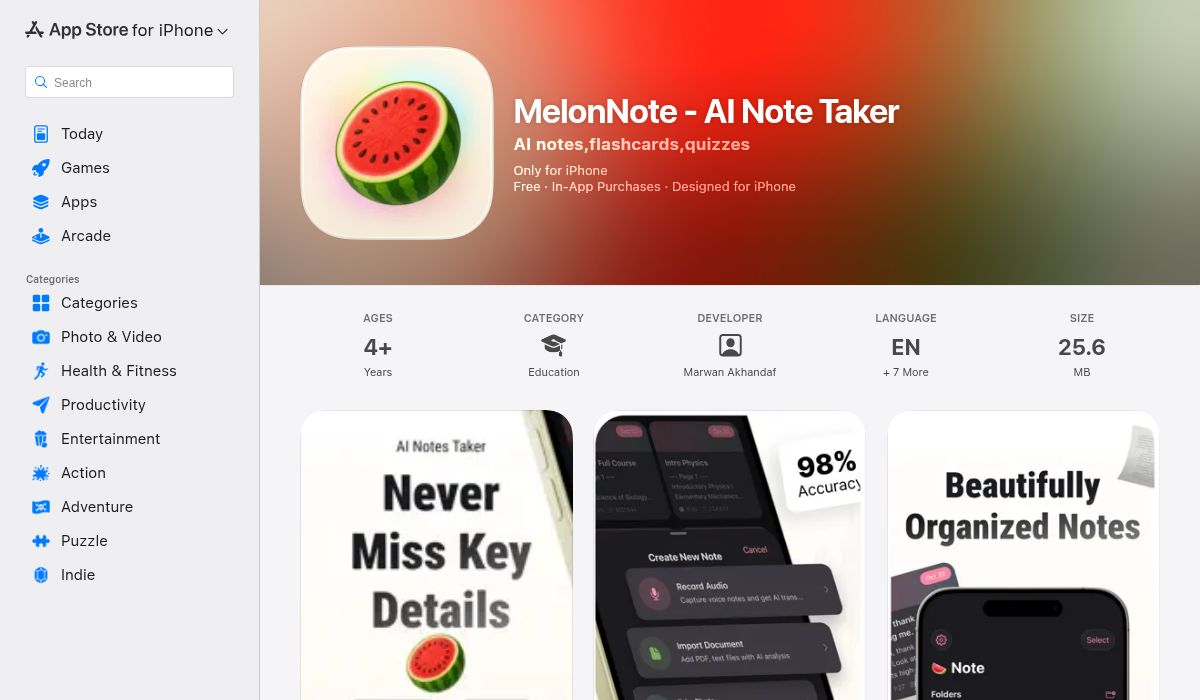
While Pomodoro timers help you focus, MelonNote actually helps you learn. It's an AI-powered study companion that transforms how you capture and retain information — and it pairs perfectly with any timer technique.
Record your lectures and MelonNote automatically transcribes them. Import a PDF and it extracts the key concepts. Take a photo of a whiteboard and AI analyzes it. Then — and this is the killer feature — it auto-generates flashcards, practice quizzes, and even study podcasts from your notes.
"I record my lectures, let MelonNote transcribe them, then study with the auto-generated flashcards during my Pomodoro breaks. My grades have never been better."— MelonNote user review
The AI tutor feature lets you have a conversation about your study material — like having a study buddy who actually read all the notes. And the podcast generator turns your notes into a two-person audio discussion, perfect for reviewing during walks or commutes.
- ✅ AI transcription for lectures
- ✅ Auto-generates flashcards and quizzes
- ✅ AI podcast from your notes
- ✅ Works on iOS and Android
- ✅ Most affordable in category ($3.99/mo)
- ❌ Requires subscription for full features
Best for: Students who want AI to supercharge their study sessions
Price: Free trial, then $3.99/month or $49.99/year
How to Build the Perfect Study Stack
The most effective approach combines a timer with tools that maximize your learning during those focused sessions. Here's our recommended stack:
- Pick your timer based on your biggest struggle — Phone addiction? Forest. Want simplicity? Be Focused or Pomofocus. Need task management? Focus To-Do.
- Pair it with a study tool that fits your learning style — If you learn from lectures, MelonNote's transcription is invaluable. If you're a flashcard person, its auto-generation saves hours.
- Use your 5-minute breaks wisely — Review a few flashcards, stretch, or preview the next section. Don't open social media (that's a rabbit hole).
- Track your progress — Most students underestimate how little they actually study. Seeing real numbers can be motivating (or a wake-up call).
Pro Tips for Pomodoro Studying
- Start with 25/5, but experiment — Some students focus better with 50/10 cycles. Find your rhythm.
- Plan your Pomodoros in advance — Decide before starting exactly what you'll study in each session. Wandering attention is the enemy.
- Batch similar tasks — Do all your reading in one block, all your practice problems in another. Context switching kills efficiency.
- Honor your breaks — Five minutes means five minutes. Skipping breaks leads to burnout and diminishing returns.
- Review at the end — Spend your last Pomodoro of a study session reviewing what you covered. Spaced repetition works.
The Bottom Line
The best Pomodoro timer is the one you'll actually use. Forest adds fun, Be Focused keeps it simple, Focus To-Do organizes everything, and Pomofocus removes all barriers. Any of these will help you study more consistently.
But if you want to actually learn more effectively — not just sit still for longer — consider pairing your timer with a tool like MelonNote that turns your study time into lasting knowledge. Your grades (and your future self) will thank you.