
Best Text-to-Speech Apps 2026
Want your phone to read articles, PDFs, and ebooks out loud while you drive, cook, or work out? Text-to-speech apps have come a long way — the best ones now sound almost indistinguishable from real human narrators.
Whether you're a busy professional who wants to consume content hands-free, a student with reading difficulties, or someone who simply prefers listening over reading, the right TTS app can transform how you interact with written content. But with dozens of options claiming to offer "natural AI voices," which ones actually deliver?
We tested the most popular text-to-speech apps in 2026 to find out which ones are worth your time — and your money.
Why Text-to-Speech Apps Matter More Than Ever
The demand for audio content has exploded. According to recent studies, over 60% of smartphone users now regularly consume audio content while multitasking. But here's the problem: not everything you want to read has an audiobook version.
That's where TTS apps come in. They can turn any text — articles, PDFs, research papers, emails, even entire books — into spoken audio. The challenge? Finding one that doesn't sound like a robot from the 1990s.
"I used to use Speechify to listen to PDFs and books, but it's quite expensive. So I started looking for alternatives that don't cost an arm and a leg."— Reddit user in r/audiobooks
What We Looked For
When evaluating TTS apps, we focused on five key criteria:
- Voice Quality — Does it sound natural or robotic?
- Format Support — Can it handle PDFs, web articles, ePubs, and plain text?
- Customization — Speed controls, voice options, and reading modes
- Ease of Use — How quickly can you start listening?
- Price — Is the premium worth it?
Best Text-to-Speech Apps Compared
1. Speechify — The Premium Option
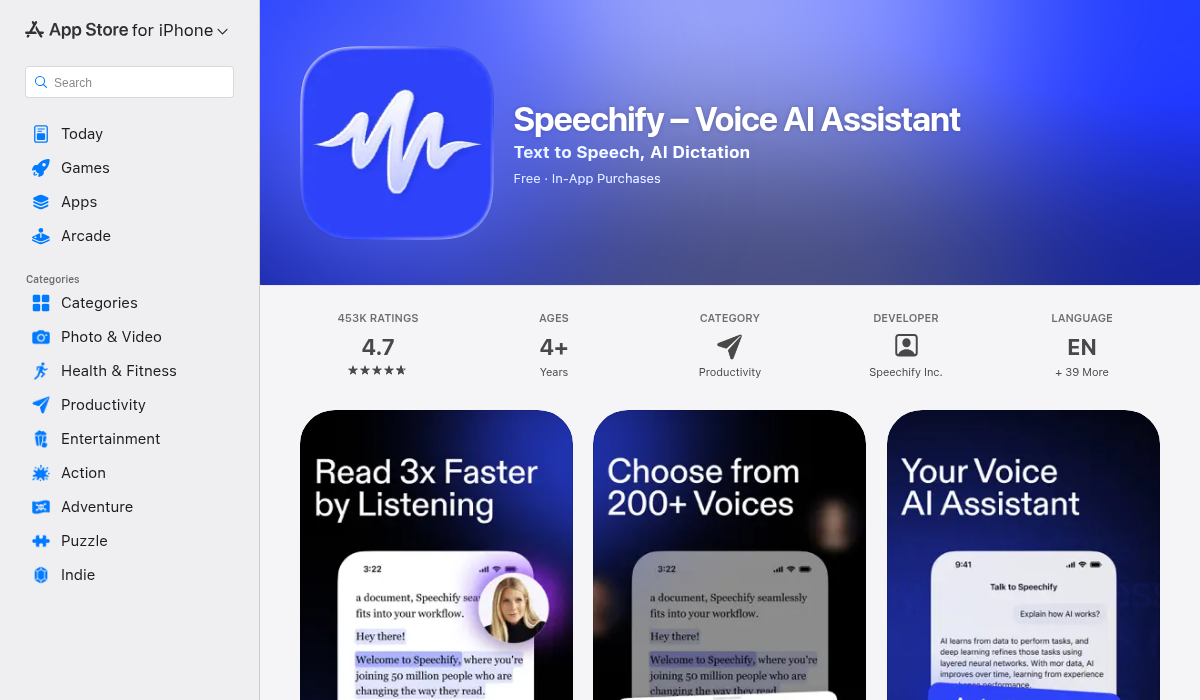
Speechify has been the dominant player in the TTS space for years, and for good reason. Their celebrity voice options (including Snoop Dogg and Gwyneth Paltrow) make headlines, and their AI voices are genuinely impressive.
The app excels at handling complex documents. Throw a poorly-formatted PDF at it, and it usually figures out the reading order correctly. The browser extension is also excellent for reading web articles.
- ✅ Premium AI voices that sound remarkably human
- ✅ Excellent PDF handling and OCR for scanned documents
- ✅ Celebrity voices for entertainment factor
- ❌ Expensive — $139/year for premium
- ❌ Free tier is very limited
- ❌ Requires constant internet connection for best voices
Best for: Power users who consume massive amounts of content and don't mind paying premium prices.
2. NaturalReader — The Balanced Choice
NaturalReader has been around since 2002, making it one of the veterans in this space. It offers a good balance between voice quality and price, with a more generous free tier than Speechify.
Where NaturalReader shines is cross-platform compatibility. Unlike some competitors that focus only on mobile, NaturalReader works seamlessly across Windows, Mac, iOS, Android, and web browsers.
- ✅ Cross-platform support (works everywhere)
- ✅ More affordable than Speechify
- ✅ Good selection of AI voices
- ❌ Interface feels dated compared to newer apps
- ❌ Some features locked behind higher tiers
Best for: Users who need TTS across multiple devices and want solid value.
3. Voice Dream Reader — The Accessibility Champion
Voice Dream Reader has been a favorite in the accessibility community for years. It offers deep customization options that other apps don't match — you can adjust everything from pronunciation rules to visual highlighting.
The app supports an impressive range of formats and integrates with cloud services like Dropbox, Google Drive, and iCloud. However, the learning curve is steeper than simpler alternatives.
- ✅ Unmatched customization options
- ✅ Excellent for users with dyslexia or visual impairments
- ✅ One-time purchase option available
- ❌ Steeper learning curve
- ❌ Voice quality not as good as AI-first competitors
Best for: Users with accessibility needs who want granular control.
4. Read Aloud – Speech — The Clean Alternative
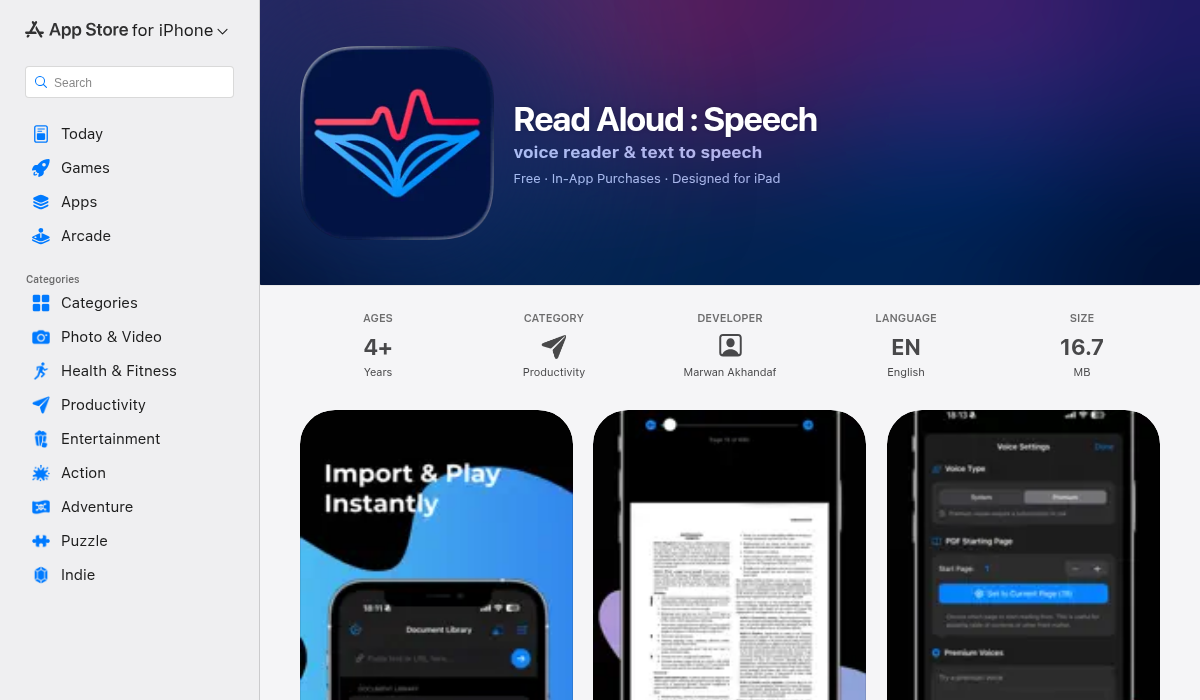
Read Aloud takes a refreshingly simple approach to text-to-speech. Instead of overwhelming you with features, it focuses on doing one thing really well: turning text into spoken audio with minimal friction.
The app supports importing plain text, web articles, and PDFs. You get access to both system voices (free, always available offline) and premium realistic AI voices. The speed and font controls are intuitive, and the highlighted text feature helps you follow along while listening.
What stands out is the distraction-free interface. No cluttered menus, no aggressive upsells — just clean design that gets out of your way. Multiple themes let you customize the reading experience, and the adjustable playback speed means you can listen at whatever pace works for you.
- ✅ Clean, distraction-free interface
- ✅ Both system and premium AI voices
- ✅ Highlighted text while reading
- ✅ Multiple themes and customization
- ✅ Affordable pricing
- ❌ iOS only (no Android or desktop)
Best for: iPhone users who want a simple, clean TTS experience without the bloat.
Pro Tips for Better Text-to-Speech
- Adjust speed gradually — Start at 1.0x and slowly increase. Most people can comfortably listen at 1.5x-2.0x with practice, dramatically increasing content consumption.
- Use offline voices strategically — Premium cloud voices drain battery and need internet. Switch to offline voices for long listening sessions or when traveling.
- Clean up PDFs first — If a PDF has weird formatting, copy the text to a notes app first. You'll get better results.
- Create listening routines — Pair TTS with specific activities (commuting, exercising) to build a habit.
The Bottom Line
If budget isn't a concern and you need the absolute best voices with celebrity options, Speechify remains the gold standard — but you'll pay for it.
For users who want solid cross-platform support and good value, NaturalReader is a reliable choice that won't break the bank.
If you have specific accessibility needs and want maximum control, Voice Dream Reader offers customization that no one else matches.
And if you're an iPhone user looking for a clean, simple TTS experience without subscription fatigue, Read Aloud delivers exactly what it promises — distraction-free listening with quality voices at an affordable price.
The best TTS app is ultimately the one you'll actually use. Try a few from this list and see which fits your workflow best.