
Best Voice Recorder Apps for Students 2026
Recording lectures was supposed to be simple—hit record, capture everything, review later. But if you've tried this in 2026, you know the reality: hour-long audio files that take forever to scrub through, missed moments because the mic didn't pick up the professor's voice, and the tedious task of manually transcribing what you need.
Students today need more than just a basic voice recorder. We need apps that transcribe, summarize, and help us actually learn from our recordings—not just store them. After testing dozens of options across iOS and Android, here are the voice recorder apps that actually deliver for students in 2026.
Why Traditional Voice Recording Falls Short
The built-in Voice Memos app on your phone technically works, but that's about all it does. When you're sitting in the back of a 200-seat lecture hall, your phone's microphone picks up every cough, paper shuffle, and whispered conversation around you—often louder than the actual lecture.
"I was told about using Microsoft's OneNote, which lets you record while you're taking notes. What's different is you can later go back to a specific point in your notes and press a play button next to each bullet point and start playing the recording from that exact moment."— Reddit user in r/college
This sync-your-notes-to-audio approach changed how students think about lecture recording. It's not about capturing everything—it's about being able to find what you need later.
What to Look for in a Student Voice Recorder
After months of testing, we identified the features that actually matter for students:
- Automatic transcription — Turn hours of audio into searchable text
- AI summaries — Get the key points without re-listening
- Study tools — Flashcards, quizzes, or note organization
- Long recording support — Two-hour lectures shouldn't crash the app
- Background recording — Take notes in other apps while recording
Best Voice Recorder Apps for Students in 2026
1. Otter.ai — Best for Live Transcription
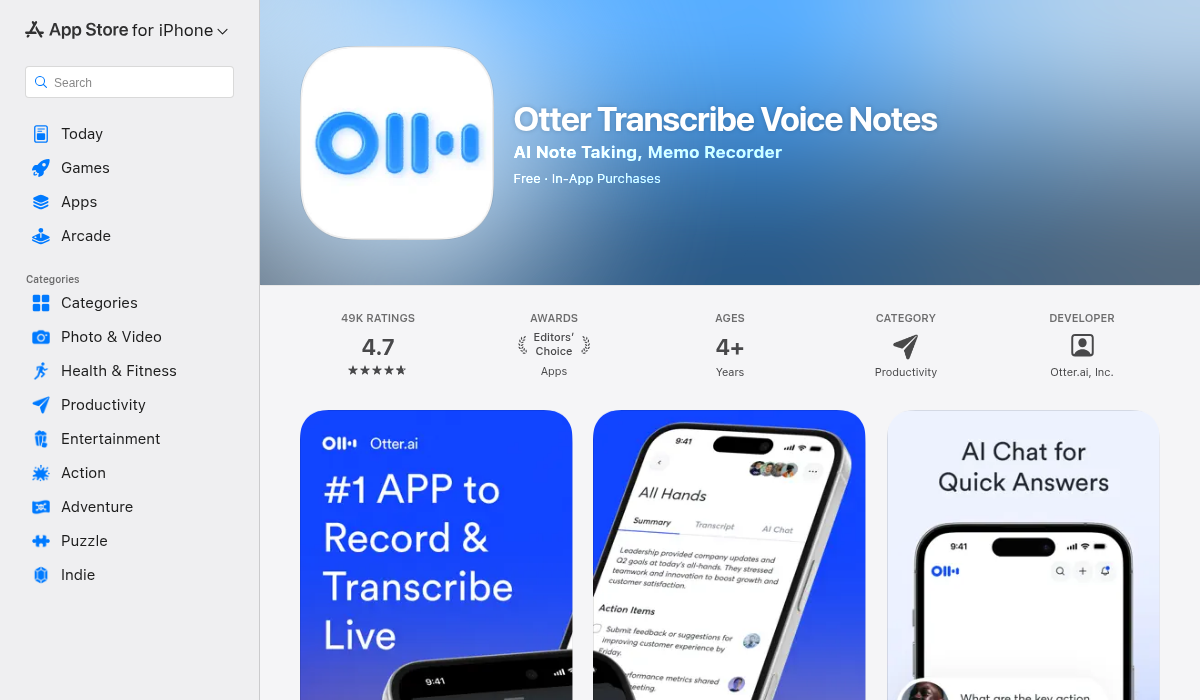
Otter has been the go-to choice for students who prioritize transcription accuracy. The live transcription feature means you're not waiting until after class to get your text—it appears in real-time as the lecture happens.
- ✅ Industry-leading transcription accuracy
- ✅ Speaker identification for group discussions
- ✅ Integration with Zoom for online classes
- ❌ Free tier limits are strict (300 minutes/month)
- ❌ Can be buggy on longer recordings
"Otter works but can be buggy on longer lectures. Vomo AI's been more reliable for full-length classes."— Reddit user in r/accessibility
2. Rev Voice Recorder — Best for Simplicity
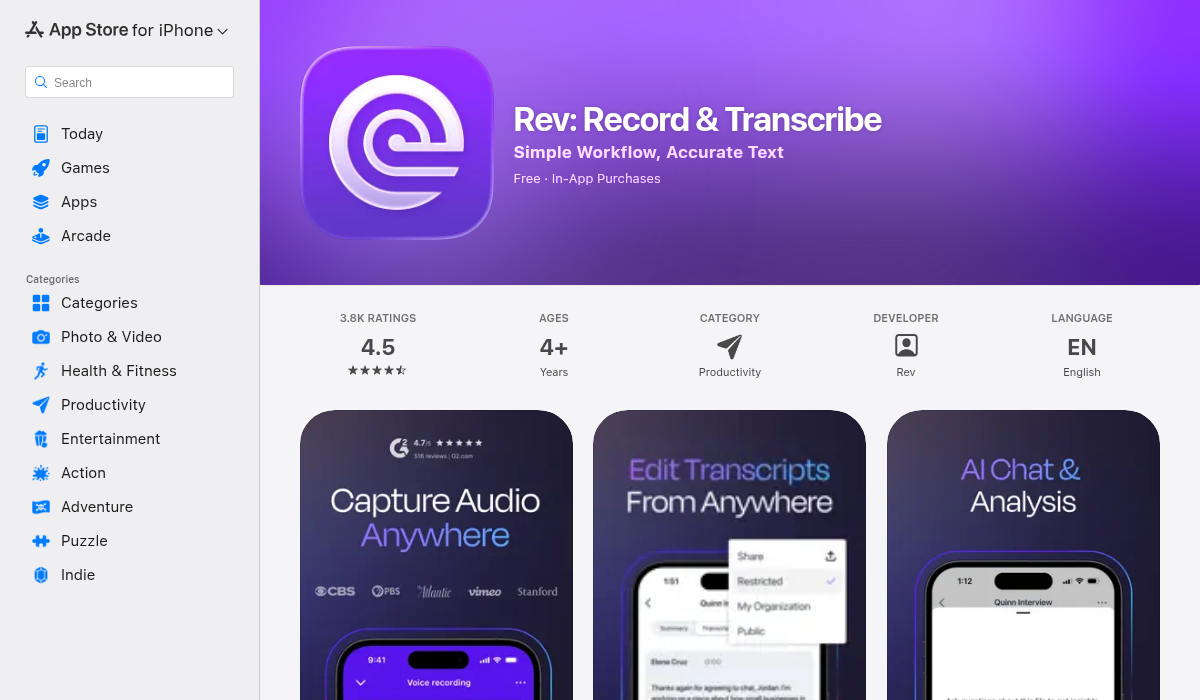
If you want something that just works without a subscription or complicated features, Rev Voice Recorder is the answer. It's free, handles long recordings well, and offers professional human transcription as an add-on service.
- ✅ Completely free to use
- ✅ Clean, minimal interface
- ✅ Option for human transcription (paid)
- ❌ No AI features built-in
- ❌ Manual organization required
3. MelonNote — Best All-in-One Study Companion
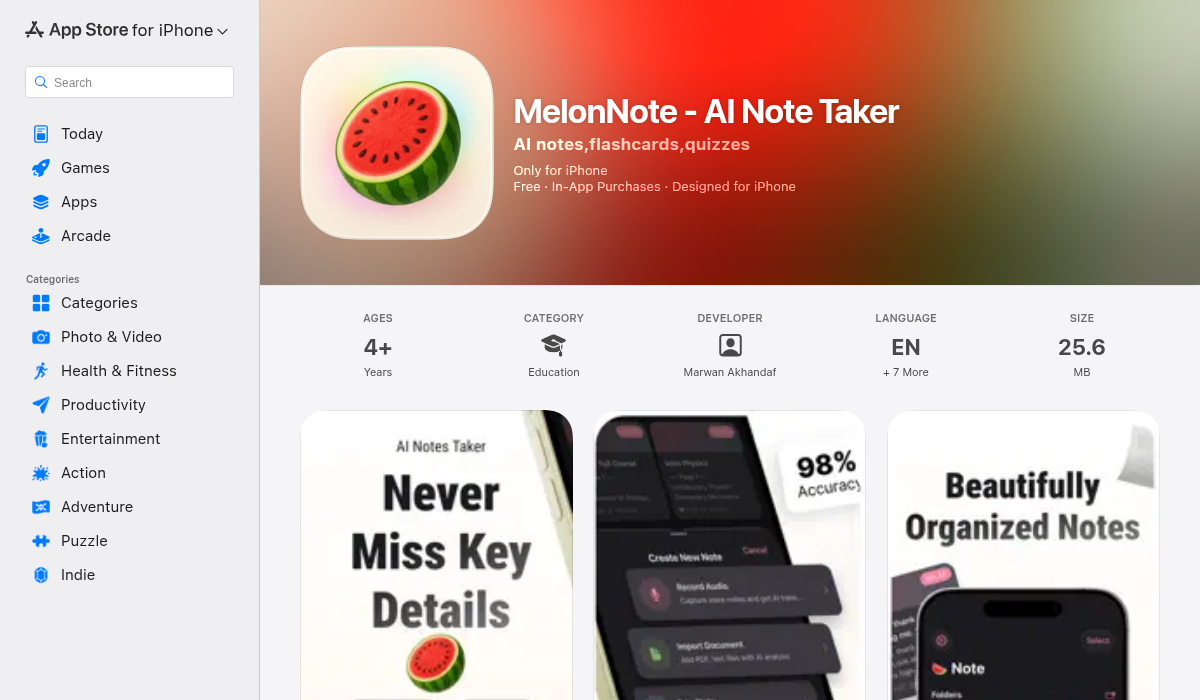
MelonNote takes a different approach than pure recording apps. Instead of just transcribing your lectures, it transforms them into actual study materials. Record a lecture, and the AI generates organized notes, flashcards for key terms, and even quiz questions to test your understanding.
- ✅ AI-generated notes from any audio
- ✅ Automatic flashcard creation
- ✅ Built-in quiz generation
- ✅ Podcast-style audio summaries
- ✅ Works on iOS and Android
What makes MelonNote stand out is the learning loop. It's not enough to record and transcribe—you need to actually review and retain the information. The flashcard and quiz features turn passive listening into active learning, which research consistently shows improves retention.
4. Notability — Best for Apple Users
If you're already in the Apple ecosystem and use an iPad for notes, Notability offers audio recording synced directly to your handwritten or typed notes. Tap any part of your notes to hear what was being said at that moment.
- ✅ Perfect sync between notes and audio
- ✅ Beautiful iPad experience
- ❌ Apple-only
- ❌ Subscription model for new users
5. Microsoft OneNote — Best Free Option with Note Sync
Free through most university accounts, OneNote's audio recording feature links recordings to your typed notes. It's not as polished as dedicated apps, but the price (free) and cross-platform support make it worth considering.
- ✅ Usually free through school
- ✅ Works on any device
- ✅ Note-synced recordings
- ❌ Clunky mobile experience
- ❌ No AI summarization
Pro Tips for Recording Lectures
- Sit closer to the front — Your phone microphone has limits. The closer you are, the cleaner the audio.
- Use airplane mode — Notifications can interrupt recordings and add unwanted sounds.
- Test before class — Run a quick 30-second test in the classroom to check audio quality before the actual lecture.
- Combine with active notes — Recording isn't a replacement for engagement. Take brief notes while recording, then expand them using the transcript later.
- Review within 24 hours — The forgetting curve is real. Review your recordings and notes the same day for maximum retention.
The Bottom Line
The best voice recorder app depends on what you do after you hit stop. If you just need raw recordings, Rev Voice Recorder is free and reliable. If transcription is your priority, Otter.ai leads in accuracy. But if you want an app that turns your recordings into actual study materials—notes, flashcards, quizzes—MelonNote bridges the gap between recording and learning.
The goal isn't to record everything. It's to remember what matters.