
Best Voice-to-Flashcard Apps for Language Learning 2026
You just finished a 45-minute language podcast, and you know there were at least a dozen phrases you need to remember — but they're already fading.
This is the frustration every language learner knows too well. You hear something valuable, you want to remember it, but the gap between hearing and memorizing is where progress goes to die. Traditional flashcard apps expect you to manually type everything. By the time you've created the cards, you've lost the momentum — and probably forgotten half the phrases anyway.
In 2026, a new category of apps is changing this. Voice-to-flashcard apps let you record what you hear (or speak yourself), automatically transcribe it, and generate study materials without the tedious manual work. For busy language learners who study during commutes, walks, or workout sessions, this is a game-changer.
Why Voice-Based Learning Works
There's a reason language immersion is so effective — you're constantly hearing the language. But traditional study methods often neglect this. You stare at written words, maybe with audio pronunciations attached, but the connection between listening and remembering remains weak.
Voice-to-flashcard apps bridge this gap by:
- Letting you capture phrases in context (during conversations, while watching shows, listening to podcasts)
- Creating audio-visual flashcards that reinforce pronunciation
- Reducing the friction between hearing something and studying it
- Making study sessions possible when your hands are busy
"I'm an audio learner and didn't find something that let me study while commuting or cleaning. This is a category I missed for years."— Reddit user in r/memorization
The Problem With Traditional Flashcard Apps
Let's be honest about why most people abandon their flashcard decks. Apps like Anki are powerful — incredibly so — but they come with a significant time investment just to create cards. You need to:
- Type out the target language word or phrase
- Type the translation
- Find and add audio files (if you want pronunciation)
- Format everything correctly
- Repeat hundreds of times
For many learners, this creation phase takes longer than actual studying. And if you're learning from audio content — conversations with native speakers, podcasts, movies — there's no efficient way to capture those moments.
Best Voice-to-Flashcard Apps Compared (2026)
We tested the leading options for converting voice to flashcards. Here's what actually works.
1. Anki — The Veteran (With Workarounds)
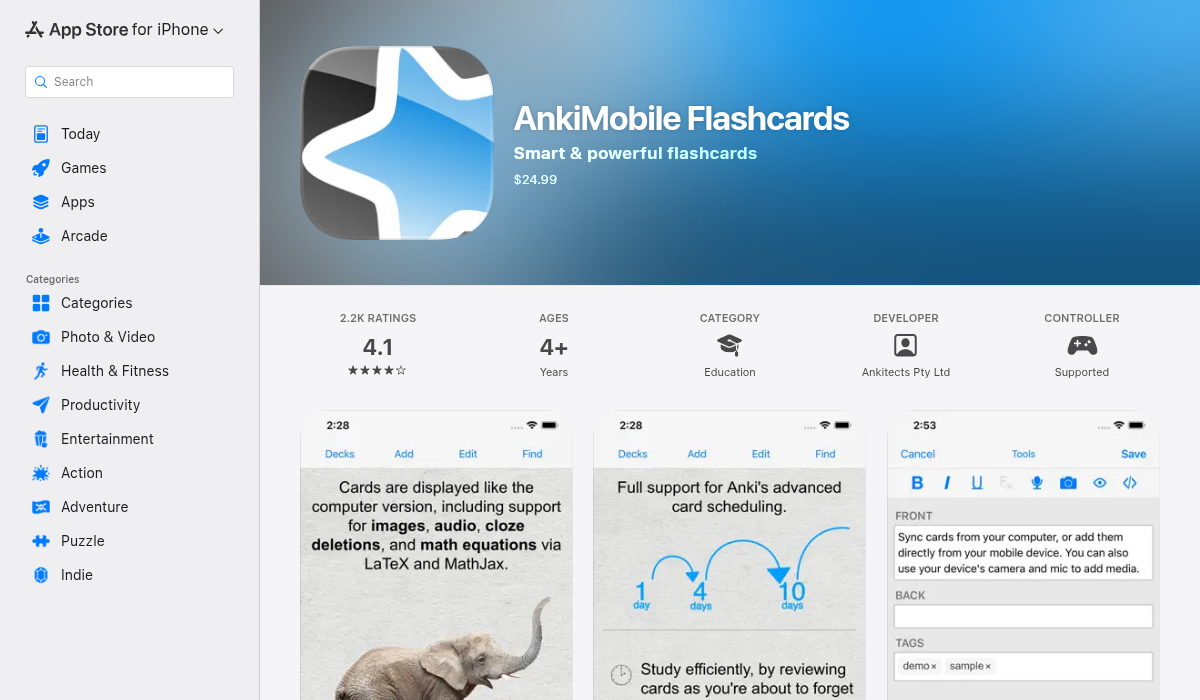
Anki remains the gold standard for spaced repetition. It's been around since 2006, and its algorithm (FSRS in recent versions) is among the most effective for long-term retention. The community has created thousands of pre-made decks for every language imaginable.
However, Anki has no native voice-to-flashcard functionality. You need to:
- Record audio separately
- Use third-party tools to transcribe
- Manually import and format
- Learn Anki's templating system (there's a learning curve)
Pros:
- ✅ Best-in-class spaced repetition algorithm
- ✅ Huge library of community decks
- ✅ Free on desktop (iOS app costs $24.99 one-time)
- ✅ Infinitely customizable
Cons:
- ❌ No voice recording or transcription
- ❌ Steep learning curve
- ❌ Manual card creation is time-consuming
- ❌ Interface feels dated
2. Quizlet — Popular But Limited
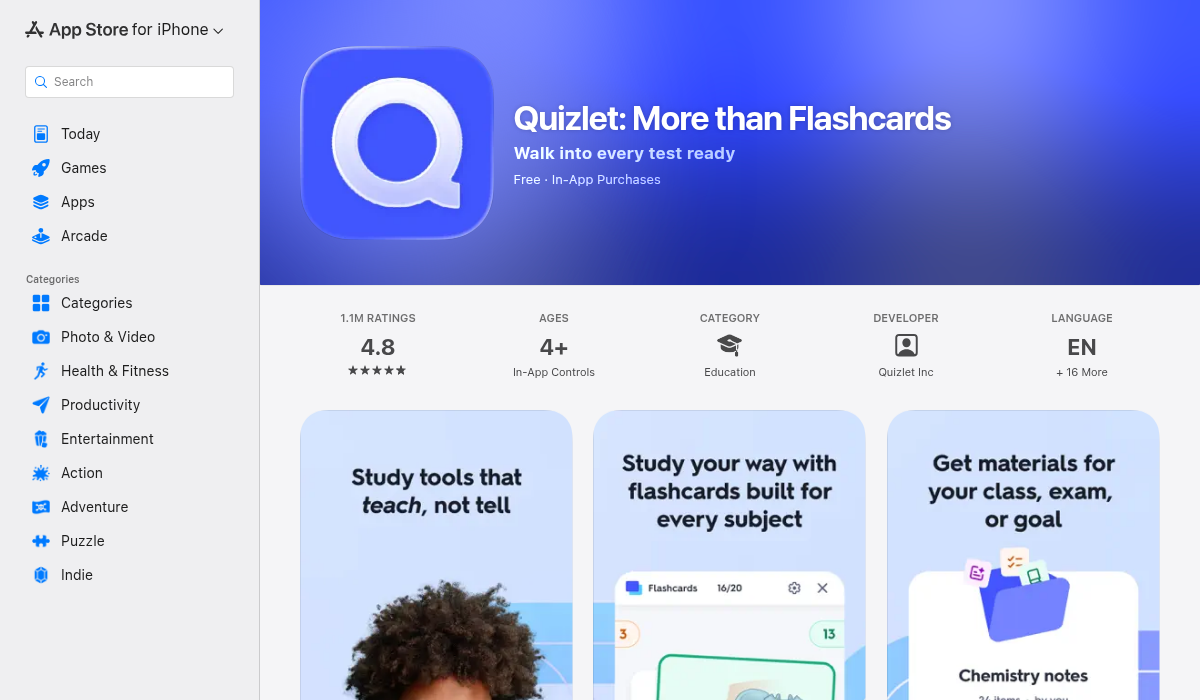
Quizlet is what most students used in high school, and it remains popular for language learning. It's more polished than Anki, with a cleaner interface and easier card creation. The "Learn" mode adapts to your performance, and there's text-to-speech for pronunciations.
Voice capture? Still missing. You can listen to cards being read aloud, but creating flashcards from your own voice recordings isn't supported. You're still typing everything manually or copying from text sources.
Pros:
- ✅ Clean, modern interface
- ✅ Massive library of user-created sets
- ✅ Built-in text-to-speech
- ✅ Multiple study modes (learn, test, match)
Cons:
- ❌ No voice recording features
- ❌ AI features locked behind $35.99/year subscription
- ❌ Ads on free tier
- ❌ Less powerful spaced repetition than Anki
3. MelonNote — AI Voice-to-Everything
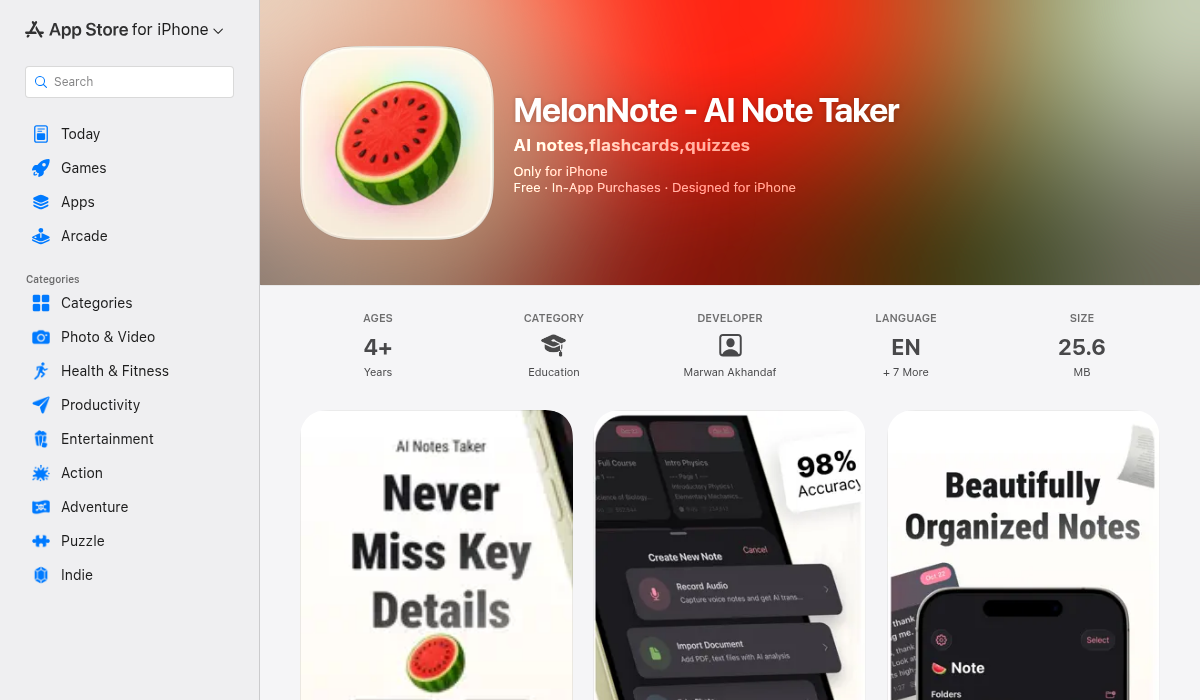
MelonNote approaches the problem differently. Instead of being a flashcard app that added voice features, it's an AI-powered note-taking app that generates flashcards (and much more) from any input — including voice.
Here's the workflow for language learners:
- Record — Capture your language lesson, conversation practice, or podcast notes
- Transcribe — AI (OpenAI Whisper) automatically converts speech to text
- Generate — One tap creates flashcards from the transcription
- Study — Review with built-in spaced repetition
But here's where it gets interesting for language learning: MelonNote also generates practice quizzes, an AI tutor you can chat with about your notes, and — this is unique — AI-generated podcasts from your study material.
Imagine recording your Spanish lesson, then having the app create a 10-minute podcast-style review with two AI hosts discussing the key vocabulary and grammar points. You can listen to it during your commute, reinforcing the material in audio format.
Pros:
- ✅ True voice-to-flashcard pipeline
- ✅ AI transcription in 8 languages
- ✅ Auto-generates quizzes, podcasts, and summaries too
- ✅ AI tutor for asking questions about your material
- ✅ Cross-platform (iOS + Android)
- ✅ Affordable: $3.99/month (vs $10-20/mo for competitors)
Cons:
- ❌ Not as many pre-made decks as Anki/Quizlet
- ❌ Requires recording your own content
- ❌ Free tier limited to 2 notes
Which App Should You Choose?
The best choice depends on your learning style:
Choose Anki if: You want maximum control over your study materials, you're willing to invest time learning the system, and you mainly study from written sources (textbooks, vocabulary lists). The community decks are unmatched.
Choose Quizlet if: You want something simple that works, you're a student who needs to study from existing content, and you don't mind ads (or paying for premium).
Choose MelonNote if: You learn from audio content — language exchanges, podcasts, lectures, conversations — and you want to turn those into study materials automatically. The voice-to-flashcard pipeline eliminates the manual creation bottleneck that makes other apps tedious.
Pro Tips for Voice-Based Language Learning
- Record context, not isolation — Instead of recording single words, capture phrases and sentences. Context helps memory.
- Shadow while recording — If you're recording a conversation, repeat key phrases yourself. The act of speaking reinforces learning.
- Use dead time — Commutes, walks, gym sessions. Audio learning fits where visual studying can't.
- Review with variety — Don't just read flashcards. Listen to them, quiz yourself, discuss with an AI tutor. Multiple formats strengthen memory.
- Create consistently — Daily 5-minute recording sessions beat weekly hour-long cramming. The voice capture makes this sustainable.
The Future of Language Learning Apps
The trend is clear: AI is removing friction from the learning process. Manual card creation was a necessary evil for years, but apps like MelonNote are showing that the capture → transcribe → generate pipeline can be seamless.
For language learners, this means spending less time preparing to study and more time actually studying. And when that study can happen through your ears during moments that were previously wasted, the hours available for learning multiply.
The Bottom Line
Traditional flashcard apps still work — but they require you to do the heavy lifting. If you're disciplined enough to manually create hundreds of cards, Anki's algorithm will serve you well for years.
But if you're like most learners — busy, easily frustrated by tedious data entry, and surrounded by audio content you wish you could capture — the new generation of voice-to-flashcard apps deserves your attention.
If you're learning from spoken content and want to eliminate the manual work, MelonNote is worth trying. The voice recording → AI transcription → auto-generated flashcards workflow solves the core problem that makes most people abandon their language study apps.