
How to Create Flashcards from Your Notes Automatically
Making flashcards by hand is slowly killing your study time. You spend hours copying definitions, typing out questions, and formatting cards — time that should be spent actually learning. But in 2026, AI can do this tedious work in seconds.
Whether you're a medical student drowning in anatomy terms, a law student memorizing case precedents, or just trying to pass your history final, the ability to automatically generate flashcards from your existing notes is a game-changer. The question is: which app actually does it well?
The Manual Flashcard Problem
Here's the typical flashcard workflow: You attend a lecture, take notes, then later that evening you open Anki or Quizlet and manually create flashcards. For a 50-minute lecture, you might spend another 30-45 minutes just making cards. Multiply that across a full course load, and you're spending more time making study tools than actually studying.
"I'm developing StudyCardsAI — you can upload a PDF, wait for flashcards, import directly into Anki."— Reddit user in r/Anki discussing the need for automated solutions
The frustration is real. Students on Reddit constantly ask for tools that can "convert notes into 200-500 flashcards" without the manual grind. The good news? Several apps now offer exactly that.
How AI Flashcard Generation Works
Modern AI flashcard generators use natural language processing to scan your notes, identify key concepts, terms, and relationships, then automatically create question-answer pairs. The best tools can:
- Extract definitions and create term → definition cards
- Identify cause-effect relationships
- Generate fill-in-the-blank questions
- Create conceptual questions that test understanding, not just recall
- Process PDFs, lecture transcripts, and handwritten notes
The key difference between apps is how intelligently they generate cards and how smoothly they integrate into your study workflow.
Best Apps for Auto-Generating Flashcards in 2026
1. Quizlet
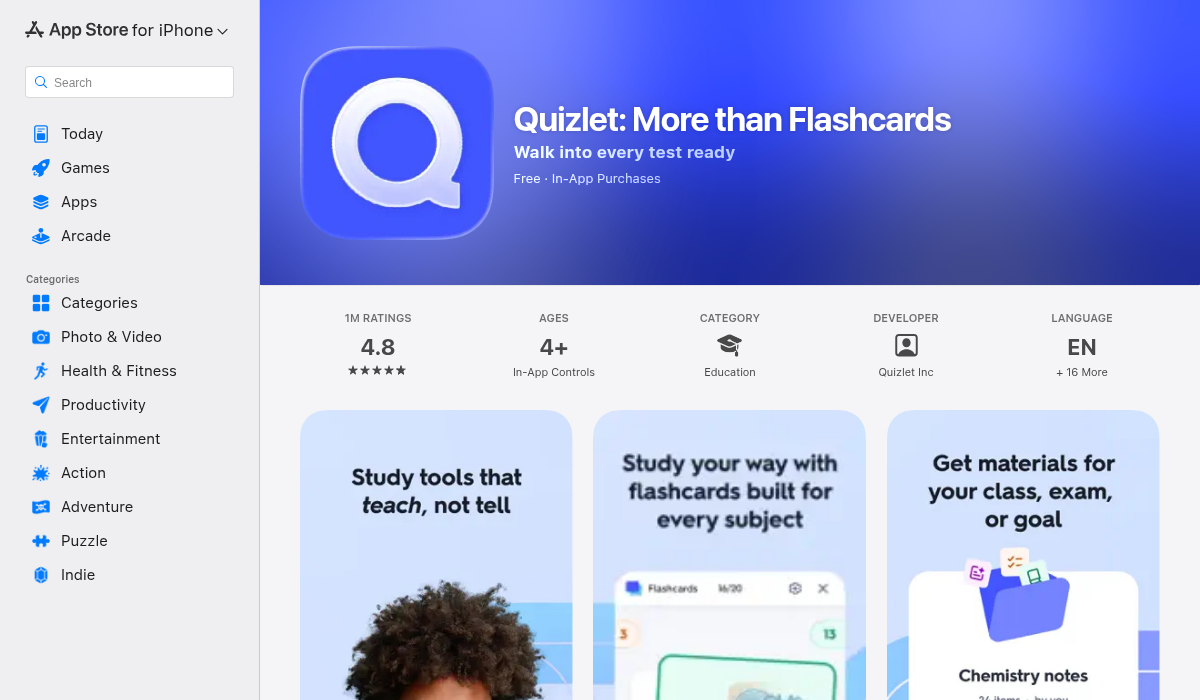
Quizlet has been the flashcard king for years, and they've added AI features to stay competitive. Their "Magic Notes" feature lets you paste text and generates flashcards automatically.
- ✅ Huge community library of existing decks
- ✅ Spaced repetition for efficient memorization
- ✅ Cross-platform (iOS, Android, web)
- ❌ AI generation is basic — often needs manual refinement
- ❌ Premium features locked behind $7.99/month subscription
- ❌ Doesn't record lectures or import PDFs with analysis
Quizlet is solid if you already have clean, organized notes. But it's essentially a flashcard-only tool — you'll need other apps for recording lectures, transcribing, and organizing your study material.
2. Anki
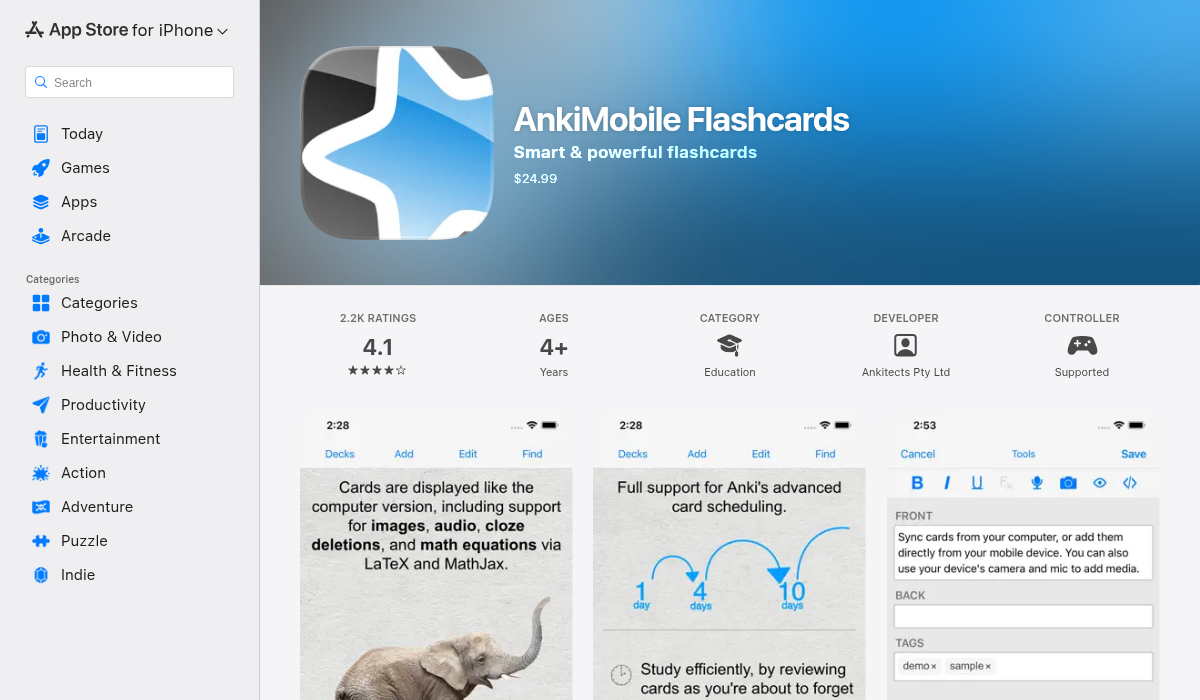
Anki is the power user's choice — incredibly customizable spaced repetition with a passionate community. Medical students swear by it. But there's a catch.
- ✅ Best-in-class spaced repetition algorithm
- ✅ Completely free on desktop and Android
- ✅ Massive add-on ecosystem
- ❌ No built-in AI flashcard generation
- ❌ Steep learning curve — the UI is from 2010
- ❌ iOS app costs $24.99 (one-time)
- ❌ Creating cards is entirely manual without third-party tools
"I personally use FlashMind to convert my Obsidian notes into flashcards so I can rehearse the insights I develop."— Reddit user describing their workaround for Anki
Anki users often rely on external AI tools to generate cards, then import them. It works, but it's a fragmented workflow.
3. MelonNote
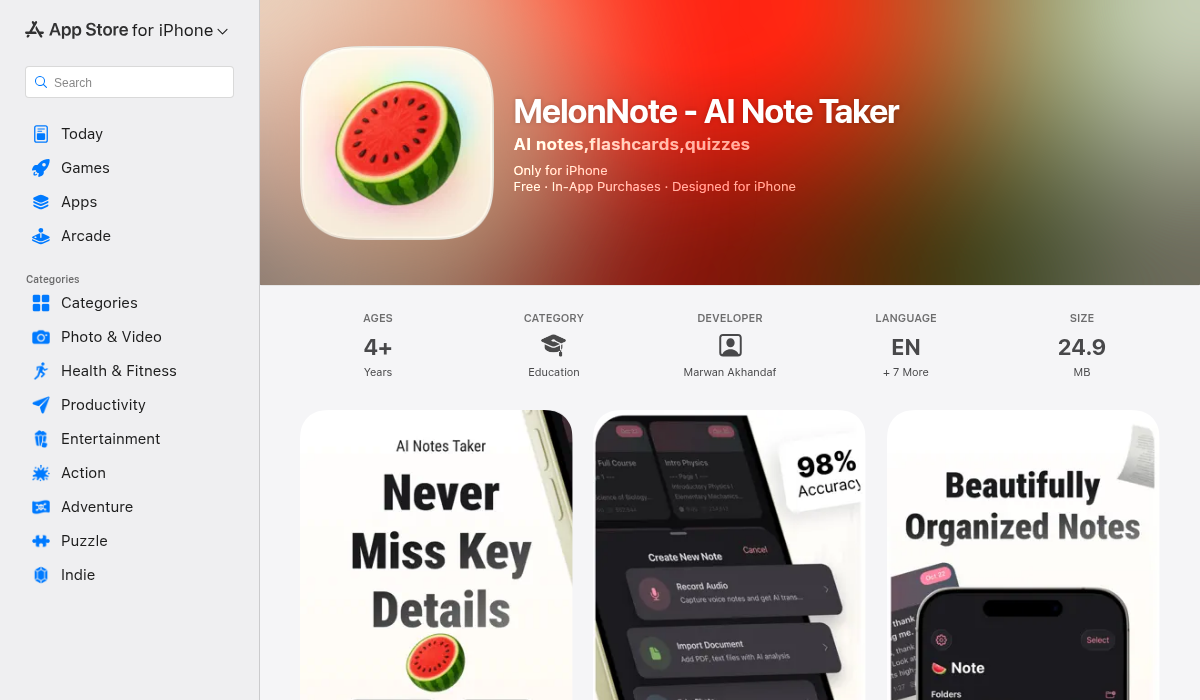
MelonNote takes a different approach: it's a complete study system where flashcard generation is one piece of the puzzle. Record a lecture, and MelonNote transcribes it, summarizes the key points, and generates flashcards — all automatically.
- ✅ AI flashcard generation from notes, transcripts, or PDFs
- ✅ Record lectures with automatic transcription
- ✅ Import PDFs and photos of handwritten notes
- ✅ Also generates quizzes from the same material
- ✅ AI tutor to ask questions about your notes
- ✅ Affordable at $3.99/month
- ✅ Available on both iOS and Android
- ❌ No web version (mobile only)
- ❌ Smaller deck library compared to Quizlet
The standout feature is the workflow integration. You don't need to export notes to another app, paste text, wait for processing, then import cards back. You record → transcribe → generate flashcards → study, all in one app.
The Complete Workflow: From Lecture to Flashcards
Here's how to set up an automated flashcard workflow using MelonNote:
- Record your lecture — Open MelonNote and hit record. The app captures audio while you listen.
- AI transcription — After class, MelonNote transcribes the entire lecture using AI (powered by OpenAI Whisper).
- Generate summary — Tap to create an AI summary that highlights the most important concepts.
- Auto-generate flashcards — One tap creates a flashcard deck from your notes or transcript.
- Study — Review your flashcards with spaced repetition.
- Test yourself — Generate a practice quiz to check your understanding.
The entire process — from raw lecture audio to study-ready flashcards — takes about 2 minutes of active work. The AI handles the heavy lifting.
Pro Tips for Better AI-Generated Flashcards
- Clean input = better output — If your notes are messy, the AI will struggle. Structure your notes with clear headings and bullet points.
- Review and edit — AI-generated cards aren't perfect. Spend 5 minutes reviewing each deck to catch errors or awkward phrasing.
- Combine sources — In MelonNote, you can select multiple notes and generate combined flashcards. Great for exam prep across chapters.
- Use the quiz feature too — Flashcards test recall, but quizzes test application. Use both for deeper learning.
- Listen while commuting — MelonNote can turn your notes into AI-generated podcasts. Perfect for passive review during your commute.
Which App Should You Choose?
It depends on your needs:
- Already have clean notes and want flashcards? → Quizlet's AI import works fine
- Need maximum customization and don't mind complexity? → Anki with external AI tools
- Want an all-in-one study system that handles recording, transcription, notes, flashcards, and quizzes? → MelonNote
For most students, the convenience of having everything in one app outweighs the depth of specialized tools. You're more likely to actually use a simple workflow than a complex one.
The Bottom Line
Manual flashcard creation is a relic of the past. In 2026, AI can generate study-ready flashcards from your lectures, PDFs, and handwritten notes in seconds. The key is finding an app that fits your workflow.
If you're tired of spending more time making flashcards than actually studying, give MelonNote a try. It's free to start, and you might be surprised how much time you save when AI handles the grunt work.