
How to Scan Food Labels for Allergens: Best Apps (2026 Guide)
If you or someone in your home lives with food allergies, grocery shopping can feel like reading legal text at 2x speed while under pressure. Labels are dense, ingredient names are inconsistent, and manufacturers change formulas more often than most people realize. The good news: food-label scanning apps can remove a lot of friction — if you know how to use them correctly.
In this guide, you’ll learn the practical workflow allergy families use to scan labels safely, what these apps do well (and where they can fail), and which apps are best depending on your needs.
Why food allergy label scanning matters in 2026
The allergy use case is not just “convenience.” It’s risk management. Most countries require labeling of major allergens, but real-world shopping is messy: shared manufacturing lines, vague terms like “natural flavors,” imported products with inconsistent translations, and ingredient updates that are not obvious from memory.
Recent discussions in food/allergy communities (including Reddit threads around scanner apps and ingredient parsing) repeat the same pain points: people want speed, confidence, and fewer false alarms. Scanner apps help, but only when used with a safety-first process.
Bottom line: Apps are excellent assistants, not medical devices. Always confirm with the package label and your clinician’s advice for severe allergies.
How allergy scanner apps actually work
Most food scanner apps follow a similar flow:
- Barcode lookup: The app identifies the product from a database.
- Ingredient parsing: It scans known ingredients and flags potential allergens.
- Preference profile: You configure allergens to watch (e.g., peanut, milk, egg, sesame).
- Risk output: The app shows “safe / caution / avoid” style guidance.
The strongest apps combine barcode data with OCR (camera text reading) so they still help when products are new, imported, or not yet fully indexed.
What to set up before your first scan
Most mistakes happen during setup, not scanning. Do this once and your results get much better:
- Create separate profiles per person (child with peanut + tree nut allergy, parent with lactose intolerance, etc.).
- Enable “may contain” warnings if your allergist recommends strict avoidance.
- Turn on synonym detection (e.g., casein/whey for milk, albumin for egg).
- Set severity thresholds if available (strict, balanced, informational).
- Keep manual verification mandatory for every first-time purchase.
Pro tip: Save your frequently bought products as a “trusted list,” but re-check labels monthly. Brands reformulate quietly.
Best apps for scanning food labels for allergens
1) FoodCheckr — best for simple yes/no ingredient checks
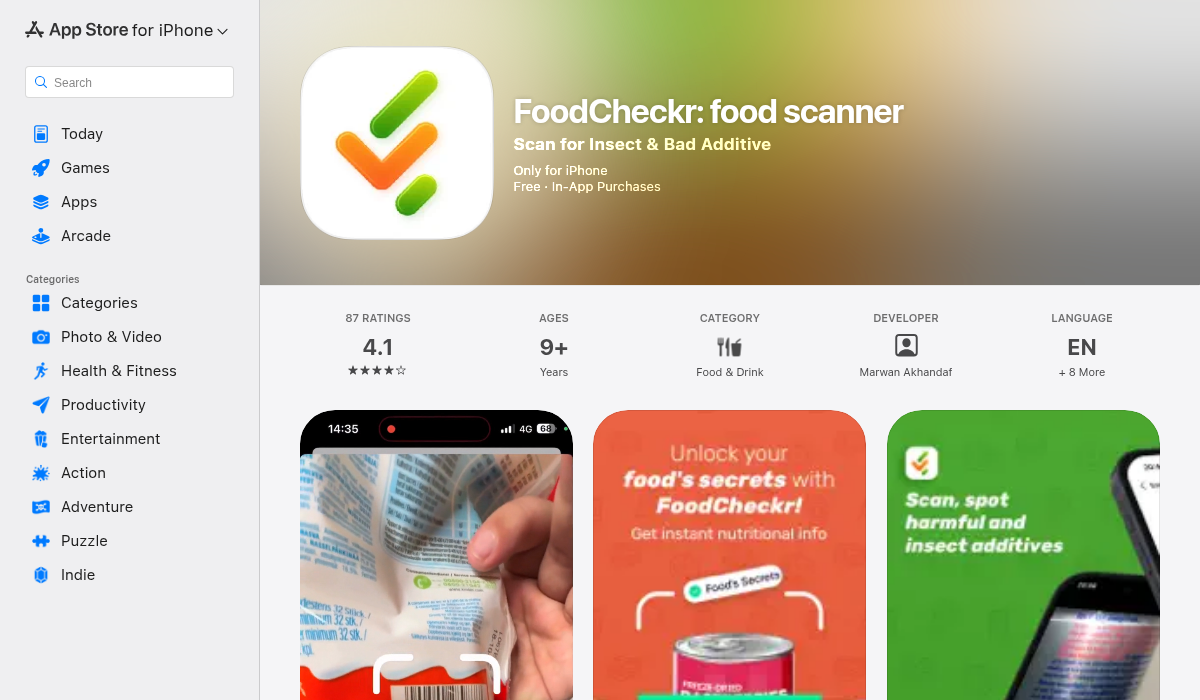
FoodCheckr is designed for fast scanning and straightforward feedback. If your priority is quickly identifying concerning ingredients while shopping, this style of app can reduce decision fatigue. It’s especially helpful for shoppers who want minimal UI overhead and clear ingredient-level alerts.
Good for: fast grocery trips, first-pass screening, and households that want clear “check this ingredient list now” prompts.
Watch out for: Like all barcode-first systems, unknown products may need manual ingredient review.
2) Yuka — best for broad product discovery + nutrition context
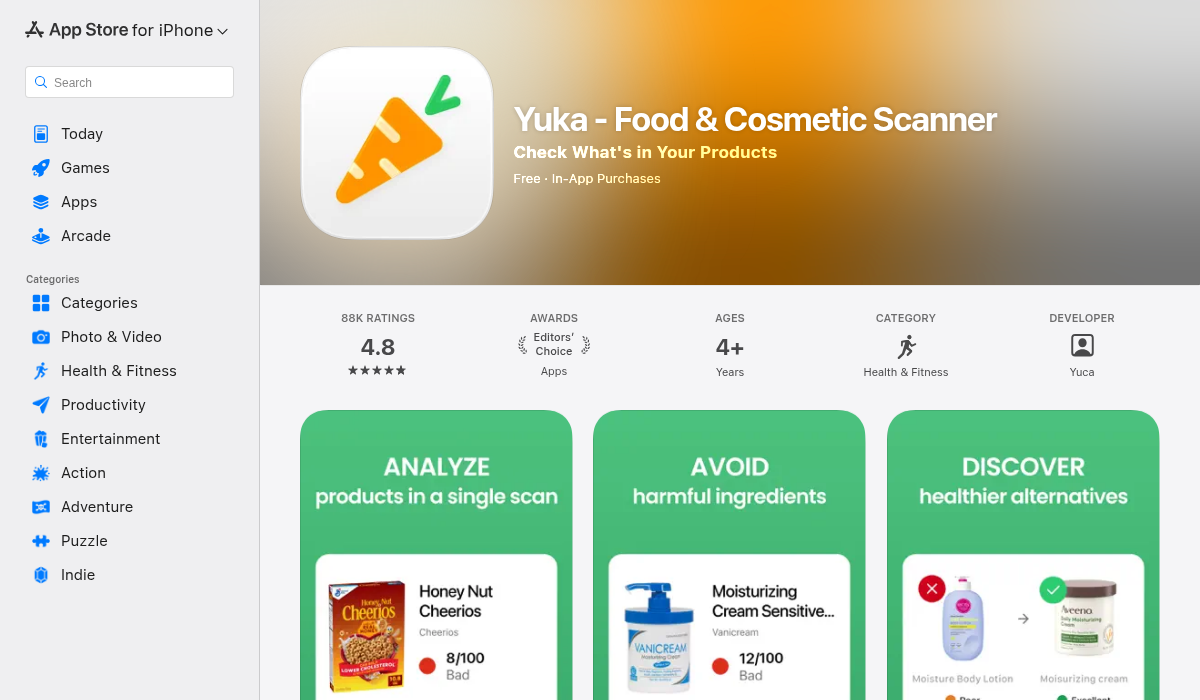
Yuka is popular for quickly comparing packaged products. While it is often used for nutrition and additive awareness, many shoppers also use it as a first step when triaging products for potential concerns.
Good for: comparing alternatives in the same category (e.g., cereals, snack bars, sauces).
Watch out for: A “good score” is not the same as “allergy safe.” Allergy filtering still requires a dedicated profile and label confirmation.
3) Spoonful — best for family-specific dietary/allergy preference profiles
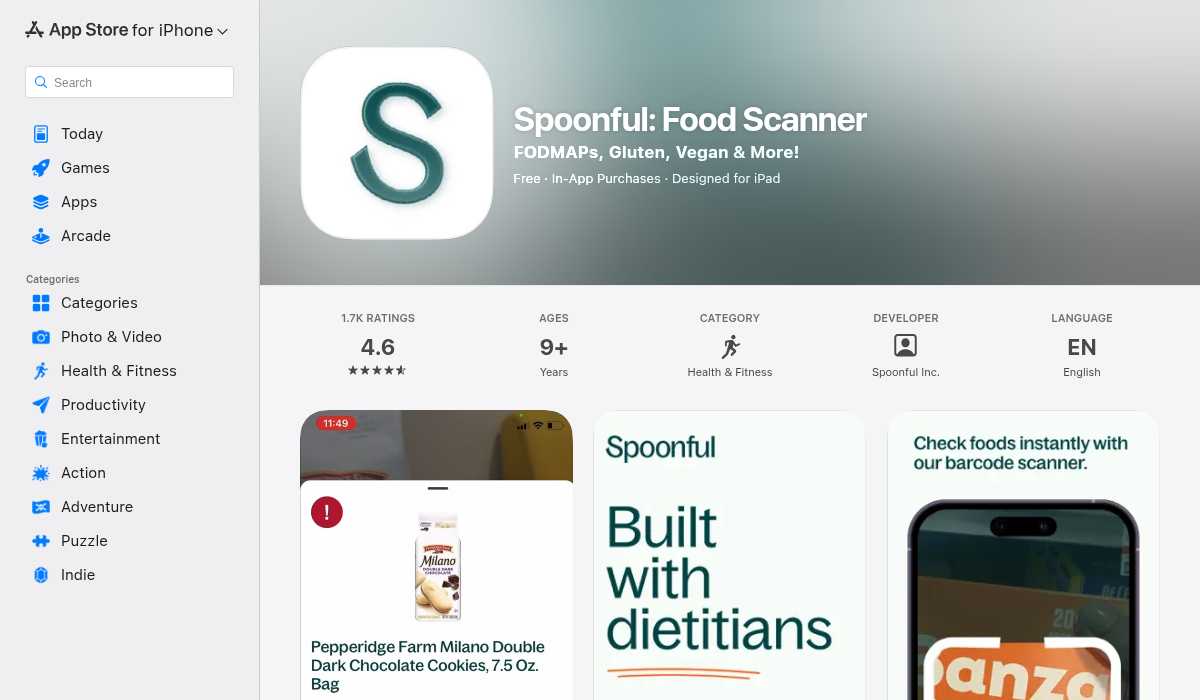
Spoonful is often chosen by families managing multiple restrictions at once. It’s useful when one household has overlapping needs (e.g., peanut allergy + dairy-free + sesame avoidance).
Good for: multi-person profile management and routine repeat shopping.
Watch out for: Always double-check “contains/may contain” statements directly on pack, especially for severe IgE-mediated allergies.
The 7-step “safe scan” method (what actually works in stores)
- Scan barcode first. Get quick product context and flags.
- Open full ingredient list in app. Don’t rely on color badges alone.
- Read physical label yourself. Look for “contains” and “may contain” statements.
- Check manufacturer/distributor changes. Imported variants can differ.
- Verify serving variants. “Family size” and “protein version” can have different ingredients.
- Save a photo of label for first purchase. Useful if reactions happen later.
- Rescan every repurchase cycle. Especially every 4–8 weeks.
Common ingredient names people miss
Scanner apps are helpful here because they can map synonyms, but you should still know the high-risk terms:
- Milk: casein, whey, lactalbumin, ghee (in some contexts), milk solids.
- Egg: albumin, ovalbumin, lysozyme (context-dependent).
- Soy: soy protein isolate, textured vegetable protein (TVP), edamame derivatives.
- Wheat/gluten context: durum, semolina, farina, malt (barley origin concerns).
- Sesame: tahini, benne, gingelly, sesame oil (depending on allergy plan).
- Tree nuts/peanuts: cold-pressed oils, nut butters, praline pastes, marzipan.
What Reddit users keep highlighting about scanner apps
Across community discussions, three themes show up repeatedly:
- Speed matters. People want a result in seconds while standing in the aisle.
- False confidence is dangerous. Users appreciate clear reminders to verify labels manually.
- Coverage gaps are real. New products and regional variants are where apps struggle most.
That user feedback aligns with what we see in practice: scanner apps are strongest when treated as an early-warning layer, not final authority.
How to choose the right app for your situation
Choose FoodCheckr if you want fast scanning and simple ingredient-focused checks.
Choose Yuka if you want broader product comparison plus nutrition context.
Choose Spoonful if you need household-level profile management with multiple restrictions.
If your allergy risk is high (history of severe reactions), prioritize apps that make it easy to inspect raw ingredient text and save product-level notes for your family.
Important limitations (read this before trusting any app)
- Databases can be outdated or incomplete.
- Manufacturers can reformulate without obvious front-label changes.
- Cross-contact warnings are not always standardized globally.
- OCR can fail on wrinkled, multilingual, or low-contrast labels.
- Restaurant and deli items may not have complete packaged-label data.
Safety rule: If there is any uncertainty, do not buy. For medically significant allergies, follow your allergist’s plan and carry prescribed emergency medication.
Best practices for parents and caregivers
If you’re shopping for kids with allergies, build a simple household protocol:
- One shared app profile per child.
- A “green list” of safe staples and backup alternatives.
- A monthly re-scan day for all repeat products.
- A quick note system for reactions or suspicious products.
- School/snack prep checklist using only recently verified items.
This turns scanning from random anxiety into a repeatable system that actually lowers risk.
FAQ: quick answers shoppers ask most
Can I trust a green check mark in an app?
Treat it as a helpful signal, not a guarantee. Green can mean “no known conflict in current database,” not “clinically safe in every context.” Always verify the package label.
Do scanner apps work for uncommon allergens?
Some do better than others. Common allergens are usually better supported; uncommon allergens often need custom keyword filters and stricter manual checks. If your trigger is uncommon, choose an app that allows free-form ingredient watchlists.
What about products without barcodes or from local markets?
This is where OCR text scanning and manual label reading become essential. Barcode-only workflows are weaker for bakery counters, deli products, and loose bulk foods.
How often should I re-scan a product I buy every week?
A practical cadence is every purchase for high-risk allergies, and at minimum once every few weeks for lower-risk situations. Reformulations happen quietly, and packaging updates can lag.
Should I use one app or multiple?
Many careful shoppers use one primary app plus occasional cross-checks in a second app for unfamiliar products. The goal is not app-hopping; it’s reducing blind spots when stakes are high.
A simple 10-minute grocery workflow
If all this sounds like too much during a busy week, use this lightweight routine:
- Before leaving home, open your allergy profile and recent safe list.
- In store, scan only new products first.
- For any caution result, read the package “contains/may contain” block immediately.
- If still uncertain, put it back and choose a known-safe alternative.
- At checkout, save notes for products you plan to buy again.
That routine takes minutes, not hours, and dramatically lowers decision fatigue.
Final verdict
The best app to scan food labels for allergens is the one that helps you be consistently careful. In real life, that means fast barcode scanning, strong ingredient parsing, and reminders to verify every label manually.
For most shoppers, a practical setup is: use a scanner app for speed, then confirm the physical ingredient label before purchase. That two-step approach is what keeps families safer — and less stressed — over time.
If you want a quick place to start, test two apps on your next grocery run, scan the same 15 products, and see which one gives clearer ingredient-level explanations for your actual allergy profile.
Medical disclaimer: This article is informational and not medical advice. For diagnosis, treatment, and severe allergy action plans, consult a licensed clinician/allergist.