
How to Study for Exams Using AI (Complete Guide)
Exams are coming, your notes are a mess, and you just realized the lectures you zoned out during actually matter. Sound familiar? You're not alone — and in 2026, AI study tools have completely changed how students prepare for exams.
Gone are the days of spending hours manually making flashcards or re-reading the same paragraph five times hoping it'll stick. AI-powered tools can now summarize your notes, generate practice quizzes, transcribe lectures, and even tutor you on concepts you're struggling with — all in minutes. The question isn't whether you should use AI to study — it's which tools actually work and how to use them effectively.
We tested the most popular AI study tools and put together this complete guide to studying for exams with AI — from recording lectures to acing practice tests.
Why Traditional Study Methods Fall Short
Let's be honest: most study habits haven't evolved since the 1990s. Highlight textbooks, re-read notes, maybe make some flashcards by hand. Research consistently shows that passive re-reading is one of the least effective study techniques, yet it's what most students default to.
The real problem? Students are drowning in content. Between recorded lectures, PDF slides, textbook chapters, and handwritten notes, the sheer volume of material is overwhelming. A single semester can produce hundreds of pages of content across multiple classes.
"The biggest issue for me while studying wasn't generating summaries but actually trusting where the info came from. A lot of tools give decent answers but the references are too broad — that's super frustrating when you're prepping for exams."— Reddit user in r/GeminiAI
This is exactly where AI study tools shine — not by replacing studying, but by transforming raw material into structured, testable study resources automatically.
Step 1: Capture Everything With AI Transcription
The foundation of effective exam prep starts before you even sit down to study. If you're still frantically scribbling notes during lectures, you're fighting a losing battle. You can't simultaneously listen, process, and write — your brain just doesn't work that way.
The solution: record and transcribe. AI transcription tools can capture every word of a lecture and turn it into searchable, structured text. This means you can actually listen during class and engage with the material in real time.
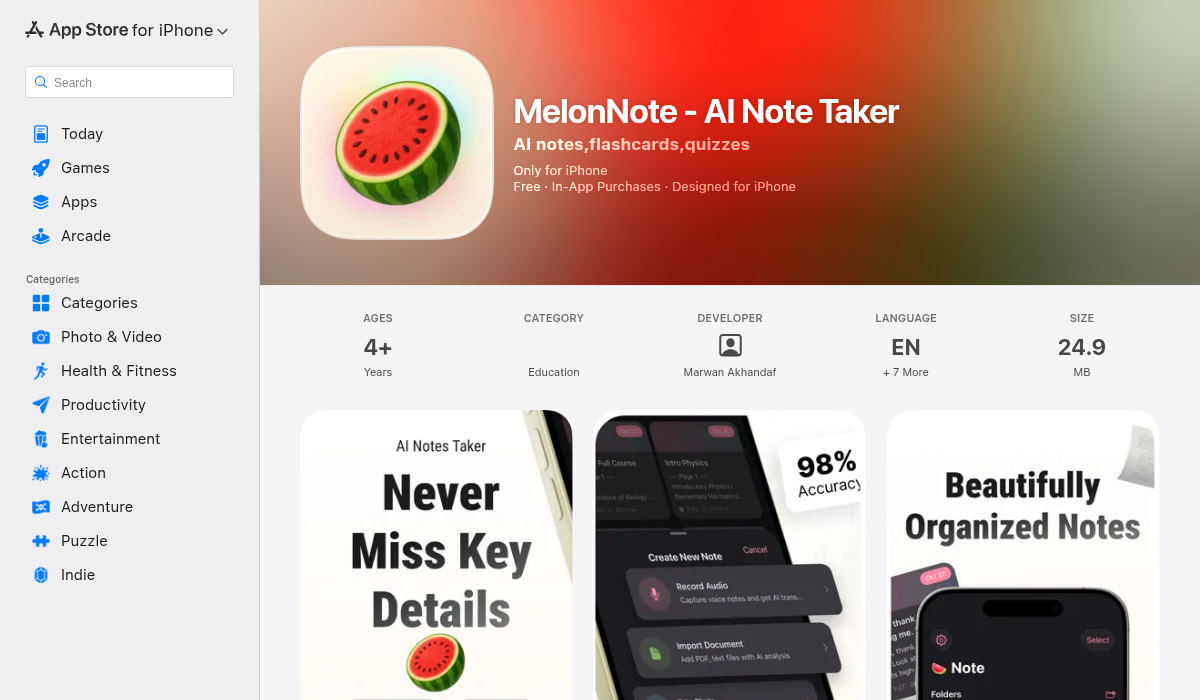
Apps like MelonNote let you record lectures directly in-app and get AI-powered transcriptions with timestamps. You can also import PDFs of lecture slides or snap photos of whiteboards — everything gets converted into organized, searchable notes.
"I've been using Anki + NotebookLM + ChatGPT for basic things and really breaking down topics I don't understand + past paper questions + YouTube videos for visuals. Most other AI programs you don't need as ChatGPT can do most things and for free."— Reddit user in r/studytips
While piecing together multiple free tools works, the constant app-switching adds friction. That's why all-in-one study apps have become so popular — everything from recording to quizzing happens in one place.
Step 2: Let AI Summarize Your Notes
Once you have your notes captured, the next step is distillation. AI summarization doesn't just shorten your notes — it identifies key concepts, extracts important definitions, and highlights relationships between ideas.
Here's how to use AI summaries effectively for exam prep:
- Create a summary per lecture — Don't dump an entire semester into one prompt. Process each lecture individually for more accurate results
- Use summaries as a roadmap — They show you the big picture before diving into details
- Compare with your manual notes — If your notes and the AI summary don't match, you probably missed something important
- Layer summaries — Create a summary of your summaries for the final review night
MelonNote's auto-summary feature does this automatically for every note. Record a lecture, and you get a condensed version highlighting the key takeaways — no extra steps required.
Step 3: Generate Flashcards Automatically
Flashcards remain one of the most scientifically-backed study methods, thanks to spaced repetition and active recall. The problem? Making them is tedious. Most students give up halfway through creating a decent flashcard set.
AI changes this completely. Instead of spending two hours making flashcards, you can generate a complete set from your notes in seconds.
Quizlet has been the go-to flashcard app for years, and it's still solid for manual flashcard creation and shared decks. However, it doesn't auto-generate cards from your own notes or lectures — you're still typing them in yourself or relying on community-made sets that may not match your syllabus.
Anki is powerful with its spaced repetition algorithm, but the learning curve is steep. Formatting cards, installing add-ons, syncing across devices — it's a project in itself.
MelonNote takes a different approach: it auto-generates flashcards directly from your notes, transcripts, or imported PDFs. Upload a lecture transcript, and you get a ready-to-study flashcard set within seconds. No manual work, no formatting headaches.
Step 4: Test Yourself With AI-Generated Quizzes
Here's what separates students who ace exams from those who cram and forget: practice testing. Research shows that testing yourself — even before you feel "ready" — is dramatically more effective than re-reading.
AI quiz generators create practice tests tailored to your exact study material. We're not talking generic questions — these are quizzes based on your notes, your lectures, your syllabus.
With MelonNote's quiz generator, you get:
- Multiple choice questions — Test recognition and understanding
- True/false questions — Quick knowledge checks
- Fill-in-the-blank — Tests deeper recall
- Immediate feedback — Explanations for wrong answers so you learn from mistakes
"I recently found a cool study assistant that can help students. I use ChatGPT for some basic things and really breaking down topics I don't understand. Having a conversation with it and explaining your notes or concepts to it gives good feedback — by speaking the answers you'll reinforce the topics for yourself."— Reddit user in r/studytips
This brings us to the next step — using AI as a personal tutor.
Step 5: Use an AI Tutor for Concepts You Don't Understand
Every student hits a wall with certain topics. Maybe it's organic chemistry, constitutional law, or statistical analysis. In the past, your options were limited: office hours (if you could make them), expensive private tutors, or YouTube videos that may or may not cover your specific question.
AI tutoring changes the game. The key difference from just using ChatGPT is context — a dedicated AI tutor that knows your specific study material can give much more relevant explanations.
MelonNote's AI Tutor Chat lets you ask questions about your own notes. It understands the context of your lectures and can explain concepts in different ways until something clicks. It's like having a study buddy who actually paid attention in every class — available 24/7.
Step 6: Build Multi-Note Exam Study Sets
As exams approach, you need to synthesize material across multiple lectures. This is where most students struggle — they study each lecture in isolation and fail to see how concepts connect.
AI tools can combine notes from different lectures into comprehensive study sets. MelonNote's multi-note exam prep feature lets you select notes from across the semester and create a unified review experience. The AI identifies connections between topics and generates comprehensive study materials that span the entire exam scope.
Here's a practical exam prep workflow:
- Week before exam — Combine all relevant notes into a study set
- Generate a master summary — Get the big picture overview
- Create flashcards — Auto-generate from the combined material
- Take practice quizzes daily — Focus on weak areas identified by quiz performance
- Use AI tutor — Clarify any concepts you keep getting wrong
- Night before — Quick review of flashcards and one final practice quiz
Pro Tips for Studying With AI
- Don't just read AI summaries — Use them as a starting point, then test yourself. Passive reading of AI summaries is no better than passive reading of your notes
- Record every lecture — Even if you think you won't need it. Having the full transcript available for exam prep is invaluable
- Generate quizzes early — Don't wait until the week before exams. Take practice quizzes after each lecture to reinforce learning
- Use the AI tutor actively — Don't just ask "explain X." Try explaining the concept yourself and ask the AI to check your understanding
- Combine AI with active recall — Close your notes, try to recall key points, then check against the AI summary. This hybrid approach is extremely effective
The Best AI Study Tools Compared
Here's a quick breakdown of the most popular options:
- MelonNote ($3.99/mo) — All-in-one: recording, transcription, summaries, flashcards, quizzes, AI tutor. Best value for a complete study workflow. Available on iOS and Android
- Quizlet — Great for manual flashcards and shared decks. Limited AI features without premium
- Anki — Best spaced repetition algorithm, but steep learning curve and no AI features
- Otter.ai — Excellent transcription, but transcription-only. No flashcards, quizzes, or tutoring. Expensive at $16.99/mo
- NotebookLM — Good for summarizing documents and creating AI podcasts, but no flashcard or quiz generation
- ChatGPT — Versatile but general-purpose. No persistent note storage or structured study tools
The Bottom Line
AI isn't going to study for you — but it can eliminate the busywork that eats up your study time. Instead of spending hours making flashcards, summarizing notes, or searching for practice questions, AI tools handle the grunt work so you can focus on actually learning the material.
The students getting the best results in 2026 aren't the ones studying the longest — they're the ones studying the smartest. Record your lectures, let AI organize your notes, generate flashcards and quizzes automatically, and use an AI tutor when you're stuck.
If you want one app that handles the entire workflow — from lecture recording to exam prep — MelonNote is worth trying. It's available on both iOS and Android, and the free tier lets you test it before committing.