
How to Take Better Notes in College with AI
You're sitting in a 90-minute lecture, scribbling frantically, and by the time you look up — the professor's already three slides ahead.
Sound familiar? Traditional note-taking in college is broken. You're forced to choose between actually listening and understanding the material, or writing everything down and processing it later. Most students end up with messy, incomplete notes that barely make sense when exam time rolls around. But in 2026, AI note-taking apps are changing the game entirely — recording lectures, generating summaries, creating flashcards, and even quizzing you on the material. The question is: which approach actually works?
We spent weeks testing the most popular AI note-taking tools to find out what genuinely helps college students study smarter. Here's what we learned.
Why Traditional Note-Taking Falls Short
Research consistently shows that students retain only about 10-20% of lecture content through passive note-taking. The problem isn't laziness — it's the impossible multitasking demand. You can't simultaneously listen deeply, process new concepts, and write coherent notes. Something always gives.
Students on Reddit have been vocal about this struggle. One user in r/studytips put it bluntly:
"I record every lecture but never go back and listen because who has time to re-listen to 5 hours of audio? I need something that just gives me the key points."— Reddit user in r/studytips
That's the core issue: raw recordings and handwritten notes create a mountain of unprocessed information. What students actually need is a system that captures everything and transforms it into study-ready material automatically.
How AI Note-Taking Actually Works
Modern AI note-taking apps use a combination of speech recognition, natural language processing, and generative AI to do the heavy lifting. Here's the typical workflow:
- Capture — Record the lecture audio (or import a PDF/slides)
- Transcribe — AI converts speech to text with high accuracy
- Summarize — The app distills key points into organized notes
- Generate study materials — Flashcards, quizzes, and review guides appear automatically
The best apps go even further — letting you chat with your notes using AI, generate audio study podcasts, or create visual summaries. The goal is simple: spend less time organizing, more time actually learning.
Best AI Note-Taking Apps for College Students (2026)
We tested the top contenders across real college scenarios — STEM lectures, humanities seminars, and study group sessions. Here's how they stack up.
1. Notion AI
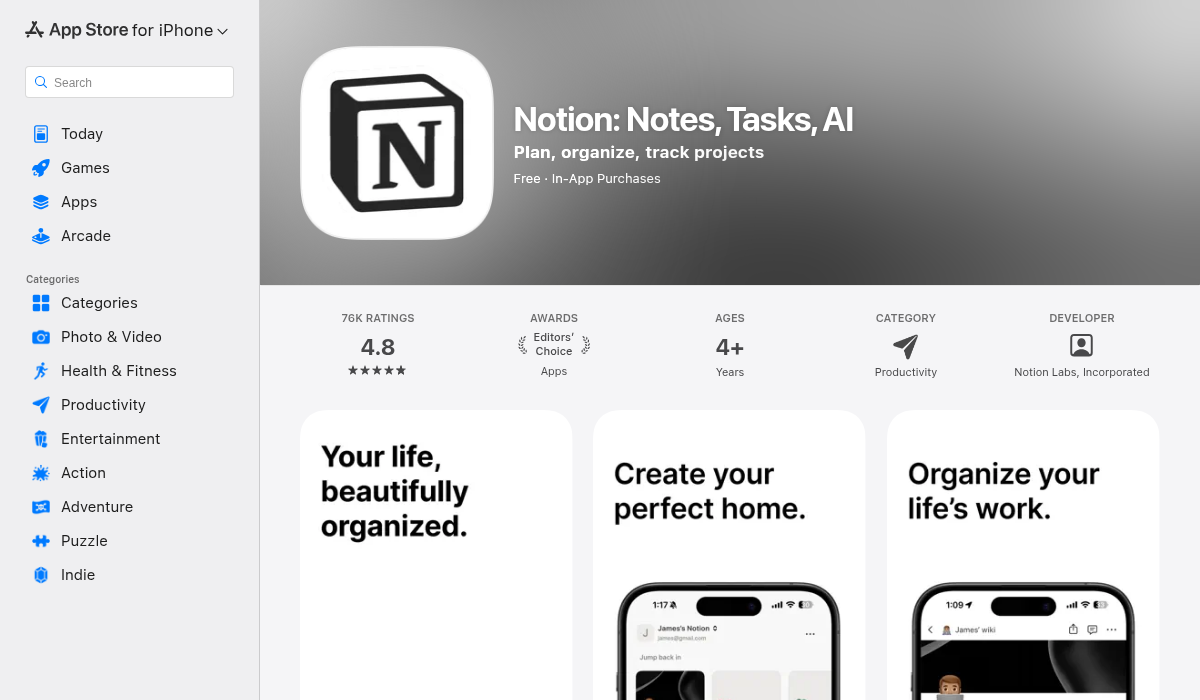
Notion has been a staple for students who love organizing everything in one workspace. With the addition of Notion AI, you can now ask questions about your notes, generate summaries, and even draft study guides from your existing pages.
- ✅ Incredible organizational flexibility — databases, kanban boards, nested pages
- ✅ AI can summarize and rewrite your existing notes
- ✅ Huge template library from the community
- ❌ No built-in audio recording or lecture transcription
- ❌ AI add-on costs $10/month on top of the base plan
- ❌ Steep learning curve — you'll spend hours setting up before you start studying
Notion is powerful but it's really a productivity platform that added AI — not an AI-first study tool. If you already live in Notion, the AI features are a nice bonus. But if you're looking for something purpose-built for lecture capture and exam prep, you'll find it lacking.
2. Coconote
Coconote has gained traction as a dedicated AI note-taker for students. It records lectures, transcribes them, and generates study materials including quizzes and podcasts. The interface is clean and the AI-generated content is generally solid.
- ✅ Purpose-built for students
- ✅ Generates quizzes and flashcards from notes
- ✅ Podcast-style audio summaries
- ❌ Pricing can add up for heavy users ($9.99/month)
- ❌ iOS only — no Android support
- ❌ Limited import options (no PDF analysis)
Coconote is a solid pick if you're primarily recording live lectures and want quick study materials. But it misses some input flexibility that other tools offer.
3. MelonNote — AI Note Taker
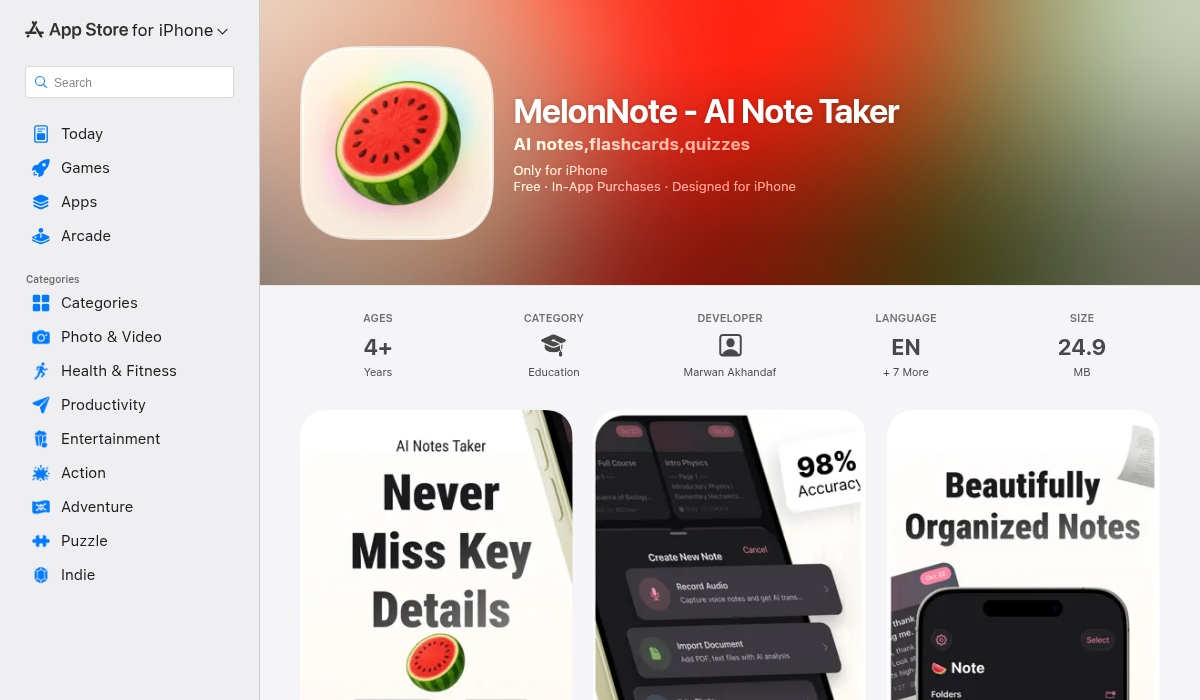
MelonNote takes the all-in-one approach seriously. It handles audio recording with AI transcription (powered by OpenAI Whisper), PDF imports with text extraction, and even photo-to-notes — snap a picture of a whiteboard or handwritten notes, and the AI converts it into clean, editable text.
Where MelonNote really stands out is what happens after capture. From any note, you can auto-generate:
- Summaries — Condensed key points from lengthy transcripts
- Flashcards — Ready for spaced repetition review
- Practice quizzes — Multiple choice, true/false, and fill-in-the-blank
- AI podcasts — Two AI hosts discuss your notes in a conversational format (16+ voice options)
- AI tutor chat — Ask questions about your study material and get answers grounded in your actual notes
- Realtime AI conversation — Like having a study buddy who's read everything
- Visual summaries — AI-generated infographic-style overviews
The AI podcast feature is genuinely unique — we haven't seen another note-taking app that turns your lecture notes into a two-person discussion you can listen to while commuting or working out. It's surprisingly effective for auditory learners.
- ✅ Most complete feature set — recording, PDF, photo input all in one app
- ✅ AI podcast generator is unique and genuinely useful
- ✅ Most affordable at $3.99/month (vs $10-20 for competitors)
- ✅ Available on both iOS and Android
- ✅ Multi-select study sets — combine notes from different lectures for comprehensive review
- ✅ 8 languages supported including Arabic, Japanese, and Russian
- ❌ Free tier limited to 2 notes before paywall
- ❌ No web app yet — mobile only
For students who want a single app that replaces their recorder, transcriber, flashcard maker, quiz generator, and AI tutor — MelonNote is the strongest option we tested, especially at its price point.
4. Otter.ai
Otter.ai is the veteran in AI transcription. Originally built for meetings, it's been adopted by students for lecture recording. The transcription quality is excellent, and it handles multiple speakers well.
- ✅ Best-in-class transcription accuracy
- ✅ Real-time captioning during lectures
- ✅ Speaker identification works well
- ❌ Primarily a transcription tool — no flashcards, quizzes, or study features
- ❌ Free plan limits (300 minutes/month)
- ❌ $16.99/month for the Pro plan is steep for students
If pure transcription is all you need, Otter is hard to beat. But it won't help you study — you'll need to pair it with Anki or Quizlet for the study material side, which means managing multiple apps.
5. NotebookLM (Google)
Google's NotebookLM has made waves with its ability to analyze documents and generate podcast-style discussions. It's free and surprisingly capable for research-heavy coursework.
- ✅ Free to use
- ✅ Excellent at analyzing multiple source documents
- ✅ Audio overview feature (AI-generated podcast)
- ❌ Web-only — no dedicated mobile app
- ❌ No audio recording — you need to upload transcripts or documents
- ❌ Limited to Google ecosystem
NotebookLM is fantastic for research papers and synthesizing readings, but it's not a note-taking app in the traditional sense. You can't record a lecture with it.
Pro Tips for Better AI Note-Taking
No matter which app you choose, these strategies will help you get more out of AI-powered studying:
- Record every lecture, not just the "important" ones — You never know what'll show up on the exam. Let the AI capture it all and surface what matters.
- Review AI summaries within 24 hours — The spacing effect is real. Reading your AI-generated summary the same day dramatically improves retention compared to cramming before the exam.
- Use flashcards in spaced repetition — Apps that auto-generate flashcards save you the tedious creation step. Review them in short daily sessions instead of marathon study nights.
- Combine notes from related lectures — Tools like MelonNote let you multi-select notes and generate combined study materials. This is gold for connecting concepts across weeks of coursework.
- Try audio study formats — AI-generated podcasts and audio summaries turn dead time (commuting, gym, cooking) into study time. Auditory reinforcement helps cement visual learning.
- Snap photos of whiteboards immediately — Don't wait until after class. Take the photo, import it into your note-taking app, and let AI extract the text while it's still fresh in your mind.
- Ask your AI tutor questions you're embarrassed to ask in class — No judgment, available 24/7, and grounded in your actual lecture material. Use it.
How to Choose the Right App
The "best" app depends on your study style and needs:
- Organization nerds → Notion AI (if you love building systems)
- Transcription purists → Otter.ai (best raw transcription)
- Research-heavy programs → NotebookLM (free document analysis)
- All-in-one students on a budget → MelonNote (most features per dollar)
The key factor? Whether the app reduces friction or adds it. If you need to juggle three apps to go from lecture to quiz-ready, you probably won't stick with it. The apps that handle the entire pipeline — capture to study material — tend to actually get used.
The Bottom Line
AI note-taking in 2026 isn't a gimmick — it's a genuine productivity leap for college students. The ability to record a lecture, get an instant summary, generate flashcards, and quiz yourself — all without manual effort — fundamentally changes how studying works.
The biggest shift we noticed: students who use AI note-taking apps spend less time preparing to study and more time actually studying. That's the whole point.
If you're heading into a new semester and want to try the all-in-one approach, MelonNote is worth a look — it packs lecture recording, AI transcription, flashcards, quizzes, podcasts, and an AI tutor into a single app for less than the price of a coffee per month. Available on iOS and Android.