
MelonNote vs Notion vs Goodnotes: Which Is Best for Students?
Notion, Goodnotes, and MelonNote are three of the most talked-about study apps in 2026 — but they solve completely different problems. Choosing the wrong one means spending a semester fighting your tools instead of using them.
We spent weeks using all three for actual university coursework — lectures, textbooks, exam prep, everything — to find out which one works best depending on how you study. The answer isn't one-size-fits-all, but there is a clear winner for most students.
The Problem: Students Use Too Many Apps
Here's what a typical student's app stack looks like in 2026: one app for note-taking, another for recording lectures, a third for flashcards, a fourth for practice quizzes, and maybe a fifth for AI help. That's five apps, five subscriptions, and constant context-switching.
"I use both as a mech eng student — Notion is great for memorizing stuff but can't use it for classes that are equation-based."— Reddit user in r/GoodNotes
"Notion is a sandbox app that really thrives when it comes to creating databases and organizing other info, data, random things you want to save."— Reddit user in r/Notion
The reality is that Notion and Goodnotes were never designed specifically for studying. They're excellent general-purpose tools that students have adapted for academic use. MelonNote was built from the ground up for students — and that difference shows.
Notion — The Productivity Powerhouse
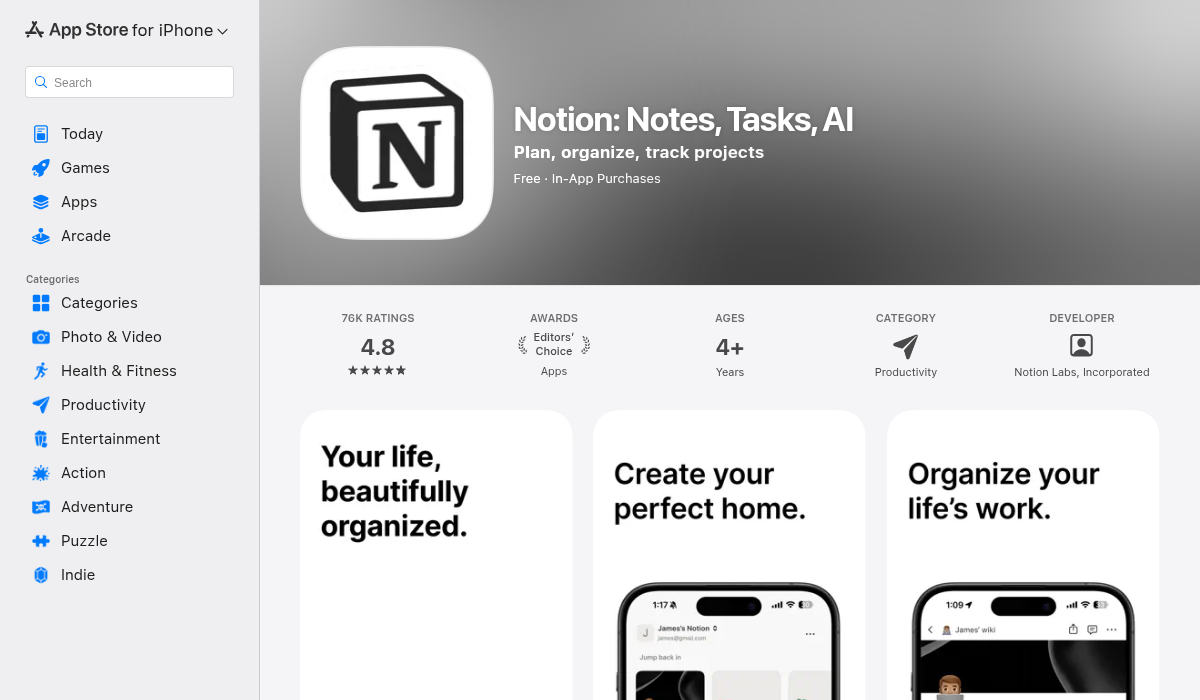
Notion is a workspace tool that can be molded into almost anything — project tracker, wiki, calendar, database, and yes, a note-taking app. Its flexibility is both its greatest strength and its biggest weakness for students.
What Notion does well:
- ✅ Incredibly flexible — databases, kanban boards, calendars, wikis
- ✅ Templates for everything (including student templates)
- ✅ Real-time collaboration with classmates
- ✅ Web clipper for saving articles and research
- ✅ Notion AI for writing assistance and summaries
- ✅ Free plan is generous for personal use
- ✅ Works everywhere — web, desktop, iOS, Android
Where Notion struggles for students:
- ❌ No lecture recording or transcription
- ❌ No auto-generated flashcards or quizzes
- ❌ No AI tutor that understands your specific notes
- ❌ Steep learning curve — you'll spend hours setting up templates before studying
- ❌ Can feel slow on mobile, especially with complex pages
- ❌ Notion AI is an add-on ($10/month on top of any paid plan)
- ❌ Not designed for active recall or spaced repetition
Best for: Students who need a full organizational system — tracking assignments, managing group projects, building a personal wiki. If you're the kind of person who color-codes everything and loves building systems, Notion is your tool.
Not ideal for: Students who primarily need to record lectures, create study materials, and prepare for exams efficiently.
Goodnotes 6 — The Handwriting Champion
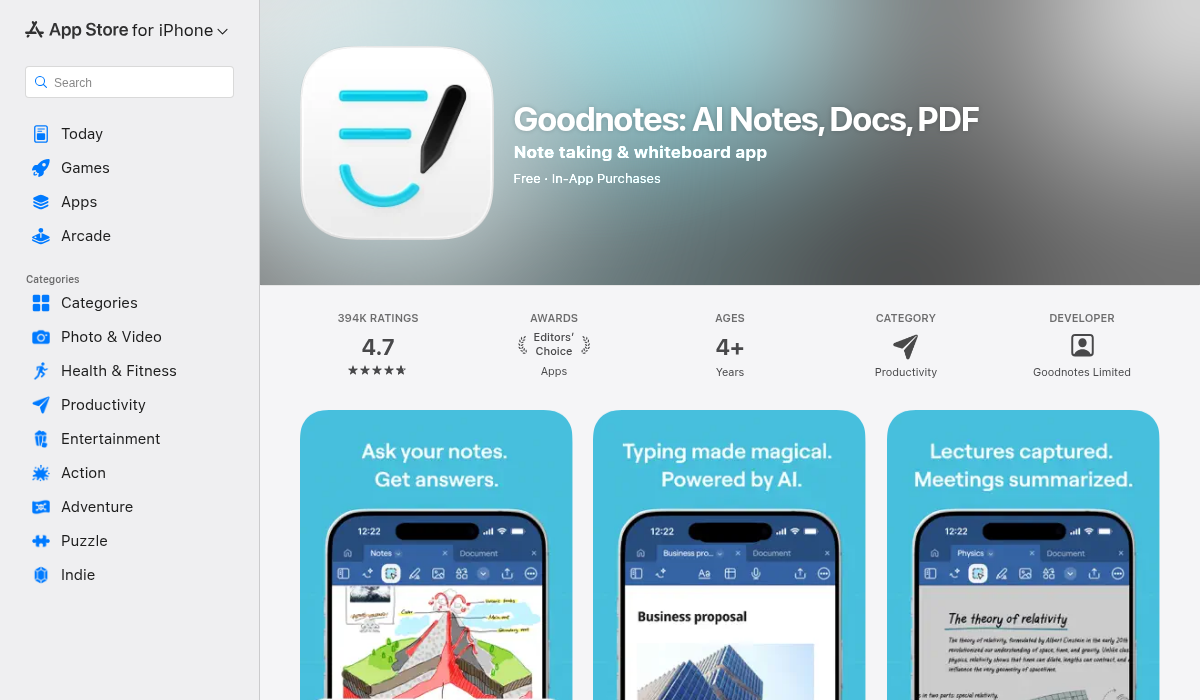
Goodnotes is the gold standard for handwritten notes on iPad. If you own an Apple Pencil, you've probably at least tried it. It excels at making digital handwriting feel natural and organizing handwritten documents.
What Goodnotes does well:
- ✅ Best-in-class handwriting experience with Apple Pencil
- ✅ PDF annotation — mark up textbooks and slides directly
- ✅ Handwriting recognition and search
- ✅ Clean, intuitive interface
- ✅ Flashcard feature (manual creation)
- ✅ iCloud sync across Apple devices
- ✅ AI-powered handwriting cleanup and spell check
Where Goodnotes struggles for students:
- ❌ Apple ecosystem only — no Android version
- ❌ iPad-centric (iPhone app exists but is limited)
- ❌ No lecture recording or transcription
- ❌ No auto-generated study materials (flashcards are manual)
- ❌ No AI tutor or quiz generation
- ❌ Requires Apple Pencil to get the full experience
- ❌ $12.99/year or $29.99 one-time for full features
"As an electronic engineering student I prefer Goodnotes for drawing diagrams and circuits."— Reddit user in r/notabilityapp
Best for: Students who take handwritten notes, annotate PDFs, and sketch diagrams. Engineering, math, and science students who need to write equations by hand love Goodnotes.
Not ideal for: Students who type notes, record lectures, or want AI to generate study materials for them.
MelonNote — The AI Study Companion
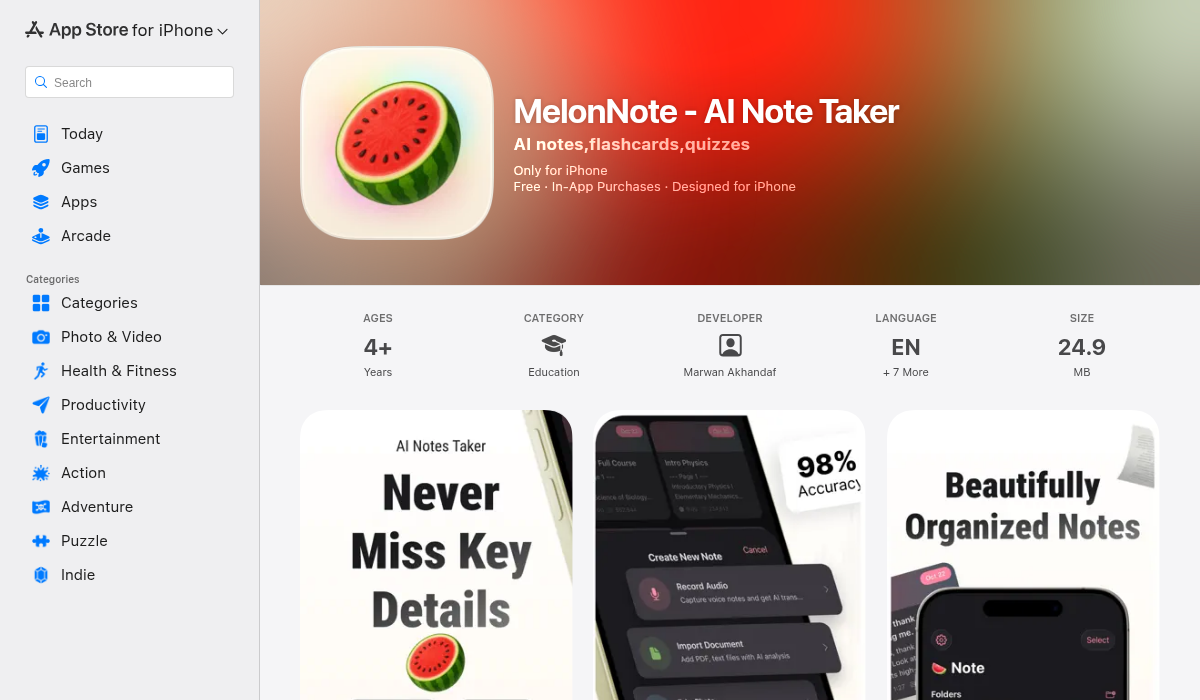
MelonNote approaches note-taking from a completely different angle. Instead of being a general-purpose tool or a handwriting app, it's an AI-first study app designed specifically to turn raw input — lectures, PDFs, photos — into complete study materials.
What MelonNote does well:
- ✅ Record lectures with AI transcription (OpenAI Whisper)
- ✅ Import PDFs and photos of whiteboards/handwritten notes
- ✅ Auto-generated summaries from any note
- ✅ AI flashcard generator — creates cards from your content automatically
- ✅ AI quiz generator — multiple choice, true/false, fill-in-blank
- ✅ AI tutor chat — ask questions about your specific study material
- ✅ AI podcast generator — turns notes into a 2-person podcast conversation
- ✅ Realtime AI conversation ("Converse") — talk through material with an AI study buddy
- ✅ Visual summary generation for visual learners
- ✅ Multi-select study sets — combine notes across subjects for exam prep
- ✅ Both iOS and Android
- ✅ 8 languages (EN, DE, FR, ES, NL, AR, RU, JA)
- ✅ $3.99/month — the most affordable option
Where MelonNote has limitations:
- ❌ No handwriting support (typed notes only)
- ❌ No complex databases or project management (it's not Notion)
- ❌ Free tier limited to 2 notes
- ❌ No cloud sync between devices yet
- ❌ Newer app — smaller user community
Best for: Students who want one app to handle the entire study workflow — from recording lectures to passing exams. Especially powerful for auditory learners and anyone who hates making flashcards manually.
Head-to-Head: Feature Comparison
Here's where each app stands on the features that matter most during exam season:
Lecture Recording & Transcription
- Notion: ❌ Not available
- Goodnotes: ❌ Not available
- MelonNote: ✅ Record + AI transcription
Note Organization
- Notion: ✅ Databases, tags, nested pages (most powerful)
- Goodnotes: ✅ Folders, tags, search
- MelonNote: ✅ Color-coded folders with drag & drop
Handwriting & Drawing
- Notion: ❌ No handwriting support
- Goodnotes: ✅ Best-in-class (Apple Pencil required)
- MelonNote: ❌ Typed notes only (but can import handwriting photos)
AI Flashcards
- Notion: ❌ Not available
- Goodnotes: ⚠️ Manual creation only
- MelonNote: ✅ Auto-generated from any note
AI Quizzes
- Notion: ❌ Not available
- Goodnotes: ❌ Not available
- MelonNote: ✅ MCQ, true/false, fill-in-blank
AI Tutor
- Notion: ⚠️ Notion AI is general-purpose (not note-specific)
- Goodnotes: ❌ Not available
- MelonNote: ✅ Contextual — understands your specific notes
AI Podcast from Notes
- Notion: ❌ Not available
- Goodnotes: ❌ Not available
- MelonNote: ✅ 2-person podcast with 16+ voices
PDF Import & Annotation
- Notion: ⚠️ Embed only, no annotation
- Goodnotes: ✅ Full annotation with Apple Pencil
- MelonNote: ✅ Import with AI text extraction
Platform Support
- Notion: ✅ Web, iOS, Android, Mac, Windows
- Goodnotes: ⚠️ Apple only (iOS, iPad, Mac)
- MelonNote: ✅ iOS and Android
Price
- Notion: Free (AI add-on $10/mo)
- Goodnotes: $12.99/year or $29.99 one-time
- MelonNote: $3.99/month or $49.99/year
Which One Should You Choose?
The right app depends on your study style:
Choose Notion if:
- You need a complete life/school organization system
- You manage group projects and shared resources
- You want to build custom databases and trackers
- You type all your notes and love building systems
- You don't need lecture recording or AI study tools
Choose Goodnotes if:
- You have an iPad with Apple Pencil
- You prefer handwriting over typing
- You need to annotate PDFs and draw diagrams
- You study math, engineering, or sciences with equations
- You don't need transcription or AI-generated study materials
Choose MelonNote if:
- You record lectures and need transcription
- You hate manually creating flashcards and quizzes
- You want AI to generate study materials automatically
- You're an auditory learner who wants to listen to notes as podcasts
- You want one app for the entire study workflow
- You need cross-platform (iOS + Android)
- You're on a tight budget ($3.99/mo vs $10-17/mo for comparable tools)
Can You Use Them Together?
Absolutely. Many students combine two of these tools:
- MelonNote + Goodnotes — Record and transcribe lectures in MelonNote, handwrite notes and annotate PDFs in Goodnotes. Best of both worlds for iPad users.
- MelonNote + Notion — Use MelonNote for lecture capture and exam prep, Notion for project management and life organization.
That said, if you want to simplify your toolbox and use one app for studying, MelonNote covers the most ground for exam preparation specifically.
Pro Tips for Getting the Most from Your Note App
- Pick your primary tool and commit — Splitting notes across three apps means you'll never find anything. Choose one main study app and stick with it for at least a full semester.
- Review within 24 hours — The forgetting curve is real. Whether you handwrite in Goodnotes or transcribe in MelonNote, review your notes the same day.
- Use active recall — Flashcards and quizzes beat re-reading every time. If your app generates them automatically, there's no excuse not to use them.
- Study sets for exams — If you use MelonNote, combine related notes into study sets before finals. Getting flashcards and quizzes that span an entire course is incredibly effective.
- Turn dead time into study time — MelonNote's podcast feature turns commutes, gym sessions, and chores into productive study time. Generate a podcast from your hardest subject and listen on repeat.
The Bottom Line
Notion is unbeatable for organization. Goodnotes is unbeatable for handwriting. But for the core student job — turning lectures into knowledge — MelonNote is the most complete tool in 2026.
It's the only app that takes you from recording a lecture to being ready for the exam, all without leaving the app. And at $3.99/month, it's the most affordable option that actually helps you study — not just take notes.
If you're a student who wants to work smarter, not harder, give MelonNote a try. Your future self (sitting in the exam hall, actually knowing the material) will thank you.